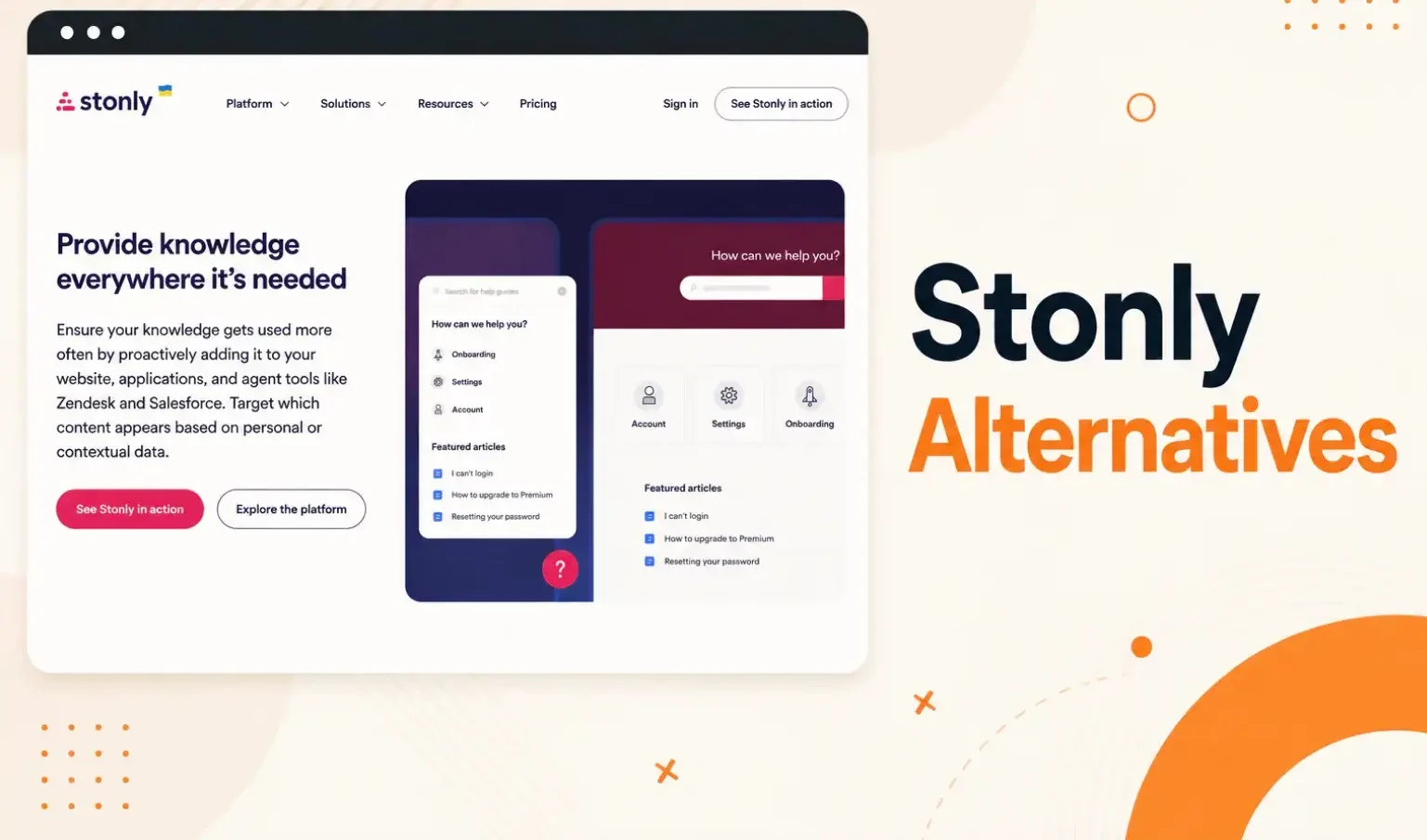


Your team sets up Stonly to guide customer support agents through workflows. The step-by-step format works well for common call types. But content changes pile up, and Stonly has no way to flag which guides contain outdated steps. Agents start giving callers wrong answers from guides they trust.
Many users report that Stonly lacks automated review scheduling, content expiry controls, and approval chain customization. Without proper governance, outdated guides stay live until someone catches them manually. Scale that across a large library, and you end up with a fragmented knowledge base.
Teams that run regulated processes or manage content across multiple departments need better control.
In this article, we’ll discuss the 10 best Stonly alternatives for contact centers and customer support teams to help you choose the right knowledge management software for your business.
TL;DR: Best Stonly Alternatives in 2026
| Platform | Vs Stonly |
| livepro | Built for contact centers in regulated industries; supports granular governance control, AI search, self-service, and advanced analytics |
| Document360 | Structures docs in a six-level hierarchy, more suitable for internal documentation |
| Guru | Delivers verified answers inside Slack, Teams, and the browser |
| Knowmax | Embeds decision trees inside CRM tools, instead of a separate widget |
| Bloomfire | Fits mid-market to enterprise teams with large, multi-format content libraries |
| Helpjuice | Fits SMBs and mid-market teams that want a branded self-service portal |
| Shelf | Powers AI agents across chat, voice, and email from existing repositories |
| Freshdesk | Suitable for helpdesk teams that need integration options, and creates articles from ticket replies |
| Whatfix | Technical teams that want in-app guidance on enterprise apps |
| Intercom | More suitable for SaaS and eCommerce teams wanting AI-first agents |
About Stonly
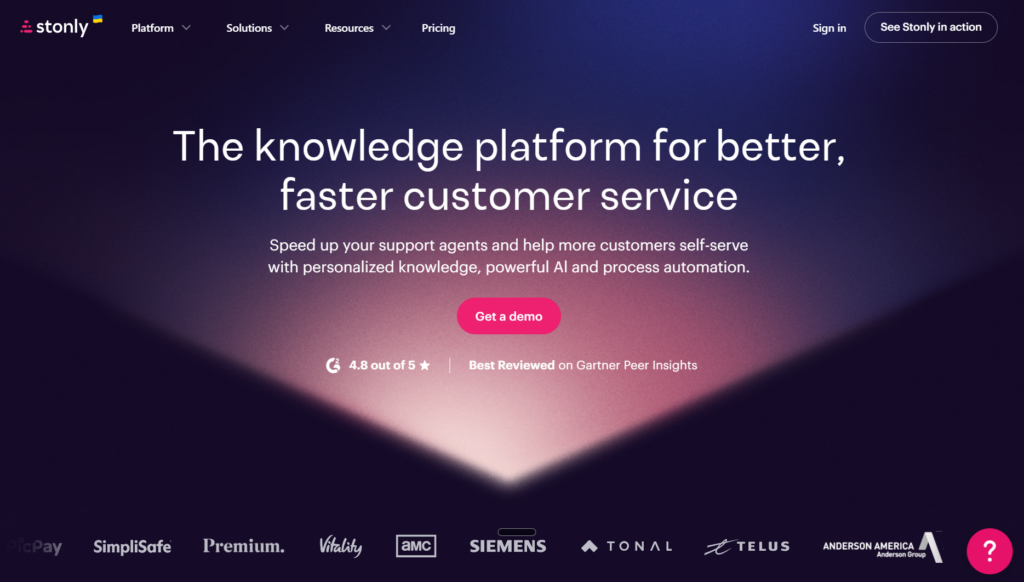
Stonly is a knowledge management platform built for customer service teams managing high volumes of agent interactions. It targets industries like contact centers, insurance, retail, and financial services.
Stonly breaks knowledge into branching steps that adapt based on the agent’s or customer’s specific situation. Agents follow a guided process rather than scanning a full document for the right answer.
What Users Say About Stonly
Although Stonly is a great tool for contact center teams that need accurate answers, here are some bottlenecks that users complain about:
Weak Search And No On-Site Pop-Ups
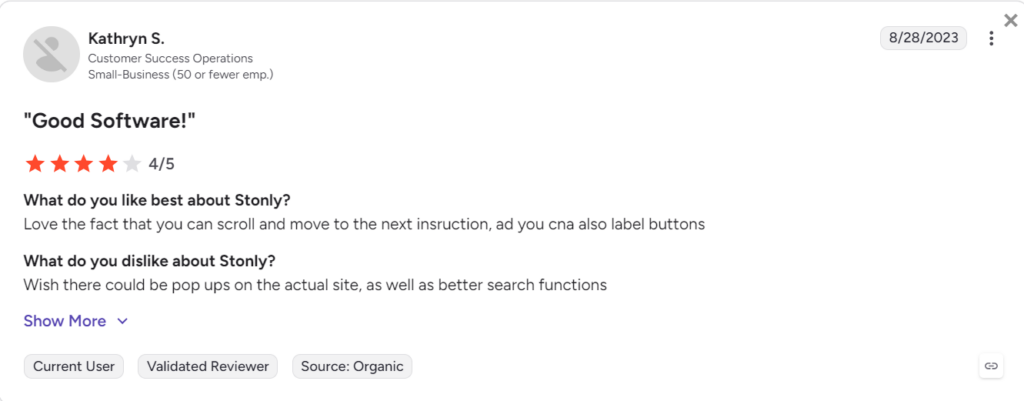
Many users complain that its search results lack precision, and there’s no way to surface contextual prompts on your live site.
Limited Integrations
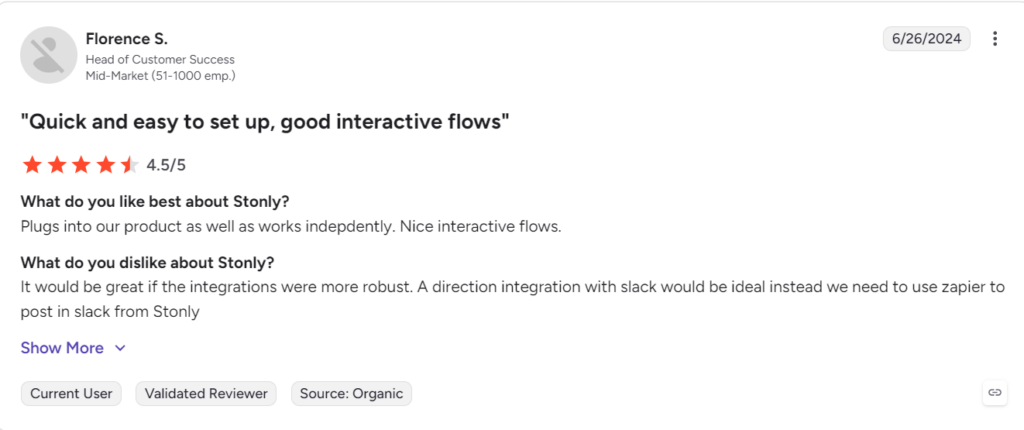
Users report that Stonly doesn’t offer native integrations for their existing tech stack. This forces them to switch between tabs or adjust to workarounds.
Expensive Pricing
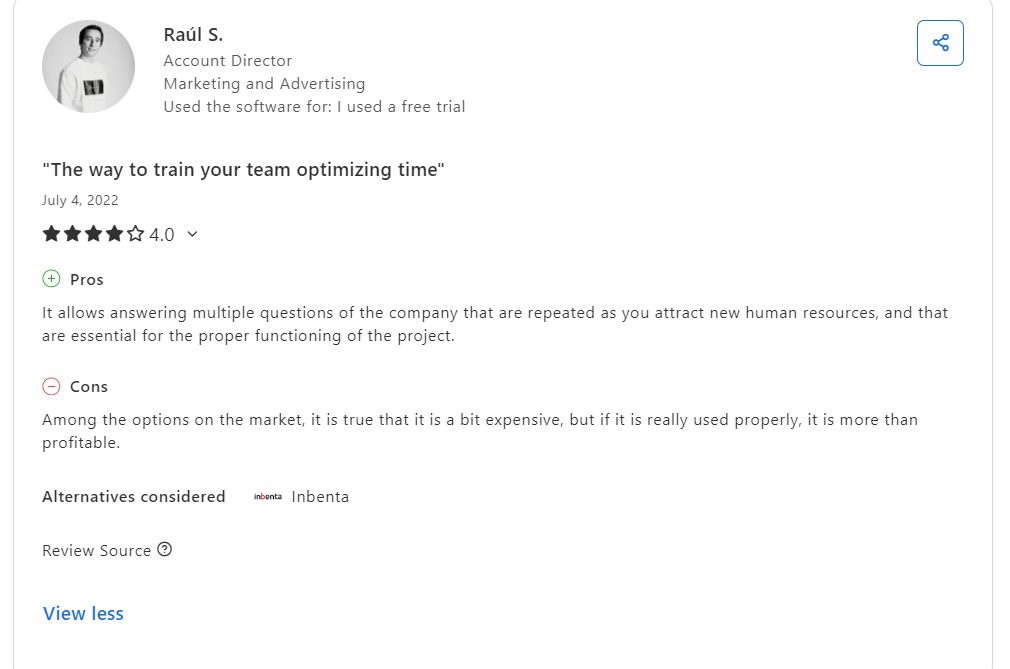
Many users complain that Stonly is pricier than most tools in the market. Some also complain that you need to buy add-ons for more features and customization options.
Embedding a Knowledge Base Requires A Developer
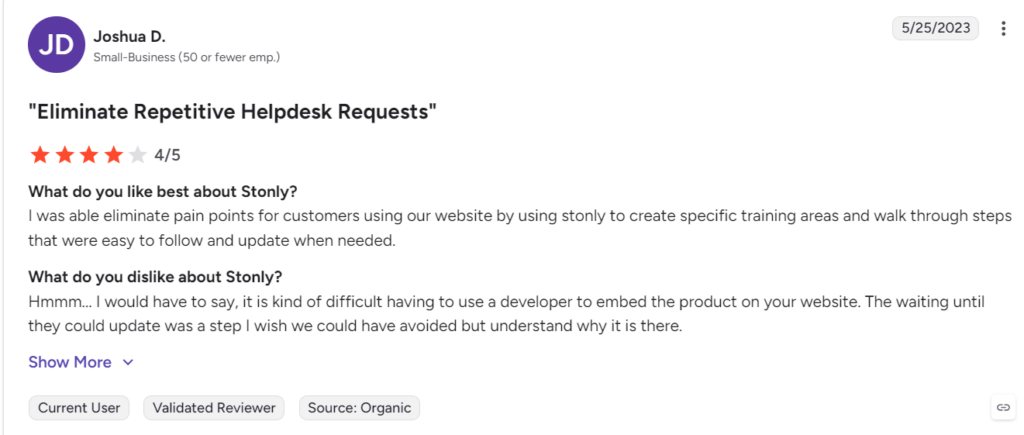
Users report that setting up Stonly on the website for self-service takes up engineering time. You have to wait for the developer to push updates every time.
Limited Content Formatting And Reporting
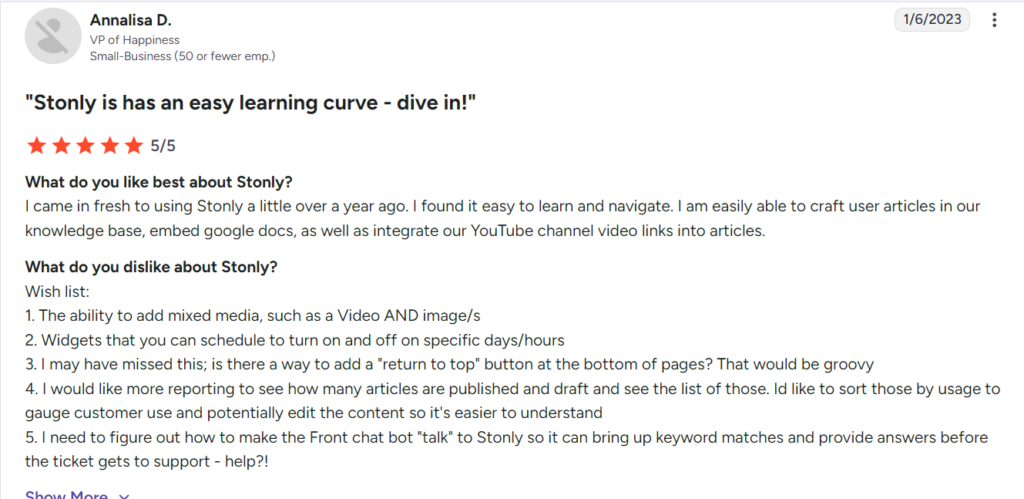
Users complain that you can’t mix media types within a single step, schedule widgets by time, or sort published content by usage to understand what’s working.
10 Best Stonly Alternatives to Consider in 2026
If you’re facing similar bottlenecks or beyond, here are some Stonly alternatives:
livepro
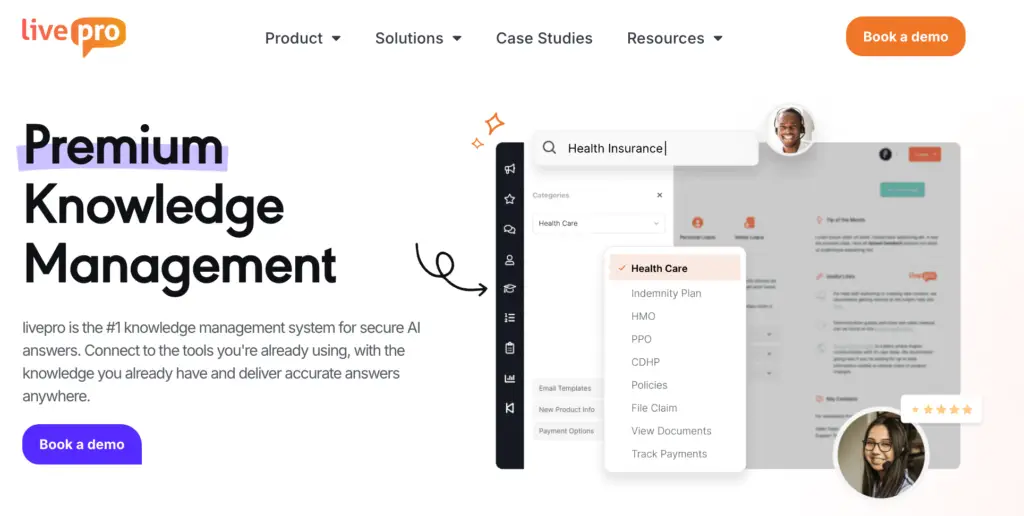
livepro is an AI-powered knowledge management software built for contact centers and enterprises. It serves industries like financial services, insurance, healthcare, and local government.
livepro ranks among the top-rated knowledge management tools in the G2’s Spring 2026 Grid Report across five key contact center knowledge base features: data governance (9.9/10), compliance (9.8/10), integrations (9.6/10), access management (9.7/10), and analytics (9.5/10).
The platform centralizes policies, processes, and documents into a single source of truth. Agents find accurate answers faster, and customers get consistent responses across every interaction. For complex processes, livepro builds decision trees that adapt based on how an agent responds.
Here’s how livepro’s features solve problems that Stonly users face:
Hybrid Search to Get Accurate Answers
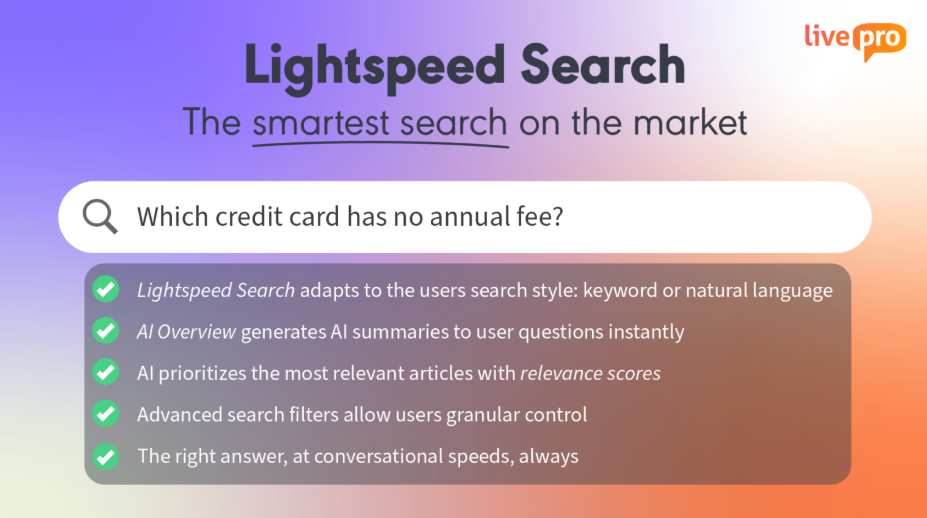
Stonly users report that the search function needs more capabilities. Another user complains that the search resets mid-input, forcing them to retype their query from scratch.
livepro’s Lightspeed Search combines semantic understanding, natural language processing (NLP), and keyword matching to deliver accurate answers. Each method covers a different failure mode:
- Keyword search handles structured, indexed content
- NLP interprets the intent behind a question rather than matching word-for-word
- Vector search finds relevant answers even when the phrasing in the query differs from the phrasing in the article
- Neural processing handles context and meaning at a deeper level when the other methods return ambiguous results
If an agent mistypes a word mid-call, the search picks up the intent and still generates accurate results for the query. This gives your agents confidence to resolve customer queries faster with precise answers.
Each result carries an AI-assigned search score based on relevance to the query. livepro combines this score with usage-based ranking. The more a team accesses a particular article for a particular query, the higher it surfaces in future results. The system learns from real agent behavior and adjusts what it returns over time.
The platform also maintains search accuracy using RAG (Retrieval-Augmented Generation). When an agent submits a query, the search pulls from the governance-approved knowledge base and passes it to the AI. The AI generates its response from that retrieved content, not from external sources or unverified data.
AI Overview for Quick Summaries
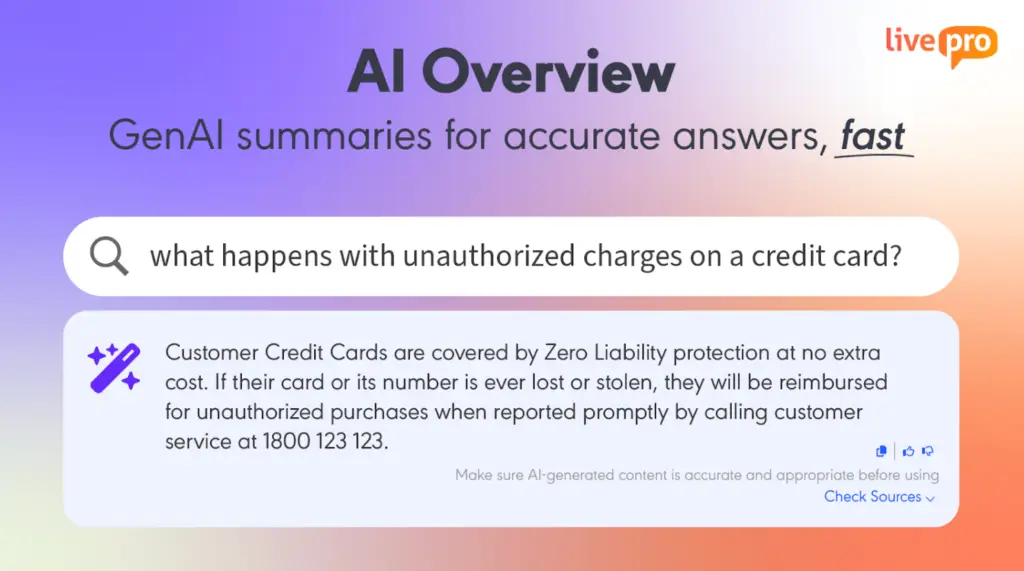
Stonly generates AI summaries from your knowledge base and selected external sources, but you need to buy this feature as an add-on with your enterprise subscription.
livepro’s AI Overview is built into the search function. When an agent searches for a query, the platform generates a concise, natural-language summary from the approved knowledge article.
The agent sees the core information without opening the full document, and can expand to the source article if more detail is needed.
The summary is grounded in the retrieved content, not generated from outside sources. This matters in regulated environments where the accuracy of what an agent reads and repeats affects compliance.
Agents can copy the answer in one click and submit feedback with a thumbs up or down on a response. This allows livepro to surface more relevant content over time and flag articles that may need updating.
LightspeedAI to Migrate Documents in Minutes
Most contact centers have knowledge scattered across multiple departments. But each team has its own content structure. When you migrate them into a tool, your teams need to manually organize them so they’re searchable on the knowledge base.
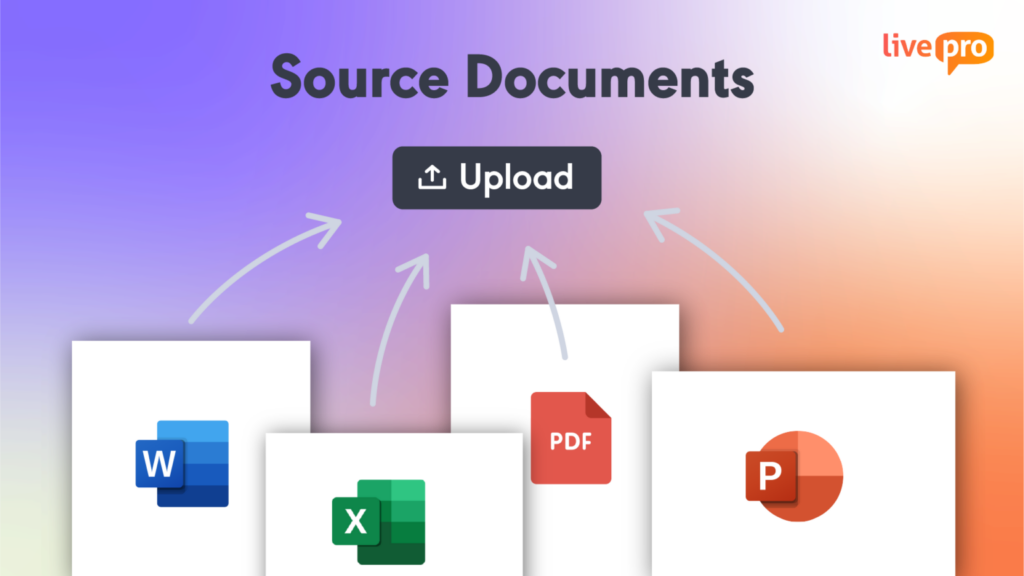
livepro’s LightspeedAI converts documents into structured knowledge articles without manual rebuilding.
Teams can upload PDFs, Word files, Excel sheets, and PowerPoint decks in bulk. The AI handles the conversion. It reads each source file, identifies the document structure, and extracts headings and key information. It organizes the content into structured, templated knowledge articles formatted for the livepro platform.
This makes livepro adaptable across multiple departments. Your teams can upload their files, and the platform makes the content accessible across your internal teams and agents.
Every article LightspeedAI generates is set to pending by default. Nothing goes live until a human reviews and approves it. This keeps the migration fast without removing governance from the process.
Decision Trees for Step-by-Step Process Guidance
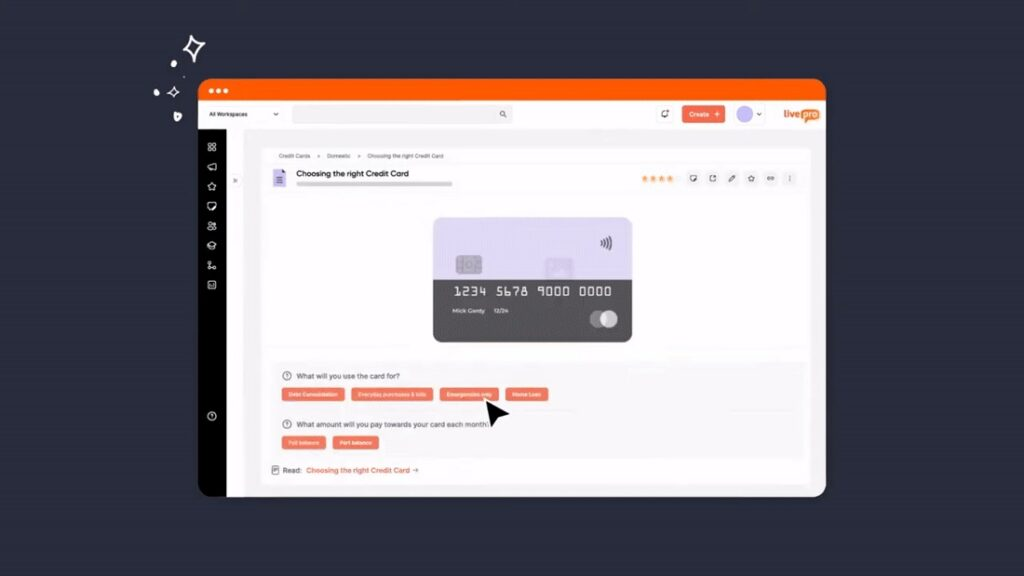
livepro’s decision trees, called Rockets, convert complex processes into branching, question-based workflows. Each step presents a clear question and routes the agent based on their answer. The path narrows until the agent reaches the exact outcome.
The agent follows the workflow rather than scanning a five-page policy document for the relevant answer. Every step can include embedded links to forms, escalation contacts, and scripts so the agent has everything they need without leaving the flow.
Users complain that Stonly’s guides lack a drag-and-drop feature, making it hard to design workflows. livepro simplifies building guidance workflows with a drag-and-drop editor.
Authors map out decision points, connect steps, and link each branch to its outcome visually without writing code or requiring technical support. When a process changes, knowledge managers update the relevant branch in the editor and submit it through the same approval workflow before it reaches agents.
For example, a banking contact center handling credit card policies can build a Rocket that starts with eligibility. It can branch into a specific card type, issuance process, and required documentation. Every agent reaches the correct outcome based on the customer’s query.
Knowledge Governance to Maintain Content Accuracy
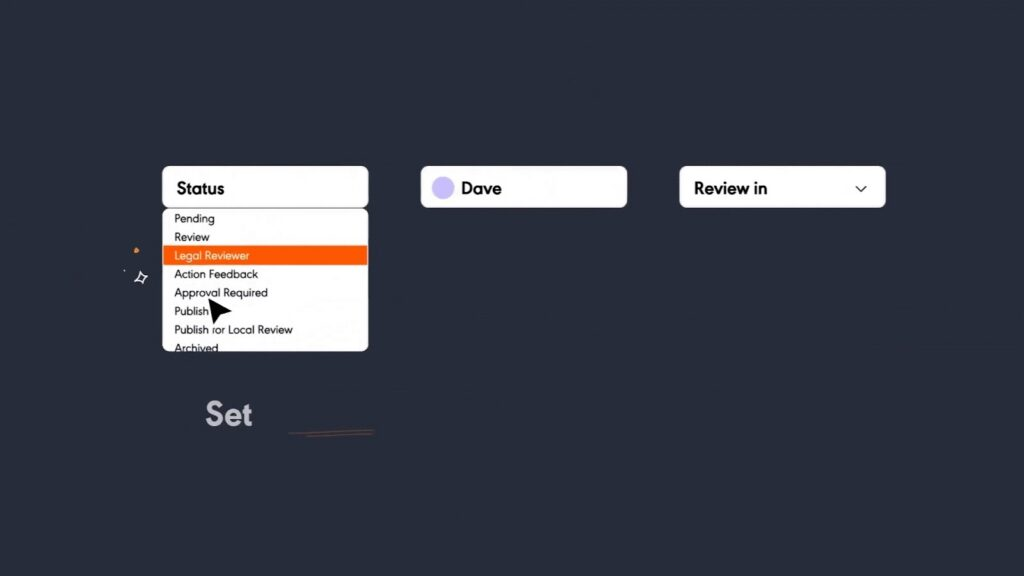
Stonly users report that the platform doesn’t offer a native draft/approve workflow, a change log, or version history for reviewers to track content changes.
livepro offers a built-in governance framework in the content lifecycle so that accuracy is enforced. Every article moves through a structured workflow before it goes live:
- The author submits the content for review
- Reviewer checks for accuracy and compliance
- Approver signs off before anything goes live
- Automated reminders flag articles for periodic review so content doesn’t drift after publication
Once content is live, the platform tracks every change with version control. You can see who edited what, compare versions, and restore previous content if needed. And if an article isn’t relevant, you can set an expiry date to remove it from your knowledge base.
Built-in Compliance for Regulated Teams
Although Stonly follows general compliance standards for data privacy, teams in regulated industries need a more controlled knowledge base that follows strict rules.
livepro is a SOC 2 and HIPAA-compliant knowledge platform. It’s built on self-hosted AI architecture with intelligent threat detection, tamper-proof activity logging, and regular penetration and vulnerability testing.
The platform supports role-based permissions to control who can view, edit, approve, and publish at the department and seniority level. An agent cannot edit content they don’t own. A junior author cannot publish without a sign-off. The controls reflect how your team operates.
For AI specifically, livepro’s PII Redact feature detects and removes personally identifiable information from documents, search inputs, and AI-generated summaries before they reach agents or customers.
Every AI interaction carries a complete audit trail, so compliance teams can verify what was generated, from what source, and when.
Authoring Tools for Content Creation
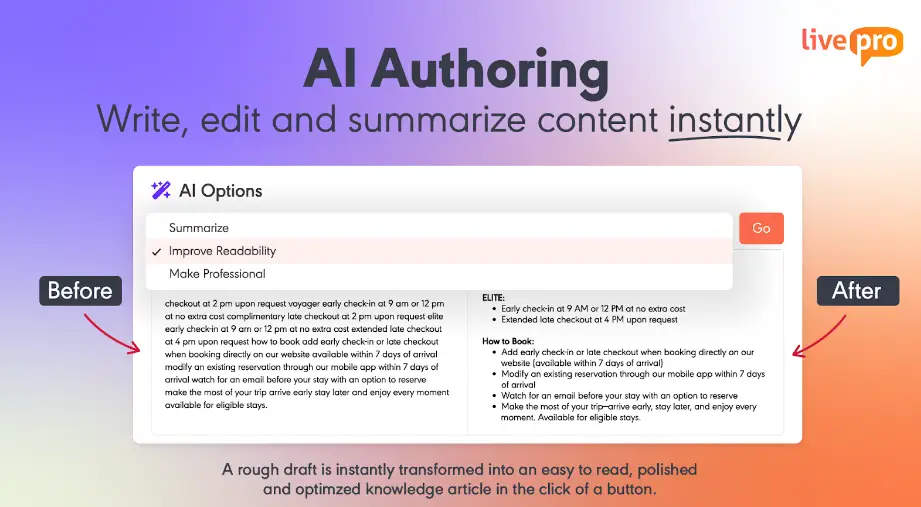
Stonly users report that the platform offers limited mixed media support and customization options, which prevent them from adding visual content in the guides.
livepro’s authoring tools help you create, edit, and manage knowledge articles with multimedia support. You can upload videos, paste images, add links, and embed multimedia into articles without switching tools or reformatting content.
livepro supports content authoring in two ways:
- Upload existing content and format it using the WYSIWYG (What You See Is What You Get) editor or pre-built templates.
- Type a rough draft and let AI structure, refine, and format it into a publish-ready knowledge article
livepro lets you create pre-built templates for specific content types. Standard articles cover policies and reference content. Work Instructions walk agents through linear processes step by step. Rockets guide agents through complex branching decisions based on each response they select.
Authors can build each type in the same system, govern it through the same approval workflow, and surface it through the same search engine.
Customer Self-Service Solutions to Reduce Call Volume
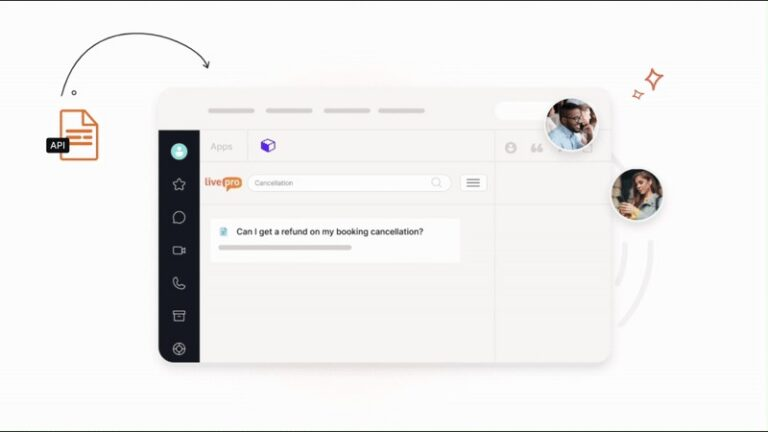
A Stonly user complained that embedding the platform on a website requires technical expertise. Another user reports that it’s hard to connect Stonly to the Front chatbot for keyword-matched answers.
livepro’s self-service tools are easy to connect via a simple API without needing a developer.
The platform helps you deliver customer-facing services through:
- WebAnswers: Connects the internal knowledge base to a website via API, returning approved answers without duplicating content
- OpenAccess: Launches a fully hosted help site from livepro, with federated search across internal and public sources
It draws from the same knowledge base agents use. When you update the policy internally, the customer-facing version reflects the change. Teams don’t have to manage parallel content across two systems.
AI Voice Agent to Handle After-Hours and Repetitive Calls

Stonly doesn’t support a voice agent in its knowledge base.
livepro’s AI voice agent, Luna, handles calls on your agent’s behalf around the clock. The voice agent uses conversational AI to understand the intent behind the customer’s query. It then uses the same verified knowledge base your agents use to deliver accurate answers.
Luna handles thousands of calls simultaneously. It can resolve basic queries to reduce ticket volume, while your agents can focus on complex queries. If any customer interaction grows complex, Luna smoothly hands off the call to your agents with context.
Knowledge Analytics to Track Performance
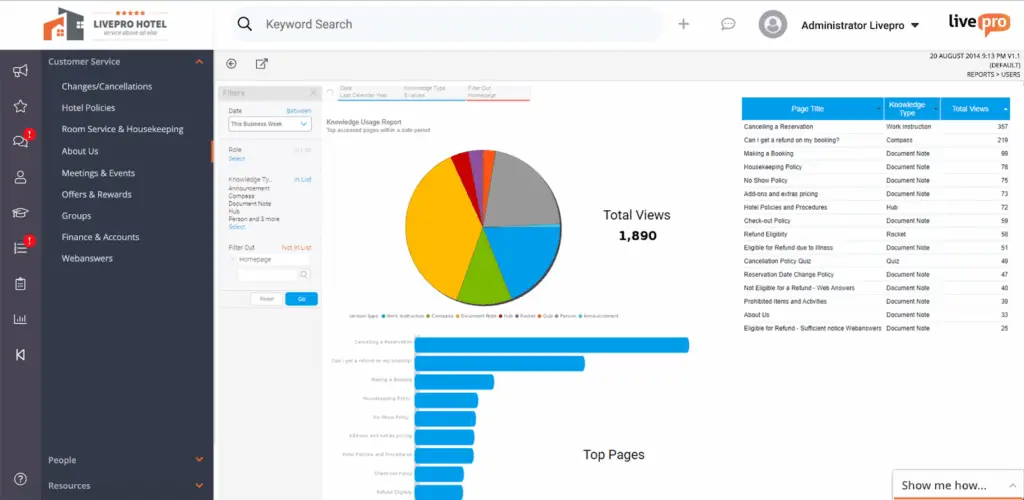
Many users complain that Stonly lacks reporting and analytics capabilities. It’s hard to sort articles by usage or see a clear breakdown of what’s published versus in draft. This slows down content audits.
livepro gives knowledge managers full visibility through pre-built dashboards and customizable reports. Every article, search, and interaction is tracked, so teams can track content performance, usage, and emerging trends.
Key analytics capabilities include:
- Usage tracking: See which articles agents access most, which are ignored, and which are triggering feedback.
- Search analytics: Failed searches are logged automatically, flagging topics where content is missing or unclear.
- Article-level insights: Track views, time spent, and interaction patterns to identify content that needs refinement.
- Read receipts: For compliance-sensitive content, track which agents have read and acknowledged specific articles.
- Trending searches: Surface what agents are searching for most, so content teams can prioritize updates.
livepro lets you build custom monthly or quarterly reports based on the gathered data. You can filter based on metrics that matter to you, export data, and maintain full audit trails for compliance reviews.
livepro Integrations
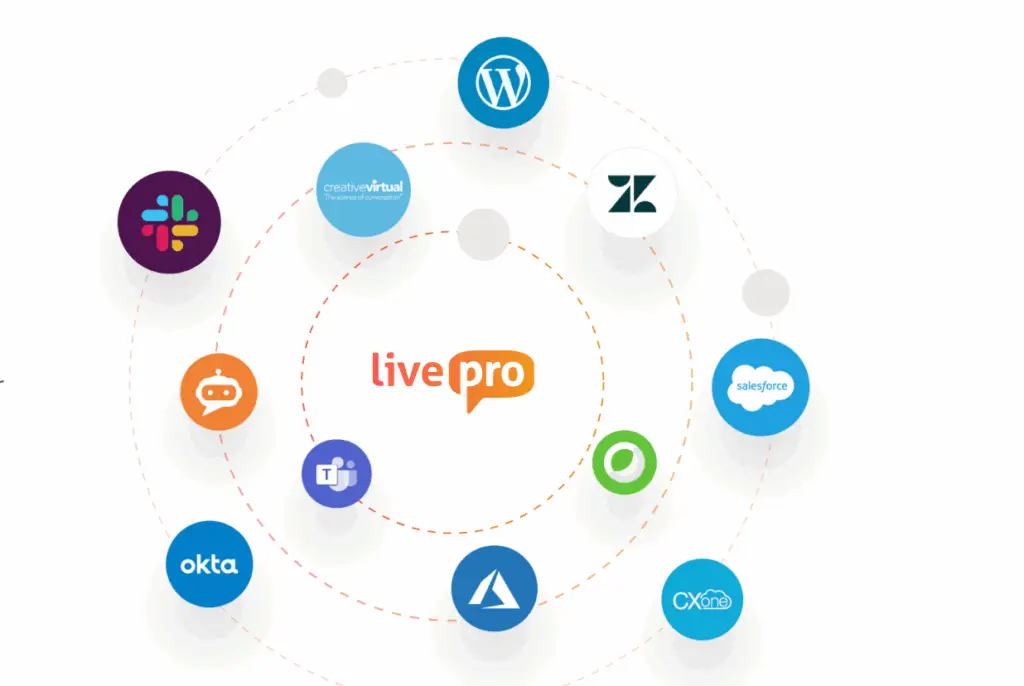
Stonly users complain about integration issues with Salesforce, leading to manual workarounds and deployment delays.
livepro offers native integrations with tools your teams already use, so data flows through both platforms. Your agents don’t have to switch between tabs to access information mid-call since everything is synced in one system.
For example, an agent using Salesforce to resolve a ticket can search on livepro for an accurate answer at the same time.
livepro supports integrations with:
- Microsoft Teams
- Slack
- MS Dynamic CRM
- Cisco WebX
- Azure
- Salesforce
- Zendesk
- Genesys Cloud
- NICE CXone
You can also use livepro’s open API to connect your custom apps and platforms.
livepro Pricing
livepro offers three pricing plans: Flex, Premium, and Enterprise. Contact our team for a quote.
Document360
Document360 is an AI-powered knowledge base platform built for SaaS companies, technical writing teams, and support teams.
The platform structures knowledge into a six-level category hierarchy and routes every article through a configurable approval chain before it reaches readers.
Document360 suits teams that need a documentation structure and content governance. Stonly suits teams that need guided, step-by-step workflows delivered to agents or customers in real-time.
Read more: Document360 Alternatives
Document360 Key Features
- Provides AI-powered conversational search through Eddy AI
- Delivers internal and external knowledge bases from one portal
- Integrates with Zendesk, Freshdesk, Salesforce, Slack, and GitHub
- Supports auto-translation into 50+ languages
Document360 Pricing
Document360 offers custom pricing.
Guru
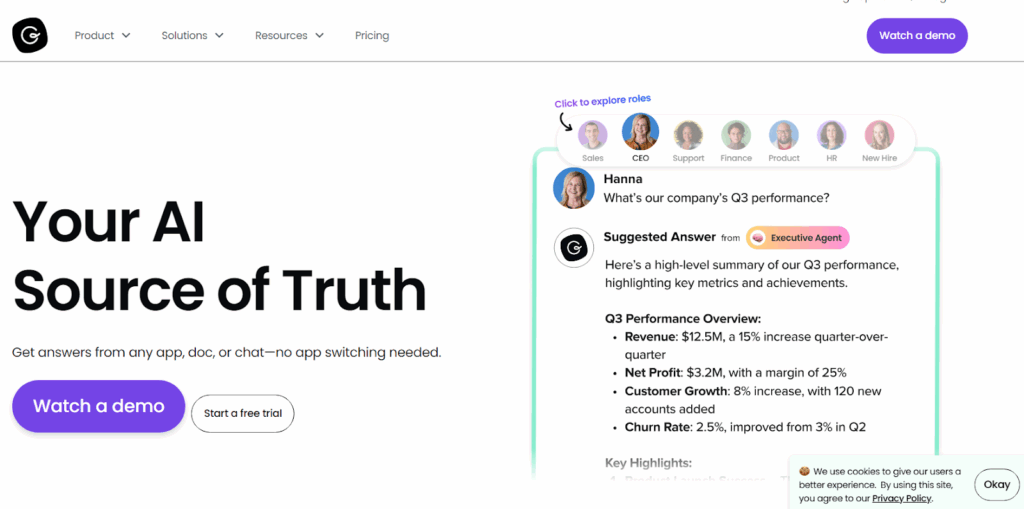
Guru is an AI-powered knowledge management platform that organizes knowledge into verified cards and delivers them inside Slack, Microsoft Teams, and the browser. It serves sales, support, HR, and operations teams.
Where Stonly guides agents through branching steps to reach the right answer, Guru takes a different approach. It pushes verified answers into the tools your team already uses, so agents don’t switch tabs mid-call. Guru integrates with 100+ platforms, including Salesforce, Zendesk, and Google Drive. Stonly connects natively to seven. If your stack is broad, Guru covers more ground.
The tradeoff: Guru is built for internal teams only. Every user needs a paid seat, so it can’t power a customer-facing knowledge base. Stonly supports both agent and customer-facing use cases from the same platform.
Read more: Guru Alternatives
Guru Key Features
- Provides AI-powered Knowledge Agents for automated answers
- Surfaces contextual answers via browser extension
- Assigns SME verification workflows to keep content current
- Connects to 100+ tools, including Salesforce and Zendesk
Guru Pricing
Guru pricing starts at $25 per user per month.
Knowmax
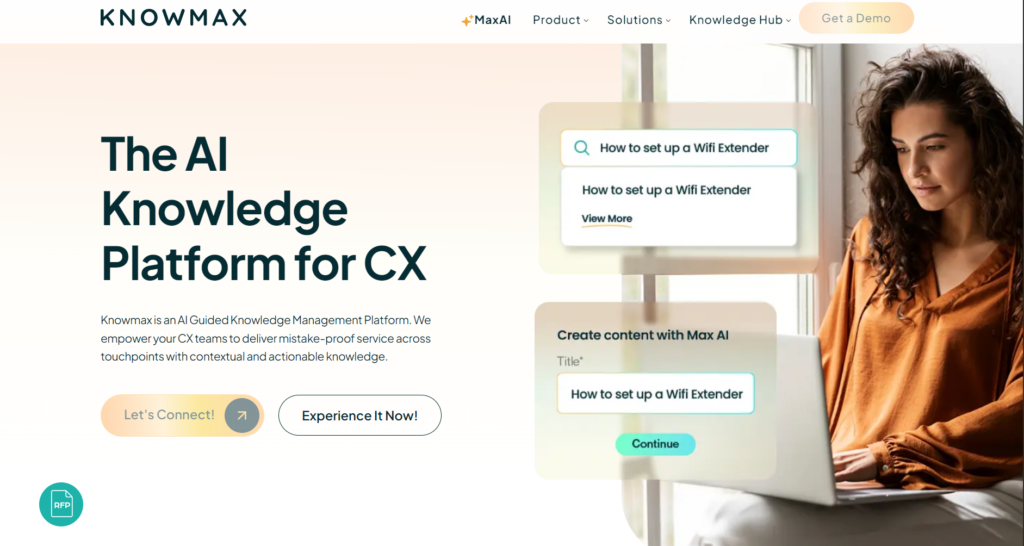
Knowmax is an AI-powered knowledge management platform built for contact centers and CX teams at enterprise organizations. It serves telecom, banking, insurance, and healthcare.
The platform delivers knowledge through decision trees, visual how-to guides, support articles, and FAQs. Knowledge surfaces inside CRM and helpdesk tools, so agents never leave their working environment to search.
Knowmax and Stonly both use decision trees to guide agents through complex processes. But Stonly embeds those trees as a widget on a website or app, and Knowmax delivers them natively inside tools.
Read more: Knowmax Alternatives
Knowmax Key Features
- Converts SOPs into no-code cognitive decision trees
- Provides visual how-to guides with annotated screenshots
- Integrates natively with Zendesk, Salesforce, and Freshworks
- Delivers intent-based AI search across all support channels
- Supports omnichannel delivery via IVR, chat, and self-service portals
Knowmax Pricing
Knowmax doesn’t list pricing plans on its official site.
Bloomfire

Bloomfire is an AI-powered knowledge management platform built for teams that need a single searchable layer across large, distributed content libraries. It serves financial services, healthcare, manufacturing, insurance, and technology organizations.
The platform is suitable for teams that want to build knowledge repositories, research libraries, and customer self-service portals.
Bloomfire makes video, audio, and document content searchable at scale. Stonly structures knowledge as interactive flows, but it doesn’t support indexing or search across diverse content formats.
Read more: Bloomfire Alternatives
Bloomfire Key Features
- Indexes 29+ file types, including video and audio
- Surfaces direct sourced answers via Synapse AI conversational search
- Flags outdated and duplicate content
- Supports a Q&A engine for community knowledge sharing
- Integrates with SharePoint, Google Drive, Salesforce, and Confluence
Bloomfire Pricing
Bloomfire offers custom pricing.
Helpjuice
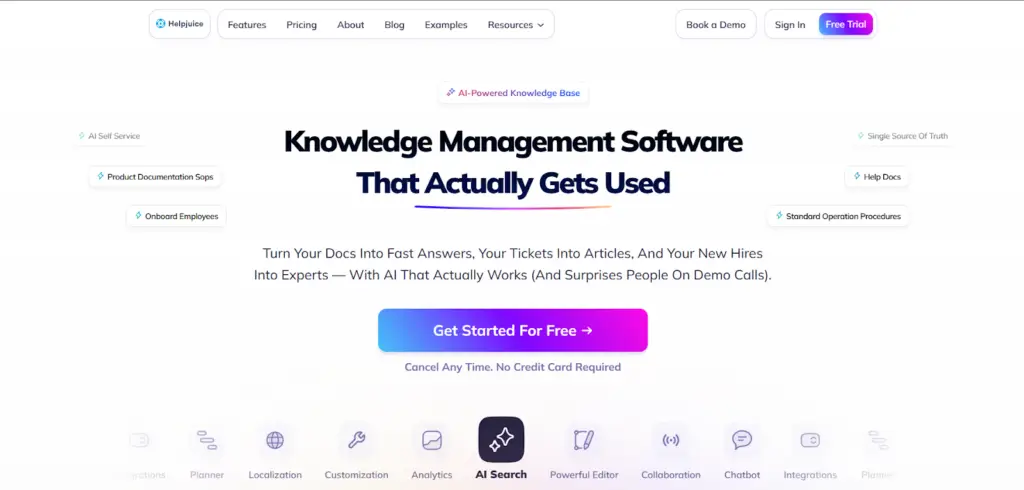
Helpjuice is a dedicated knowledge base platform built for teams that need a standalone, fully branded knowledge base. It targets customer support and operations teams across industries, including healthcare, government, software, and eCommerce.
The platform structures knowledge into searchable articles organized by category, serving both internal teams and external customers from a single system.
Helpjuice offers more content customization options for branded portals, while Stonly’s guides limit layout flexibility.
Read more: Helpjuice Alternatives
Helpjuice Key Features
- Provides an AI-powered natural language search built in-house
- Offers deep customization with a free design service included
- Supports internal and external knowledge bases from one platform
- Includes content approval workflows and article versioning
- Translates knowledge bases into 40+ languages in one click
Helpjuice Pricing
Helpjuice pricing starts at $249 per month for up to 30 users.
Shelf
Shelf is an AI agentic platform built for enterprise contact centers and customer service operations. It targets teams that need governed, accurate knowledge as the foundation for AI agents operating at scale.
The platform builds an AI Data Model from existing enterprise data. It then powers AI agents that deliver answers across chat, voice, and email without content migration.
Shelf is best for teams that want AI agents to handle their customer service. Stonly is more suitable for teams that want to train and guide human agents through branching workflows.
Read more: Shelf Alternatives
Shelf Key Features
- Connects to existing repositories without migrating content
- Monitors and flags ROT content across all sources
- Delivers knowledge via agent assist, Copilot, bot, and search
- Supports 100+ languages across the platform
- Provides 22 categories of content quality analytics
Shelf Pricing
Shelf offers custom pricing plans.
Freshdesk
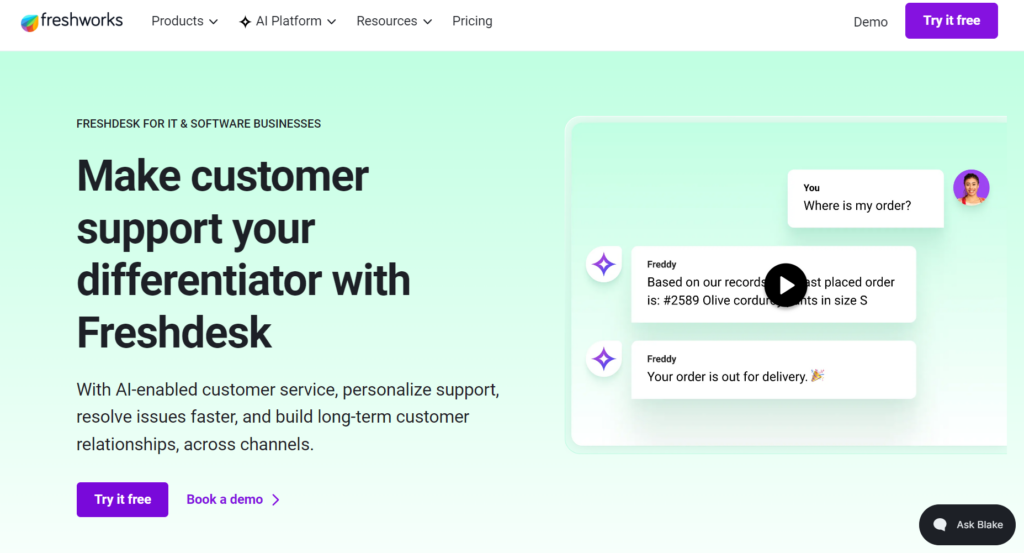
Freshdesk by Freshworks is a helpdesk and customer service platform built for support teams across technology, retail, insurance, and eCommerce. It organizes knowledge as structured articles that surface during ticket resolution and can be created from ticket replies.
Freshdesk is best for teams that want a knowledge base with wider helpdesk integrations. Stonly offers fewer integration options and requires agents to switch between tabs to resolve tickets.
Freshdesk Key Features
- Converts ticket replies into knowledge base articles
- Provides Freddy AI for customer self-service and agent assistance
- Supports a multilingual knowledge base for high-tier pricing
- Includes article version control and collaborative editing
Freshdesk Pricing
Freshdesk pricing starts at $19 per agent per month.
Whatfix
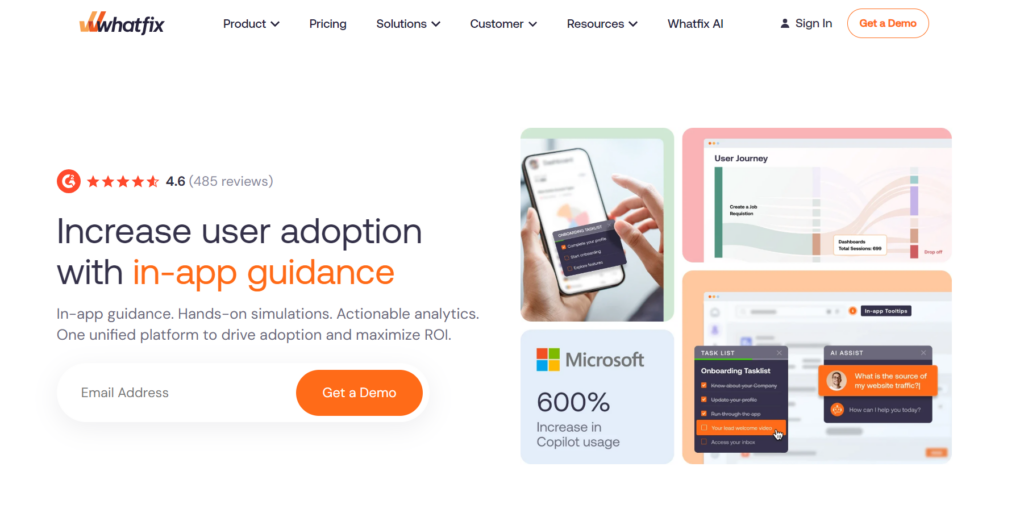
Whatfix is a digital adoption platform built for enterprise organizations managing large-scale software rollouts and employee onboarding.
The platform sits on top of enterprise apps. It delivers in-app guidance, step-by-step walkthroughs, tooltips, and self-help resources within the application interface.
Whatfix is best for teams that want to deliver in-app guidance to enterprise employees across web, desktop, mobile, and virtual desktop environments. Stonly supports interactive guides as a widget on websites and apps for contact center teams.
Whatfix Key Features
- Delivers in-app guidance via Flows, Smart Tips, and Task Lists
- Provides a Mirror sandbox for risk-free application training
- Tracks user behavior with no-code product analytics
- Automates content authoring with AI-powered Agentic AI
Whatfix Pricing
Whatfix offers custom pricing.
Intercom
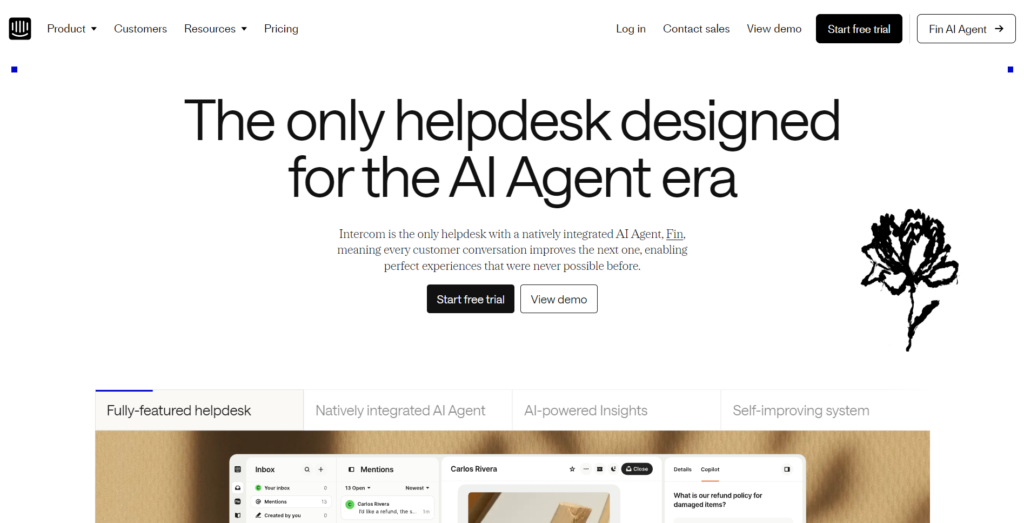
Intercom is an AI-first customer service platform built around an AI agent. The platform lets you build a knowledge base, which powers Fin AI Agent, Copilot, and a customer-facing Help Center from a single content system.
Intercom is best for teams that want an AI agent to resolve conversations, handle handoffs to human agents, and sync content from external platforms. Stonly’s AI chatbot only generates answers from structured guides and asks clarifying follow-up questions.
Intercom Key Features
- Resolves customer queries autonomously via Fin AI Agent
- Centralizes all support content in the Knowledge Hub
- Provides Copilot AI assistance for human agents in the inbox
- Supports live chat, email, and messaging across channels
- Analyzes conversation quality with CX Score and Topics
Intercom Pricing
Intercom pricing starts at $29 per seat per month.
Comparison Table: 10 Best Stonly Alternatives in 2026
| Platform | Best For | Knowledge Model | AI Search | Governance | Team Adoption |
| livepro | Contact centers and enterprise teams in regulated industries | A single source of truth with decision trees, Work Instructions, and knowledge articles. | Combines natural language, keyword, semantic, and RAG technology to deliver verified, accurate answers with AI summaries | Sequenced approval chain, version control, role-based permissions, automated review reminders, PII Redact | Users praise quick setup and ease of use for non-technical teams |
| Document360 | SaaS companies, technical writers, and support teams | Structured articles in a six-level category hierarchy | Eddy AI conversational search | Configurable approval chain, version control | Users like it for product documentation, though large projects can experience editor lag during initial migration |
| Guru | Sales, support, HR, and operations teams needing in-workflow answers | Verified knowledge cards delivered in Slack, Teams, and a browser | AI contextual delivery via browser extension | SME-assigned verification cycles | Users praise in-workflow delivery, but search consistency drops when content is poorly organized |
| Knowmax | Contact centers in telecom, banking, insurance, and healthcare | Decision trees, visual how-to guides, and articles inside CRM | Intent-based AI search | Content ownership assignment, approval workflows | Users say AI search speeds up agent onboarding, but decision trees have a learning curve |
| Bloomfire | Enterprise teams managing large multi-format content libraries | Deep-indexed articles, video, and audio in one searchable layer | Synapse AI, indexes 29+ file types | Self-healing KB flags outdated content, lifecycle controls with expiry | Users like its full-service onboarding, but larger implementations add complexity and time |
| Helpjuice | Support and operations teams needing a standalone branded knowledge base | Categorized articles in a fully customizable portal | AI natural language search built in-house | Approval workflows, article versioning | Users praise the white-glove onboarding with custom design |
| Shelf | Enterprise teams wanting AI agents to handle customer service at scale | AI Data Model built from connected enterprise repositories | AI-powered search across connected sources | Continuous ROT monitoring, 22 categories of content quality analytics | Users report an intuitive interface, but admins handling complex migrations may need additional support time |
| Freshdesk | Support teams wanting a helpdesk with a built-in knowledge base | Structured articles inside a ticketing system | Freddy AI-powered search | Article version control, collaborative editing | Users find the basic setup easy, but AI features and higher-tier configurations require additional onboarding effort |
| Whatfix | Enterprise teams managing software rollouts and employee onboarding | In-app guidance layered on enterprise apps | In-context self-help within the application | Content lifecycle management, approval workflows | Offers dedicated CSMs and content author training, but deployments require structured rollout planning |
| Intercom | SaaS and eCommerce teams wanting AI-first customer service | Knowledge Hub articles powering Fin AI Agent and Help Center | AI-powered Knowledge Hub search | Bulk content management, per-article Fin availability controls | Knowledge Hub syncing with external tools is simple, but enterprise contracts require sales teams’ involvement |
How to Choose the Right Stonly Alternative
The following criteria will help you shortlist based on what your team needs.
Understand Your Use Case
Identify what problems you’re trying to resolve. Here’s a simple table to help you shortlist the best fit:
| Use Case | Recommended Platform |
| Your agents handle regulated processes (banking, insurance, healthcare) and need guided workflows with full audit trails | livepro |
| Your team wastes time switching tabs to find answers during calls or in Slack and Teams | Guru, Bloomfire |
| You want a helpdesk with ticketing and a knowledge base in one tool | Freshdesk, Intercom |
| You want AI to handle routine customer calls and chats so agents focus on complex issues | livepro, Shelf |
| You need a standalone, branded help center or structured technical documentation | Document360, Helpjuice |
AI Search Capabilities
Some tools offer a search function that only reads keywords. Agents need to use specific terminology to get relevant information, and customers don’t find accurate answers to basic queries.
Look for a Stonly alternative that combines natural language, semantic understanding, and keyword matching. Test with misspelled queries, conversational phrasing, and internal jargon your agents use daily. If the search only returns results on exact-match terms, it will fail under real call pressure.
The tool you choose should also self-learn from agent behavior and refine future results based on what gets clicked and used.
Decision Trees
If your agents need step-by-step flows that branch based on their answers, look for platforms with dynamic branching decision trees.
Check whether authors can build and update branches without technical support. Look at how long it takes to push a single policy change through the tree and into production. If every edit requires a developer or a support ticket, your team will fall behind on updates.
The software you choose should govern decision trees through the same approval chain as articles. It should support role ownership, automated review cycles, and expiry dates.
Level of Compliance Control
Regulated teams in financial services, healthcare, insurance, and government handle sensitive data. Choose a software that supports role-based permissions, a full audit trail, and AI that generates responses only from approved sources.
Verify whether the platform can produce compliance documentation you can hand directly to a regulator. Every AI-generated response should trace back to its source article with a timestamp and author. If the vendor’s documentation doesn’t show this, the audit trail isn’t real.
Scalability
Many tools break as your content library grows. Search results become inconsistent, and your team is stuck with a clunky interface.
Check whether governance scales with the number of authors. Role-based permissions should separate content by team, client, or department without requiring separate knowledge bases.
Make sure to review case studies or G2 reviews from teams running large content libraries.
Onboarding and Migration Support
Ask vendors specifically about migration tools, implementation timelines, and whether dedicated onboarding support is included or priced separately.
If your knowledge is scattered across Word documents, SharePoint, and shared drives, a platform like livepro with AI-powered bulk migration cuts weeks off the rollout.
Reporting and Analytics
The tool you choose should track content usage, agent behavior, and knowledge gaps. Look for dashboards that surface which articles perform well, which searches fail, and where content needs updating.
Integration Depth
Look for a platform that integrates natively with the tools your agents already use. Native integrations surface knowledge in the agent’s existing workspace. API-only integrations require development time and ongoing maintenance.
Bottom Line: livepro is the Best Stonly Alternative in 2026
Stonly helps contact center teams that need interactive guides to resolve customer queries faster. But if you need stronger search accuracy, governance control, compliance depth, and native integrations, livepro is a better choice.
Our software is built specifically for contact centers and enterprise teams. We offer AI-powered search, decision trees, built-in governance, and native integrations with software like Salesforce and Zendesk.
Teams get faster answers, shorter onboarding times, and a knowledge base that stays accurate as your content library grows.
Book a demo to learn how livepro outperforms Stonly and helps your agents and customers access accurate answers fast.