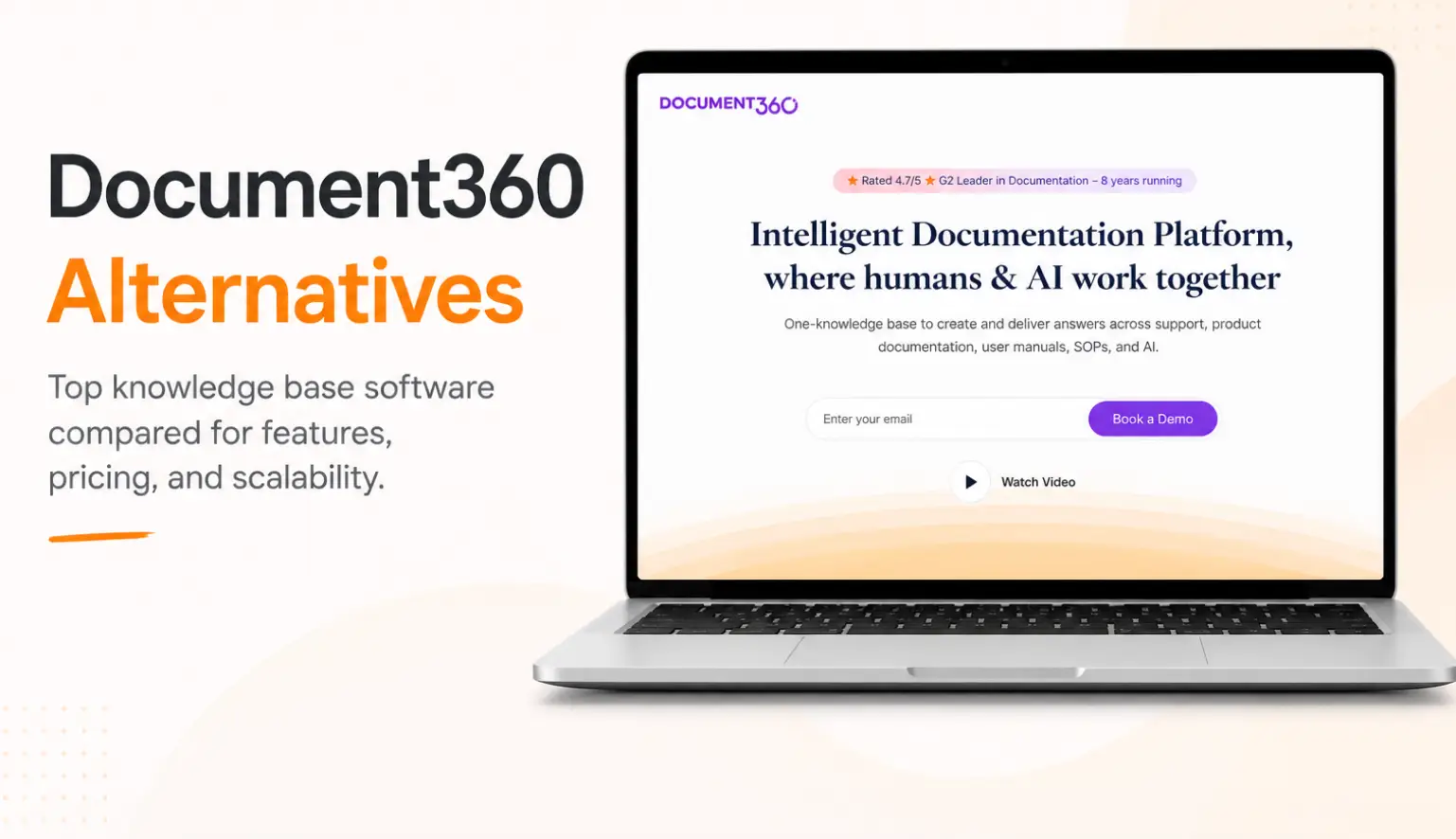


Document360 works well for publishing help docs and internal wikis. But if your agents are using it to find answers during live calls, you’ve probably noticed the gaps.
Contact center knowledge has to do more than sit in a searchable library. Agents need the right answer in seconds, guided workflows for complex processes, and compliance controls that hold up under audit. Document360 wasn’t built for any of that because it’s a documentation platform, not an answer delivery system.
This guide evaluates 10 Document360 alternatives based on what contact center teams actually need to perform.
What Is Document360?
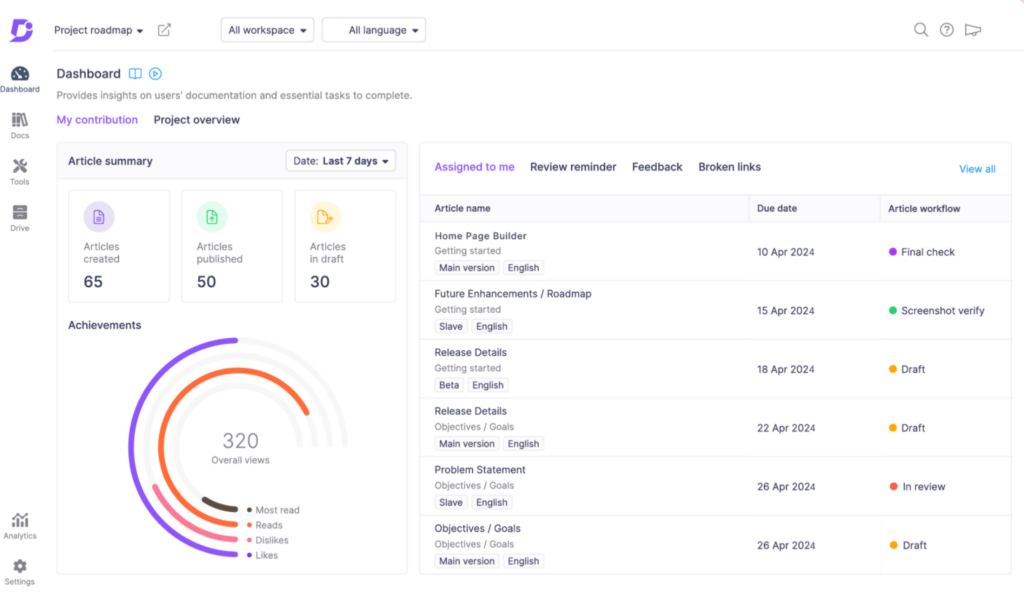
Document360 is a knowledge base platform built for documentation teams. Product managers, technical writers, and support teams use it to create, organize, and publish internal and customer-facing help content.
The platform covers the core documentation workflow well. It includes an editor with both WYSIWYG and Markdown support, structured category management, version control, role-based permissions, and AI search through Eddy AI. Teams also get analytics to track article performance and identify missing content.
For companies building help centers, product documentation, or internal wikis, Document360 does the job well.
Why Document360 May Not Fit Contact Centers
Here are the main reasons Document360 may not fit contact center operations well:
Built for Documentation, Not Live Agent Support
Contact centers need guided workflows, branching support, agent tracking, and visibility into resolution paths.
While Document360 includes interactive decision trees, the feature is still in beta and lacks capabilities like step-level analytics, conditional logic, auditing, and import/export support. These gaps can make workflows and resolution quality harder to manage at scale.
Pricing Became More Complex After 2024
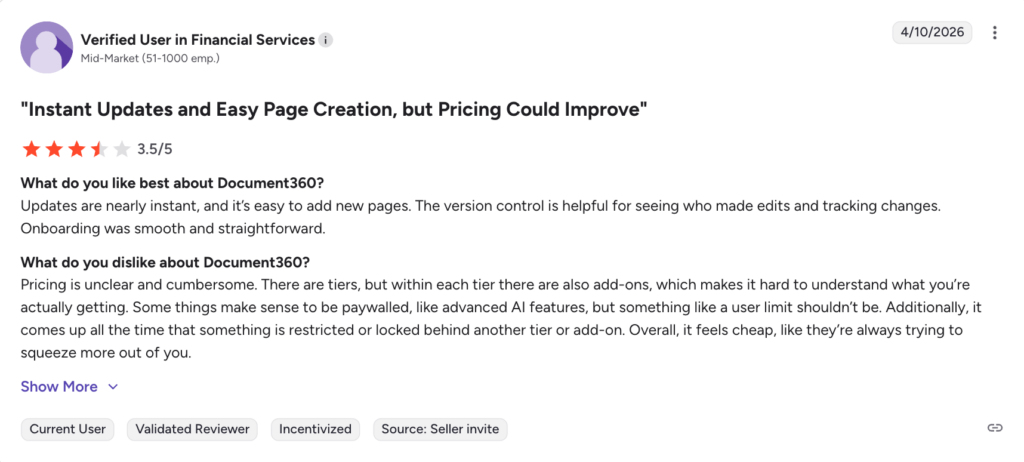
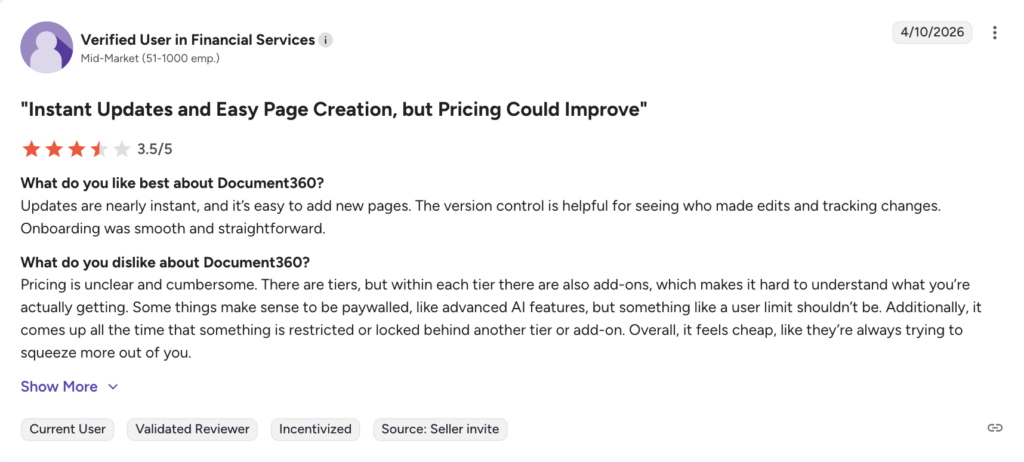
Document360 removed its free plan in late 2024 and shifted toward quote-based pricing. Features like SSO, API access, and advanced analytics sit behind higher tiers, while add-ons for extra workspaces, languages, and seats increase costs further.
For larger support operations, pricing can become difficult to predict as teams scale.
Performance Issues as Knowledge Bases Grow
Some users report slower search results, editor lag, and page load issues as knowledge bases expand. Teams with many contributors working at the same time can also run into workflow slowdowns.
In a contact center, agents need answers immediately during calls and even small delays can affect customer experience.
Limited Customization for Complex Knowledge Operations
Contact centers in regulated industries have specific branding, UI, and workflow requirements that a standard knowledge base layout can’t accommodate. Users report that the platform becomes restrictive when trying to match complex branding or interface requirements.
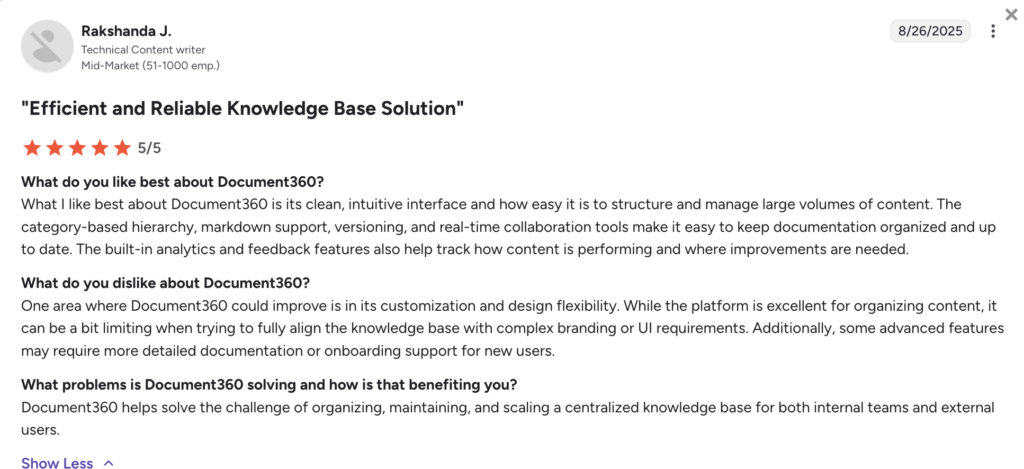
For enterprise teams managing multiple departments, product lines, or customer-facing portals, that inflexibility creates workarounds that slow knowledge teams down.
Formatting Inconsistencies That Slow Knowledge Teams Down
Editing and importing longer documents in Document360 can produce inconsistent formatting results. Layouts don’t always carry over as expected, which means knowledge teams spend extra time cleaning up content before it’s ready to publish.
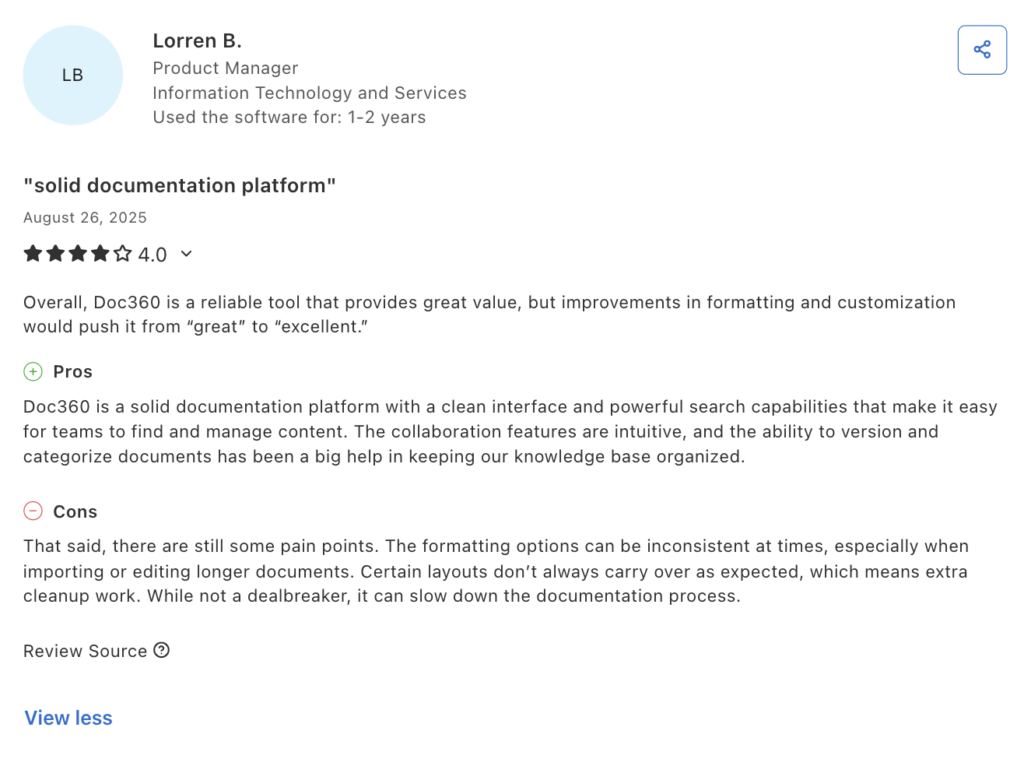
When your knowledge team updates dozens of policies a week, hours spent fixing broken formatting are hours not spent keeping agents current.
These limitations are why many contact center teams look beyond Document360. Here’s how the alternatives to Document360 on our list alternatives compare:
livepro
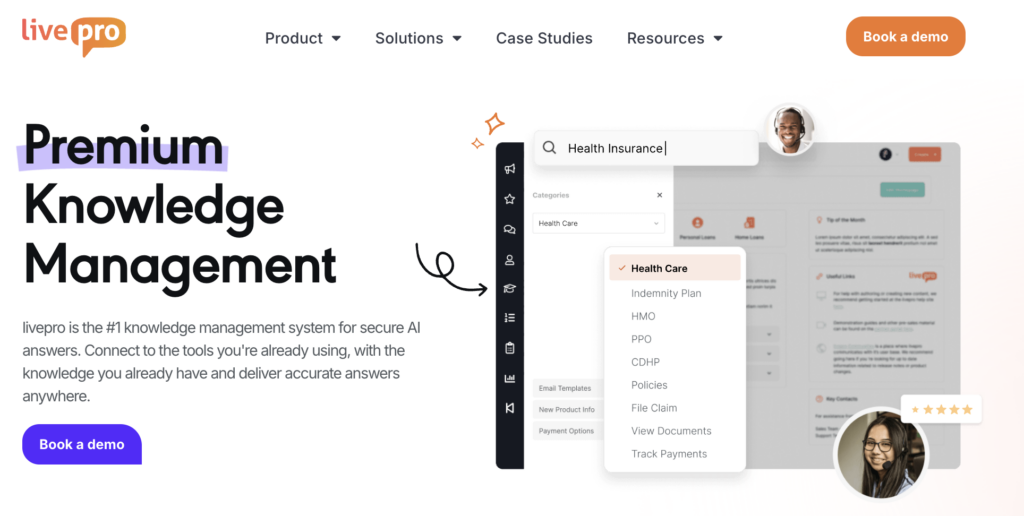
livepro is a knowledge management platform built for contact centers and enterprises. livepro delivers answers to agents during live customer interactions through its AI-powered search, guided decision workflows, and governance controls.
It serves financial services, healthcare, government, and BPO teams that need compliant, and consistent knowledge delivery across their contact center operations.
Here are the key features that make livepro a strong Document360 alternative for contact center teams:
Hybrid Lightspeed Search for Faster Answer Retrieval
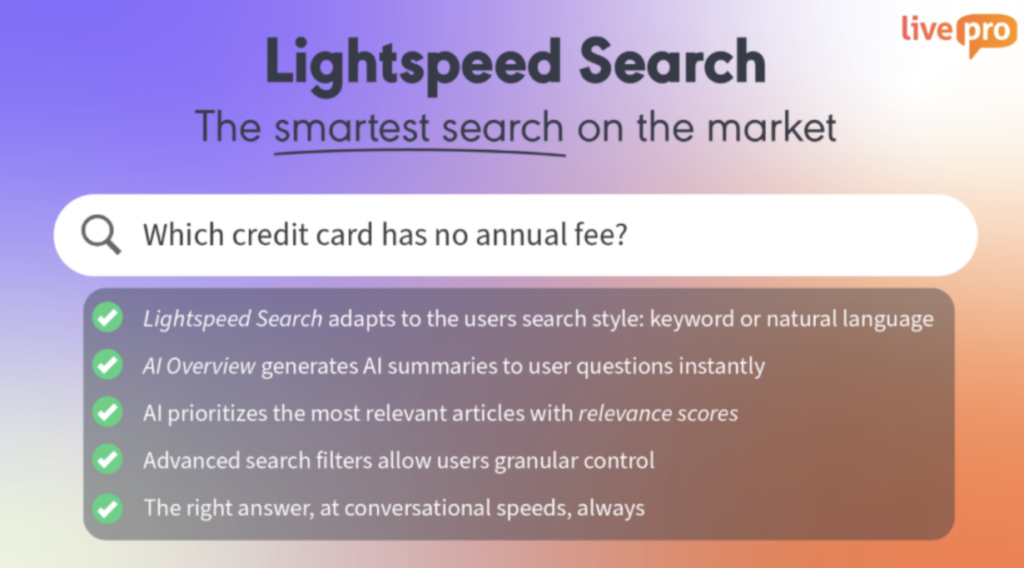
Agents searching for policy information mid-call can’t afford to browse through long documents or rephrase queries for accurate answers.
livepro’s Hybrid Lightspeed Search combines keyword and semantic search to understand intent, handle typos, and surface the right answer instantly, even when agents don’t use exact terminology. Results are ranked by relevance and usage, so the most-accessed answers appear first.
Decision Trees for Guided Agent Workflows
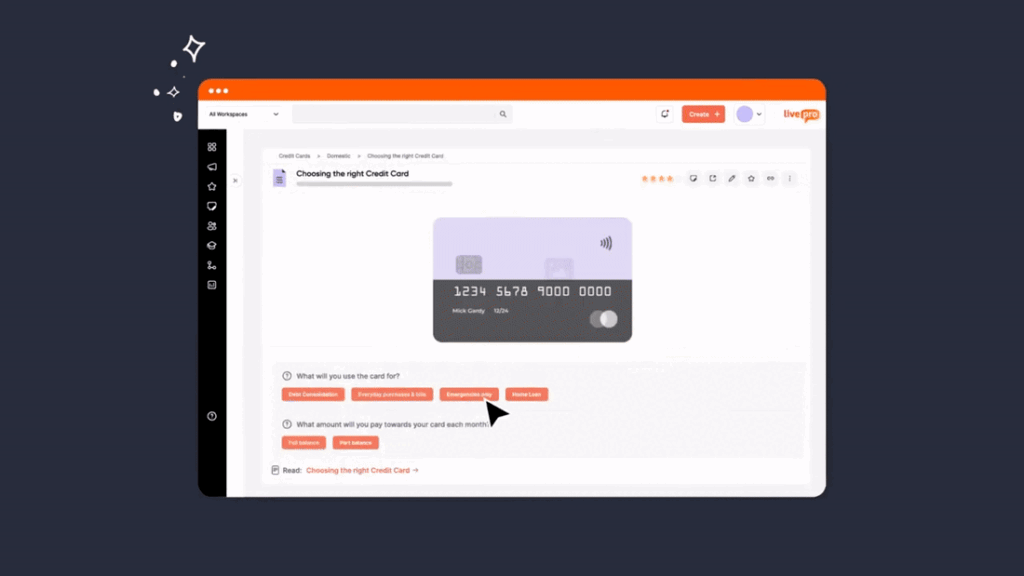
Complex customer queries like eligibility checks, claims, and disputes can’t be resolved by reading a static article. The agent needs a clear path from question to answer, based on the specific details of each interaction.
livepro’s Decision Trees (Rockets) replace static policy articles with interactive, branching workflows. Here’s how they work in practice:
An agent takes a call about a disputed insurance claim. Instead of scanning a five-page policy document, they open the relevant Rocket. The first step asks a simple question: “Was the claim filed within 30 days?” The agent selects yes.
The next step branches based on that answer: “Is the customer’s policy active or lapsed?” Each answer narrows the path until the agent reaches the exact resolution, whether that’s approving the claim, escalating to a supervisor, or reading a specific compliance script.
Every step can include embedded links to forms, systems, escalation contacts, and scripts. Agents don’t need to leave the workflow or search for supporting documents mid-call.
Because each path is pre-approved by compliance teams, every agent follows the same resolution logic regardless of experience level. Knowledge managers can update workflows and version them without interrupting live operations.
This results in fewer errors, shorter training time, and consistent responses across every shift and queue.
AI-Powered Content Authoring for Faster Knowledge Creation
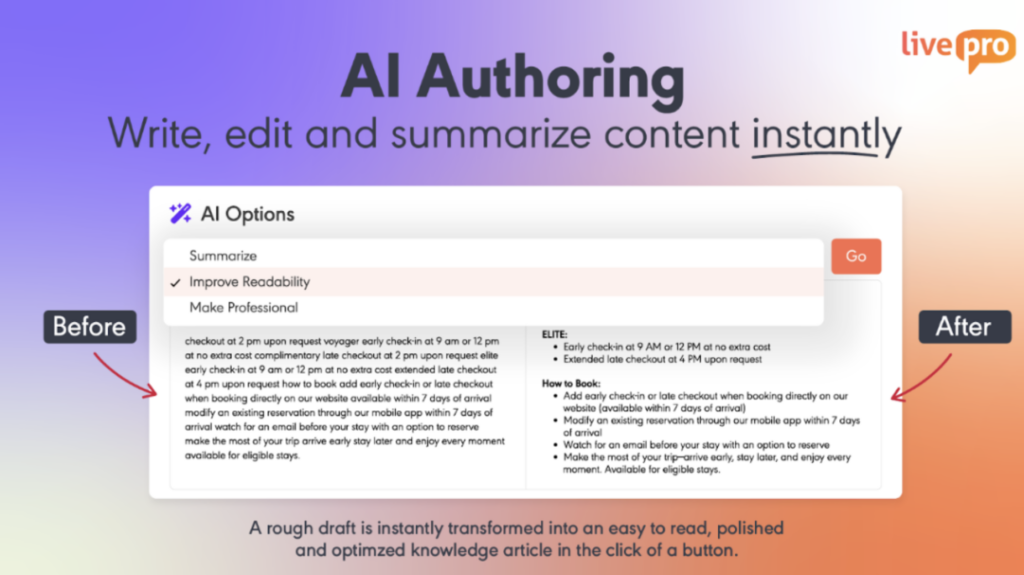
livepro’s AI-Powered Content Authoring tools reduce the time it takes to create and maintain knowledge at scale. The platform includes WYSIWYG editors, drag-and-drop templates, and AI-assisted tools that help authors structure content quickly without technical expertise.
Faster authoring means knowledge teams spend less time on production and more time keeping content accurate and current.
Governance and Compliance Controls for Regulated Industries
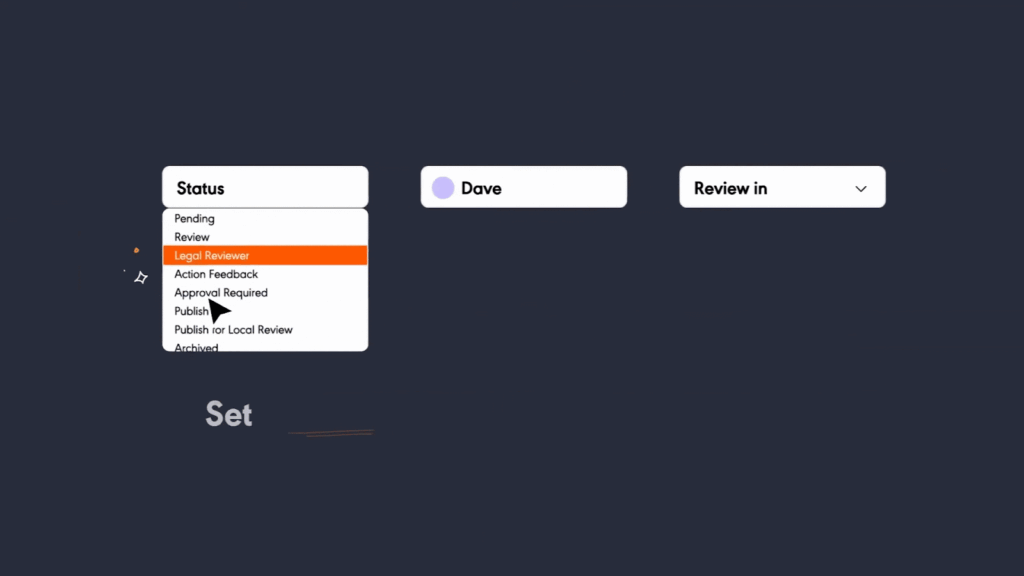
Contact centers in financial services, insurance, healthcare, and government operate under strict regulatory requirements. Content that reaches agents needs to be reviewed, approved, and audit-ready before it goes live.
livepro’s Governance Controls give compliance teams the structure they need to manage knowledge with confidence. Every change is tracked, every piece of content moves through an approval workflow, and full audit trails are available for regulatory review.
To support compliance operations, livepro includes:
- Approval workflows: Content moves through author → reviewer → approver before publication.
- Role-based permissions: Access is controlled by department, seniority, and function.
- Full audit trails: Every change, approval, and access event is logged.
- Scheduled reviews: Automated reminders when policies are due for revalidation.
For example, one of our customers, Atlanticus, achieved 100% compliance and 100% agent adoption after implementing the platform’s governance controls across targeted contact center operations.
Knowledge Analytics for Continuous Improvement
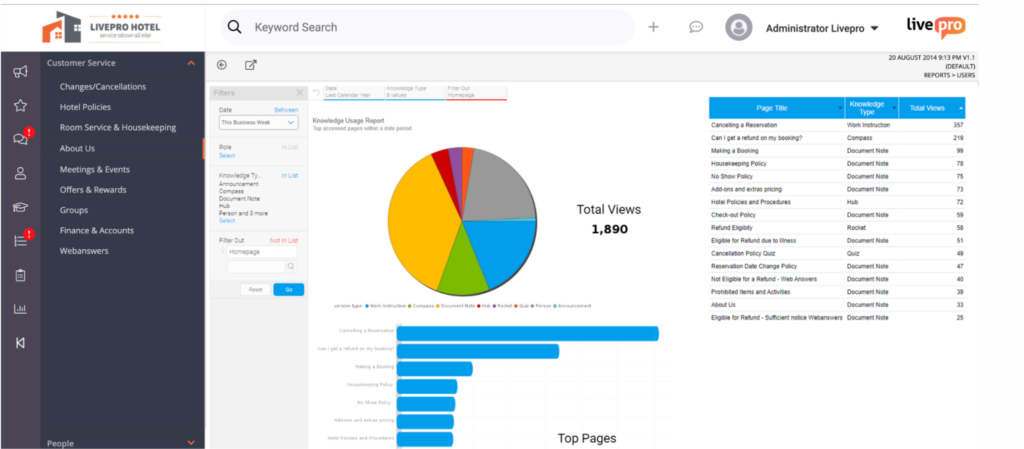
Running a contact center knowledge base without usage data means relying on gut instinct for decisions that directly affect agent performance.
livepro’s Knowledge Analytics track how agents interact with content across the contact center, surfacing patterns that would otherwise stay hidden.
Teams get visibility into knowledge usage through:
- Usage tracking: See which articles agents access most and which go untouched.
- Search analytics: Identify queries that return poor results or no results,
- Knowledge gap reports: Surface areas where agents can’t find what they need,
- Content performance: Track which articles resolve queries and which generate follow-up searches,
- Exportable data: Integrate analytics with external reporting tools.
Regular review of these reports helps knowledge teams prioritize updates, close content gaps, and demonstrate the operational value of knowledge management to the wider business.
Luna AI Voice Agent for 24/7 Customer Support

Luna is livepro’s AI voice agent. It picks up inbound customer calls and handles them directly, pulling answers from your verified knowledge base so responses are always accurate and policy-approved.
Luna helps automate customer support through:
- 24/7 Availability: Handles calls outside business hours.
- Verified Answers Only: Responds using approved knowledge base content, not generated assumptions.
- Natural Language Understanding: Interprets how customers actually speak, not just exact keywords.
- Call Transfers: Routes complex calls to a live agent when needed.
- Multilingual Support: Automatically responds in the customer’s language.
Self-Service Solutions for Deflecting Contact Center Volume
livepro’s Customer Self-Service Solutions let contact centers publish the same verified knowledge externally that agents use internally, through branded help centers, AI-powered chatbots, or voice agents.
For example, a financial services company updates its loan eligibility criteria. The change is approved in livepro once, and it goes live across the agent knowledge base and the customer help center at the same time. No duplicate editing, no version mismatch, no customer receiving outdated information.
When customers resolve their own queries, inbound volume drops and agents focus on interactions that need them.
livepro Pros and Cons
Pros:
- AI search handles typos and understands context, reducing query reformulation under pressure
- Decision trees guide agents through complex, compliance-sensitive processes step by step
- Governance controls and audit trails meet the requirements of financial services, insurance, healthcare, and government
- Analytics surface knowledge gaps and measure operational impact
- Luna Voice Agent handles inbound customer calls using verified knowledge base content
Cons:
- Learning curve on advanced features, but customer support is available for help
livepro Pricing
livepro offers three custom pricing plans: Flex, Premium, and Enterprise. Contact the team for a quote.
livepro Reviews
Review #1: “We went live with livepro six months ago. I have been very impressed with the support we continue to receive. As with any project, we continue to identify opportunities to improve the outcome.”
Review #2: “Our overall experience with livepro has been extremely positive. We signed in May and have since done quite a lot within the platform. The system has helped us unify training materials, streamline updates, and encourage consistent communication.”
livepro Ratings
Guru
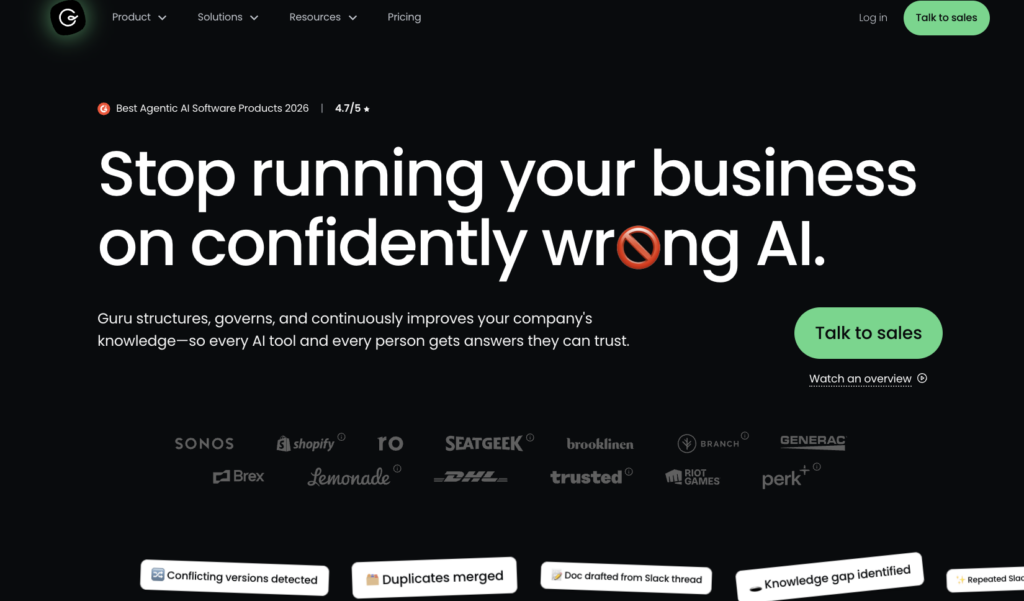
Guru organizes internal knowledge into short, verified “knowledge cards” that surface directly inside tools like Slack, Salesforce, and Zendesk. This allows agents to get answers without leaving their current workflow. When cards go out of date, the platform flags them automatically and routes them to the right content owner for review.
Guru also connects to external sources like SharePoint, Confluence, and Google Drive, pulling knowledge from across your existing systems into one searchable layer.
Read more: Guru Alternatives
How It Compares to Document360
Unlike Document360, Guru is focused on internal knowledge delivery rather than external help centers. Its card-based format is easier for agents to scan during live interactions, especially compared to long-form documentation.
Guru Key Features
- Agentic AI search that retrieves answers based on user role, current workflow, and query context
- Knowledge cards with assigned owners, verification deadlines, and automatic expiry flagging
- Browser extension that surfaces relevant cards in real time across any tab, including CRM, helpdesk, and email tools
- Usage analytics that track which cards are accessed, which searches return no results, and which content is overdue for verification
Pricing
Guru offers custom pricing packages.
Helpjuice
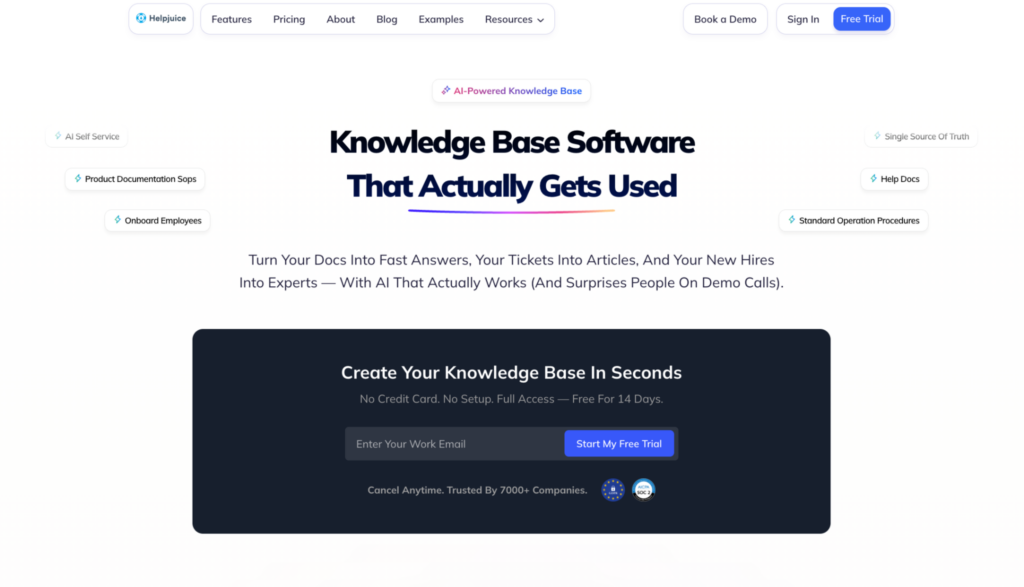
Helpjuice is a knowledge base platform built for customer support and internal teams. It is known for its customization capabilities, giving teams more control over branding, layouts, and knowledge base structure without needing developer support.
Its AI-powered search improves over time based on how users interact with results. Teams that want more control over the look and experience of their knowledge portal get the most value from the platform.
Explore more: Helpjuice alternatives
How It Compares to Document360
Both platforms are built for structured knowledge base publishing, but Helpjuice focuses more on customer-facing support content and branding control. Document360 offers more advanced content governance and version control.
Helpjuice Key Features
- AI-powered search that improves based on how users interact with results
- Deep customization for branding, layout, and structure without coding
- Analytics showing search queries, failed searches, and article performance
- Multilingual support for teams serving multiple regions
- Integrations with Zendesk, Salesforce, Slack, and Google Chrome extension
Pricing
Helpjuice pricing starts at $249/month for its Knowledge Base plan.
Bloomfire
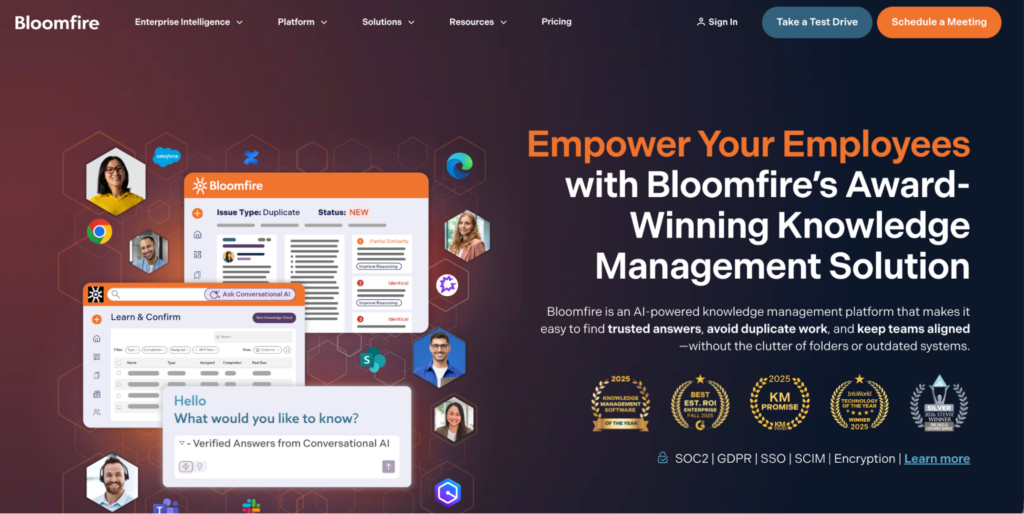
Bloomfire is a knowledge management software that makes all types of content searchable, including video and audio. Its AI engine indexes over 29 file types and automatically transcribes recorded content, so spoken words become searchable by keyword or phrase.
It also includes a Q&A engine where employees post questions and subject matter experts respond publicly, turning one-off answers into reusable knowledge.
Read more: Bloomfire Alternatives
How It Compares to Document360
Bloomfire focuses more on collaborative knowledge sharing through features like commenting, discussions, and expert contributions, while Document360 is built around structured documentation, governance, and organized publishing workflows.
Bloomfire Key Features
- AI-powered search that indexes 29+ file types using natural language queries
- Automatic video and audio transcription that makes spoken content searchable
- Q&A engine where employees ask questions and subject matter experts respond
- Self-healing knowledge base that flags outdated content and prompts owners to review
- Integrations with Salesforce, Slack, Microsoft Teams, Zendesk, and SharePoint
Pricing
Bloomfire uses custom pricing based on deployment scope. Contact their team for a quote.
Confluence
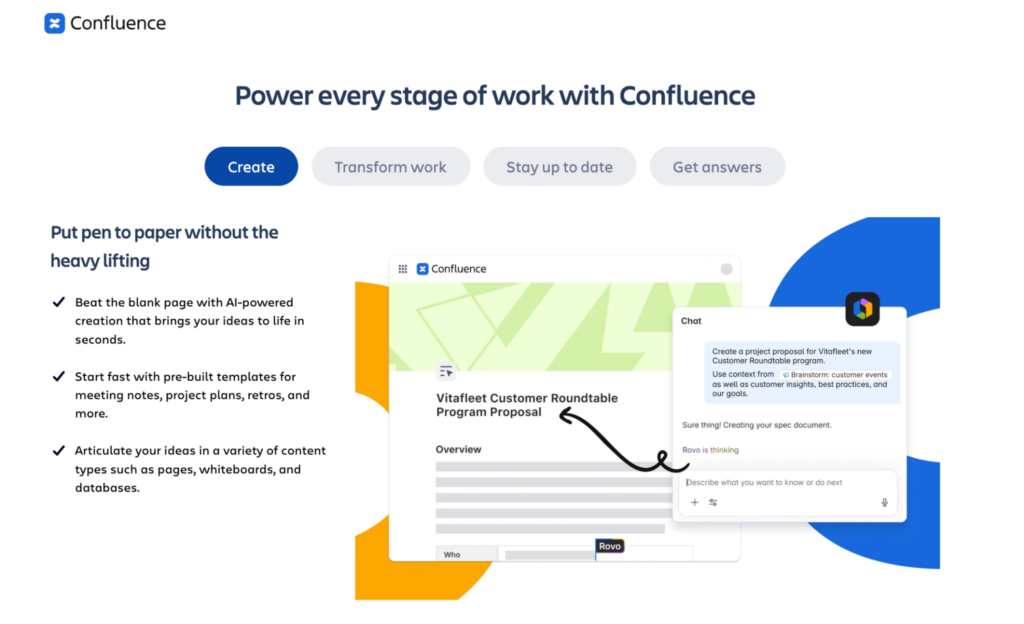
Confluence is Atlassian’s team wiki and documentation platform. Teams use it to create internal documentation, meeting notes, project specs, and SOPs, organized into department or project-level spaces. It connects deeply with Jira, making it a default choice for engineering, product, and IT teams already running on Atlassian tools.
How It Compares to Document360
Confluence is built for internal team wikis and project documentation. Document360 is built for structured publishing, including external help centers.
Key Features
- Spaces and nested pages for organizing team documentation by department or project
- Deep integration with Jira, Trello, and the broader Atlassian marketplace
- Collaborative editing with inline comments, mentions, and version history
- Templates for meeting notes, project plans, product requirements, and SOPs
- Granular permissions at space and page level
Pricing
Confluence is free for up to 10 users. Standard starts at $5.42 per user per month. Premium starts at $10.44 per user per month. Enterprise pricing is available on request.
Nuclino
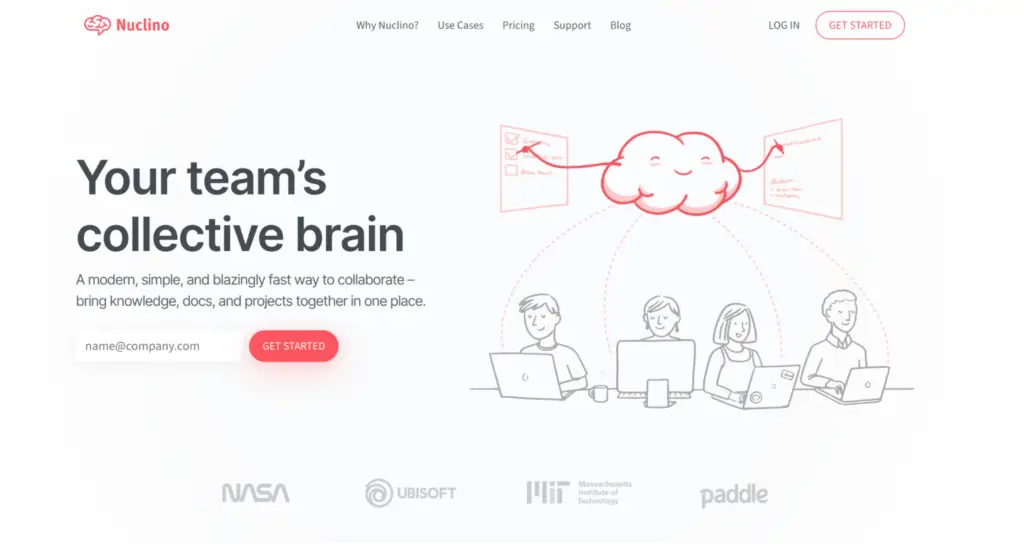
Nuclino is a lightweight wiki platform built for small to mid-sized teams that need a fast, simple way to organize internal knowledge. It offers multiple view modes (list, board, table, and graph) and supports real-time collaborative editing.
Teams use it for product documentation, onboarding guides, and internal wikis where simplicity matters more than depth.
How It Compares to Document360
Nuclino is lighter and easier to set up than Document360, but offers less control over content workflows and external publishing.
Nuclino Key Features
- Multiple view modes including list, board, table, and graph for visualizing content relationships
- Real-time collaborative editing with inline comments and live cursor tracking
- Markdown support with a clean, distraction-free editor
- Integrations with Slack, Google Drive, and Microsoft Teams
- Simple permission controls at the workspace level
Pricing
Nuclino’s Free plan supports up to 50 items. Starter costs $8 per user per month and Business costs $12 per user per month.
Notion
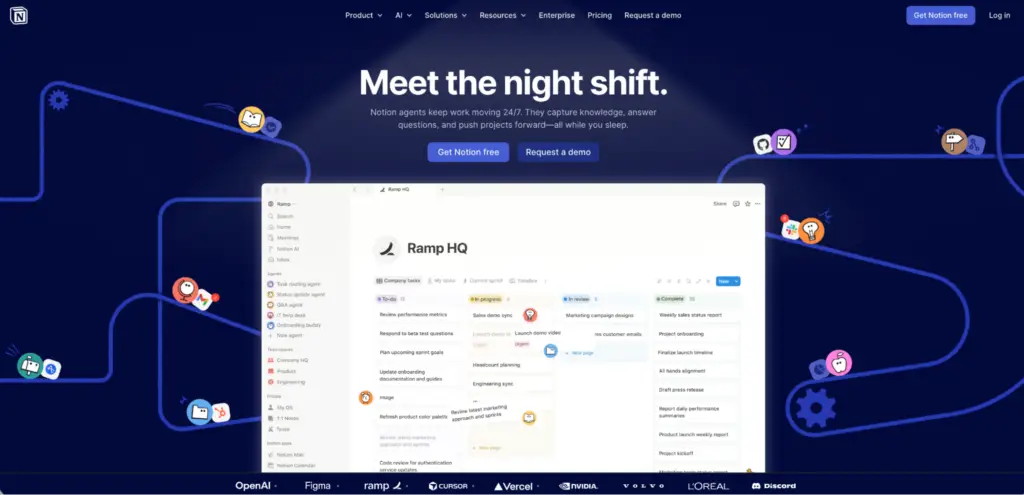
Notion is a modular workspace where teams build their own systems using databases, pages, and linked views. Teams use it for internal wikis, project tracking, meeting notes, and content planning, often replacing multiple tools with one flexible workspace.
Its database functionality lets users create relational tables, kanban boards, calendars, and timelines all within the same document.
How It Compares to Document360
Notion gives teams more freedom to build custom workflows, but requires more setup. Document360 is ready to use for documentation out of the box with stronger versioning and publishing controls.
Notion Key Features
- Modular page and database system with table, board, calendar, and timeline views
- Relational databases that link content across pages and workspaces
- AI-powered writing and search across all workspace content
- Templates for wikis, project management, and content planning
- Integrations with Slack, GitHub, Jira, Google Drive, and Zapier
Pricing
Notion’s Free plan is available for individuals. Plus costs $12 per user per month. Business costs $24 per user per month. Enterprise pricing is available on request.
Shelf
Shelf is a knowledge automation platform built for customer support and contact center teams. It sits inside agent desktops and surfaces relevant answers in real time as agents handle interactions.
Its MerlinAI engine analyzes the conversation context and pushes the right content to the agent at the right moment.
Read more: Shelf Alternatives
How It Compares to Document360
Unlike Document360, shelf is purpose-built for contact center agent support, with real-time answer delivery and automation at its core.
Shelf Key Features
- MerlinAI that surfaces relevant answers automatically during live interactions
- Unified search across multiple content sources and file types
- Content health scoring that identifies outdated or low-quality articles
- Integrations with Salesforce, Zendesk, Genesys, and Five9
- Analytics tracking agent usage, content gaps, and search performance
Pricing
Shelf uses custom pricing based on team size and deployment. Contact their team for a quote.
Knowmax
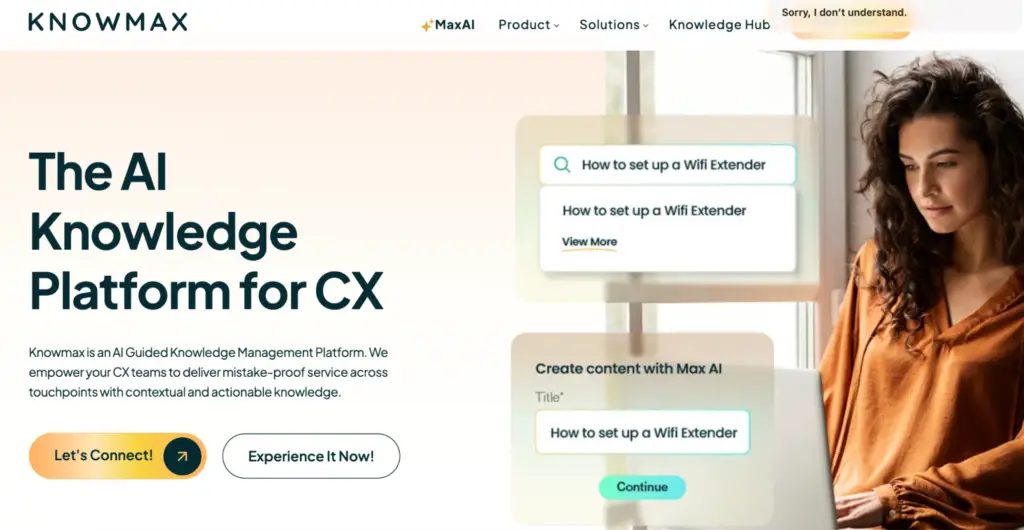
Knowmax is a knowledge management platform built for customer experience teams. It focuses on guided workflows, visual decision trees, and structured content delivery across voice, chat, and email channels. Contact center teams use it to standardize agent responses and reduce handle time on complex interactions.
How It Compares to Document360
Document360 is a preferred choice for structured documentation and technical SOPs, while Knowmax specializes in customer experience tools like interactive decision trees and visual guides for frontline agents.
Knowmax Key Features
- Visual decision trees for guiding agents through complex, multi-step interactions
- Omnichannel knowledge delivery across voice, chat, email, and self-service
- AI-powered search with natural language query support
- Content authoring tools for SOPs, FAQs, and process guides
- Integrations with Salesforce, Zendesk, and major CRM and telephony platforms
Pricing
Knowmax uses custom pricing based on team size and deployment scope. Contact their team for a quote.
ProProfs Knowledge Base
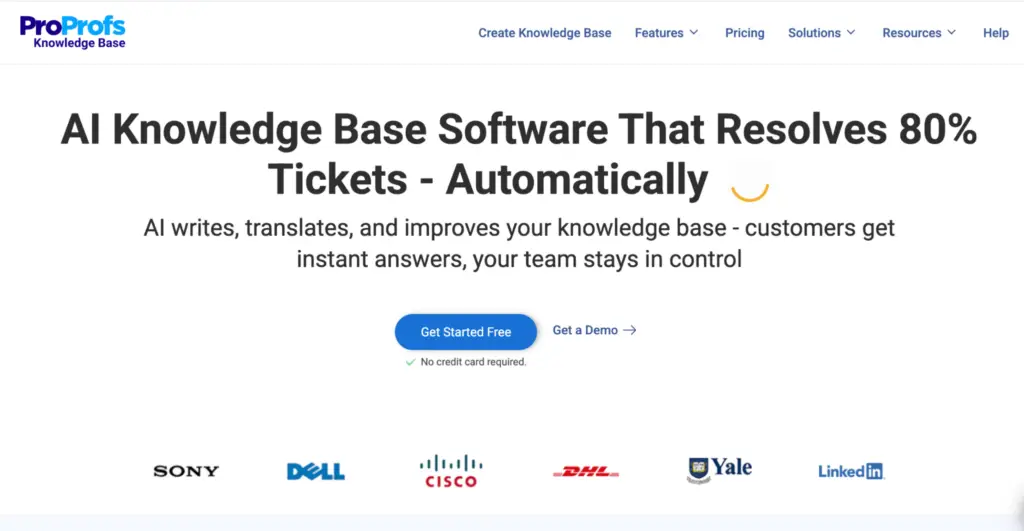
ProProfs is a platform for building internal and external knowledge bases, help centers, and documentation sites.
Teams use it to create searchable article libraries for customer support, employee onboarding, and IT documentation. It’s designed to be simple to set up, with a word processor-style editor that requires no technical knowledge.
How It Compares to Document360
ProProfs is a simpler and lower-cost alternative to Document360 with similar publishing capabilities. Document360 offers stronger governance and versioning, while ProProfs is a better fit for smaller teams that want a straightforward knowledge base.
ProProfs Key Features
- Word processor-style editor with templates for articles, FAQs, and manuals
- AI-powered search with typo tolerance and natural language support
- Access controls for managing internal and external knowledge separately
- Analytics tracking article performance, search queries, and failed searches
- Integrations with Zendesk, Freshdesk, Salesforce, and Google Analytics
Pricing
ProProfs offers a free plan for 1 author and up to 25 pages. Paid plans start at $49/month for the Essentials plan.
10 Best Document360 Alternatives in 2026: Comparison Table
| Tool | Key Features | Vs. Document360 | Pricing |
| livepro | Hybrid AI search, decision trees, governance controls, compliance workflows, Luna voice agent, self-service solutions, knowledge analytics | Purpose-built for contact centers and regulated industries. Delivers answers in real time during live interactions | Custom pricing |
| Guru | Knowledge cards, agentic AI search, browser extension, automated verification, cross-platform sync | Internal-only. Card format is faster to scan mid-interaction than Document360’s long-form articles | Custom pricing |
| Helpjuice | AI search, deep branding customization, multilingual support, analytics, Zendesk and Salesforce integrations | Helpjuice focuses on customer-facing support content; Document360 on governance and versioning | From $249/month |
| Bloomfire | AI search across 29+ file types, video and audio transcription, Q&A engine, self-healing knowledge base | Bloomfire focuses on collaborative knowledge sharing across multimedia content | Custom pricing |
| Confluence | Spaces and pages, Jira integration, collaborative editing, granular permissions, templates | Built for internal team wikis and project documentation | Free up to 10 users. From $5.42/user/month |
| Nuclino | Multiple view modes, real-time collaboration, graph view, markdown editor, workspace permissions | Built for lightweight internal wikis | From $8/user/month |
| Notion | Modular databases, AI search, relational pages, templates, 100+ integrations | Flexible all-in-one workspace vs. Document360’s structured documentation publishing. Notion requires more setup | From $12/user/month |
| Shelf | MerlinAI real-time answer delivery, content health scoring, unified search, contact center integrations | Unlike Document360, purpose-built for contact center agent support with real-time answer automation | Custom pricing |
| Knowmax | Decision trees, omnichannel delivery, AI search, CX-focused authoring tools | Knowmax specializes in CX tools like decision trees and visual guides | Custom pricing |
| ProProfs | Word processor editor, AI search, access controls, article analytics, helpdesk integrations | Simpler and lower-cost than Document360 with similar publishing capabilities | Free plan available. From $49/month |
Bottom Line: livepro Is the Best Document360 Alternative for Contact Centers
If you run a contact center, the question isn’t which documentation platform to use, it’s whether you should be using a documentation platform at all.
Document360 stores and publishes content. livepro delivers answers. Agents working through live calls need guided workflows, real-time search, and governance controls that documentation platforms aren’t built to provide.
livepro is the only platform in this list purpose-built for that environment.
Book a demo to see how livepro helps contact center teams cut average handle time and, achieve 100% compliance.
Frequently Asked Questions About Document360 Alternatives
What Is the Best Free Document360 Alternative?
Confluence offers a free plan for up to 10 users with unlimited pages. Notion has a free plan for individual users. Nuclino’s free plan supports up to 50 items. For contact center teams, none of these free plans include the compliance controls, guided workflows, or agent-facing features needed for regulated operations. If your team needs those capabilities, livepro offers a purpose-built contact center KM platform with guided decision trees, governance controls, and AI-powered search. You can book a demo to see how it fits your operation.
Is Document360 Good for Contact Centers?
Document360 works well for documentation teams building help centers and internal wikis. For contact centers, it lacks real-time answer delivery, guided decision workflows, agent adoption tracking, and compliance automation. Teams in financial services, insurance, or government will find these gaps affect performance directly. livepro was built specifically for this environment, with features like Hybrid Lightspeed Search, decision trees (Rockets), and audit-ready governance that contact center teams can use from day one.
What Features Should I Look for in a Knowledge Base for Contact Centers?
Look for real-time search that handles natural language queries, decision trees for complex agent workflows, governance controls with audit trails, agent adoption analytics, and native integrations with your CRM and telephony stack. These are the capabilities that separate a contact center KM platform from a general documentation tool. livepro includes all of these features natively, which is why contact center teams in financial services, healthcare, and government use it to reduce handle time and stay compliant.
How Does livepro Compare to Document360?
Document360 is built to store and publish documentation. livepro is built to deliver answers to agents during live customer interactions. livepro includes guided decision workflows, compliance governance, agent engagement tools, and a voice agent, none of which Document360 offers in a contact center context.