

Your contact center agents check Slack, then a shared drive, then ask a colleague sitting next to them. Three sources, three different answers. The customer is still on the line.
It’s the same problem across the rest of the business. HR stores onboarding docs in Google Drive. Finance keeps policy updates in email threads. Operations tracks procedures in a spreadsheet that nobody remembers to update. Every team builds its own system, and none of them connect.
Small businesses feel this more than anyone. There’s no budget for a dedicated platform team. There’s no time to build a system from scratch. But the cost of not fixing it shows up every day: wrong answers, repeated work, and new hires who take weeks to get up to speed because the information they need lives in someone’s head.
What these teams need is a single platform where accurate, up-to-date knowledge lives in one place and is easy to find, whether you’re an agent on a live call or an HR coordinator answering the same policy question for the fifth time this week.
This article covers the 10 best knowledge management software for small businesses by comparing key features and pricing. Whether you run a small support team or manage knowledge across a few departments, there is an option here that fits your size, budget, and use case.
TL;DR: Best Pick for Every Team Type
| Platform | Best For |
| livepro | Contact center and cross-department teams that need one place for accurate answers, guided workflows, and automated content governance, without a long setup or dedicated admin |
| Helpjuice | Teams building a branded, customer-facing knowledge base with deep analytics |
| Nuclino | Small teams replacing shared drives with a lightweight, real-time wiki |
| KnowledgeOwl | Support and documentation teams managing separate internal and external knowledge bases |
| Document360 | SaaS and IT teams managing technical documentation and developer portals |
| Confluence | Teams already using Jira or Trello that need a flexible documentation workspace |
| ClickUp | Teams consolidating project management and knowledge documentation in one tool |
| Tettra | Slack-first teams that want to reduce repetitive questions with an AI bot |
| Notion | Startups and small teams building a flexible, customizable internal wiki |
| Freshdesk | Small CX teams that need a knowledge base embedded inside their helpdesk |
livepro
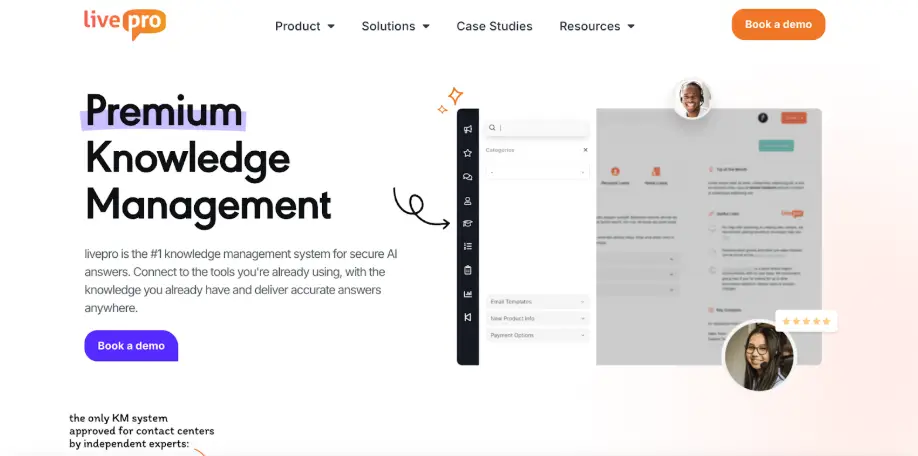
livepro is an AI-powered knowledge management software built for contact centers and cross-department teams that have outgrown shared drives and email threads.
livepro serves industries like banking, BPOs, local government, and healthcare, where knowledge accuracy and compliance carry real consequences.
G2 Spring Report 2026 ranked livepro among the top-rated platforms across six feature categories: intelligent search (9.5/10), integrations (9.6/10), access management (9.7/10), analytics (9.5/10), data governance (9.9/10), and compliance (9.8/10).
Small CX teams use livepro as a single source of truth to give agents fast, accurate answers during live customer interactions. Internal teams use it to centralize documents, control which versions stay active, who sees what, and make sure every team member works from the same approved information.
Here’s how livepro simplifies knowledge management for small businesses:
Lightspeed Search for Faster Answer Retrieval
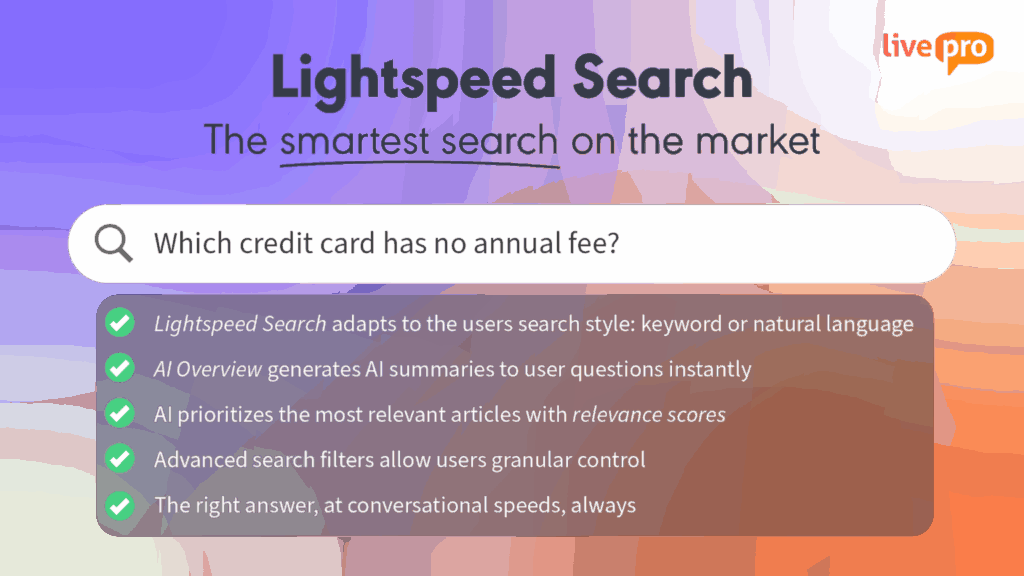
When answers live across shared drives, email threads, and Slack messages, agents on small teams waste time searching. Every minute spent digging through folders is a minute a customer waits.
livepro’s Lightspeed Search combines keyword search with natural language. When an agent types a query, it understands the intent, searches across the knowledge base, and retrieves relevant answers within seconds.
livepro refines search accuracy with the following capabilities:
- Typo tolerance: Matches misspelled or incomplete queries to the correct article, so agents searching under pressure still get the right answer.
- AI relevance scoring: Ranks results by accuracy, approval date, and confidence level, so the most relevant answer surfaces first.
- Filtering options: Narrows results by product type, category, or compliance tag to cut through noise in a growing knowledge base.
- Self-learning: Adapts ranking based on search behavior, so results improve as the team uses the system.
AI Overview for Quick, Context-Aware Summaries
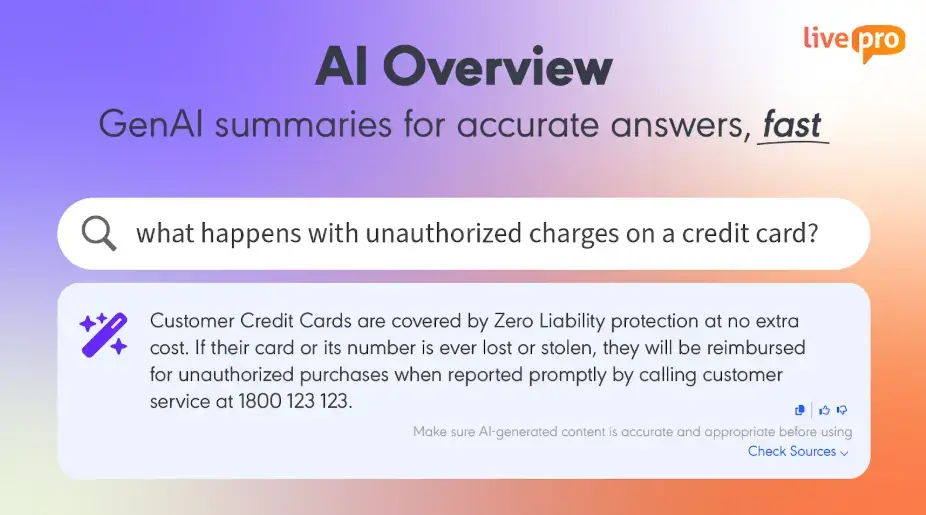
Small teams often store policies in long PDF documents or multi-page Word files. Agents or team members need to read through all these documents to find one specific answer.
livepro’s AI Overview simplifies this by generating short summaries at the top of every search result. It surfaces the decision-critical details from the approved content. Teams can review these key points and complete their tasks without opening the full document.
Every summary draws from approved internal content only. Small teams with fewer people handling more queries get consistent answers on every interaction, regardless of who handles the request.
LightspeedAI to Migrate Scattered Files in Minutes
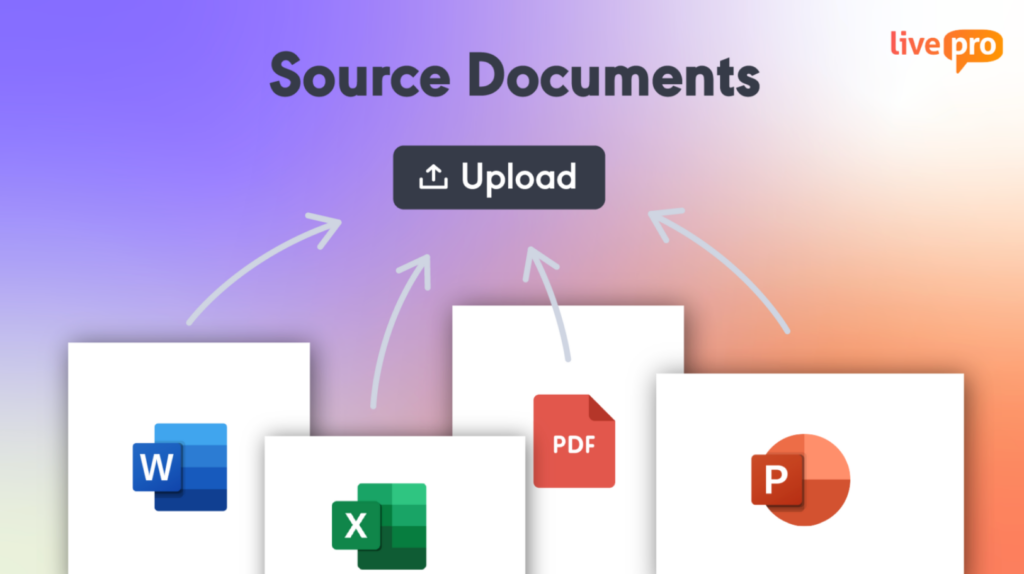
Small teams store knowledge across Word documents, shared drives, and emailed PDFs. Moving that content into a structured platform manually takes weeks that most small teams don’t have.
livepro’s LightspeedAI bulk imports documents in minutes. Teams upload existing Word documents, PDFs, and policy files. The AI extracts the content, organizes it into knowledge articles, and formats everything into structured, readable templates.
All imported content is set to pending by default. A human reviews and approves everything before it goes live, so the team stays in control of what gets published.
Decision Trees for Complex Process Guidance
When five people on the same team handle the same request and give three different answers, the process becomes inconsistent. Small teams without documented workflows rely on experience, and the answers shift depending on who handles the request.
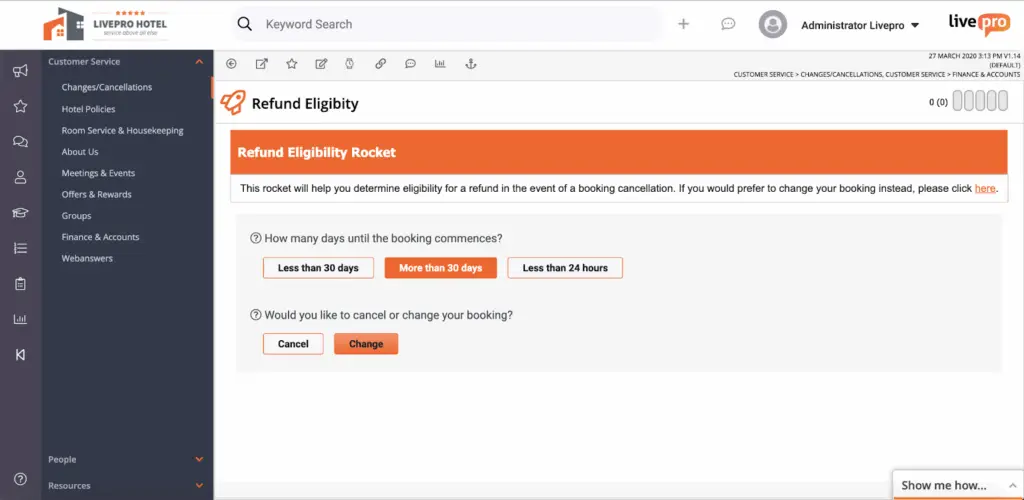
livepro’s decision trees, called Rockets, break complex policies into a structured, branching workflow. Agents answer one question at a time. Each answer triggers the next step, moving them through the process until they reach the right outcome.
An agent handling an account cancellation, for example, follows the decision tree that asks whether the customer is within their contract period. A yes surfaces the early termination policy. A “No” routes to the standard cancellation flow. Every branch ends with a specific action.
Teams can build these flows using a drag-and-drop editor and review and approve every path before it reaches agents. When policies change, updates go through the same approval chain, so agents always follow a current and approved flow.
Built-in Governance for Automated Review Cycle
Small teams rarely have a dedicated content manager. Policy documents get updated by whoever has access, review dates get missed, and teams end up working from different versions of the same article.
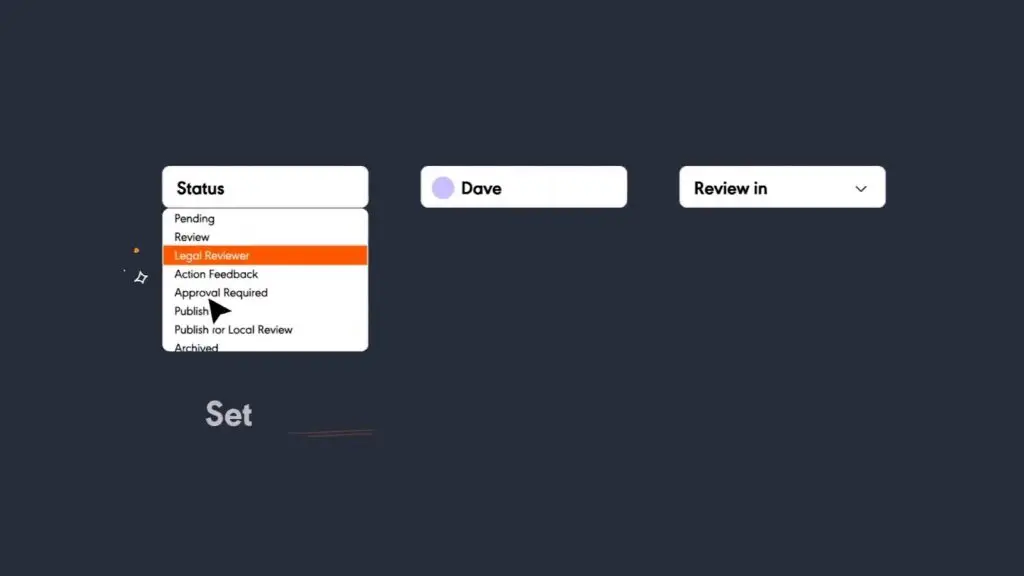
livepro’s built-in governance framework structures how content moves from draft to published. Each article has a designated owner, and every change follows a defined workflow: an author drafts, a reviewer validates, and an approver publishes. No article goes live without sign-off.
Once that structure is in place, livepro automates the upkeep. Every article carries a review date and an expiry date. When a review date approaches, it flags the article and routes it to the owner. If the deadline passes without action, the platform retires the article, so outdated content never stays visible to the team.
When a policy changes, livepro surfaces every related article for review. Every change is tracked with a full version history. Teams can compare versions side by side and restore a previous version at any point.
AI Authoring to Simplify Content Creation
In small teams, knowledge often gets documented, but it reads differently across every department in different formats, different levels of detail, and different tones.
livepro’s authoring tools help structure content, processes, and guides into readable knowledge articles.
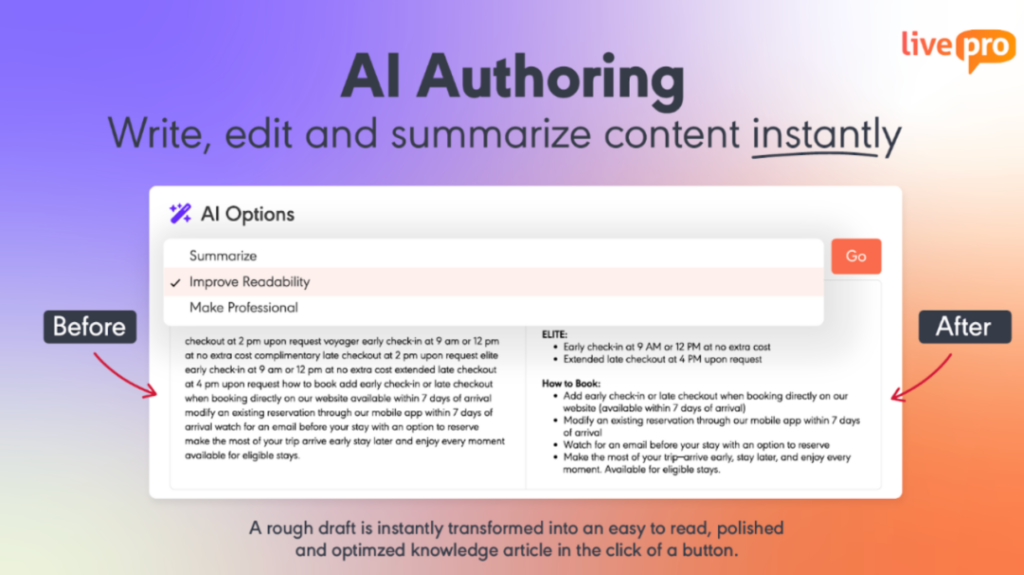
It supports a built-in AI authoring tool to speed up content creation. A subject matter expert can write rough notes, and the AI rewrites the content to match a consistent tone and style. It simplifies jargon, shortens verbose sentences, and applies uniform formatting across every article.
When managing multiple content types, teams can use pre-built templates to standardize how every article looks across departments.
livepro includes a WYSIWYG (What You See Is What You Get) editor for teams that prefer to build articles manually. Authors can add multimedia, paste images, format text, and see previews before the article goes live.
After editing, the author can tag a reviewer for final approval or publish directly in the knowledge base. The platform syncs new or updated articles without manual intervention.
Knowledge Analytics to Track Performance and Usage

livepro’s knowledge analytics shows teams how their knowledge base performs in real time. You can configure dashboards by department or role to track what matters to their operations.
livepro gives visibility into:
- Trending searches: Which articles get accessed the most, so high-traffic content stays accurate and ranks higher in results.
- Failed searches: What topics teams search for but fail to find.
- Usage tracking: Which departments and agents are engaging with articles and which aren’t.
- Content performance: Which articles resolve queries and which generate follow-up searches.
livepro lets small businesses build custom reports or export data to share with stakeholders and connect to external business tools for ROI (return on investment) analysis.
livepro Integrations
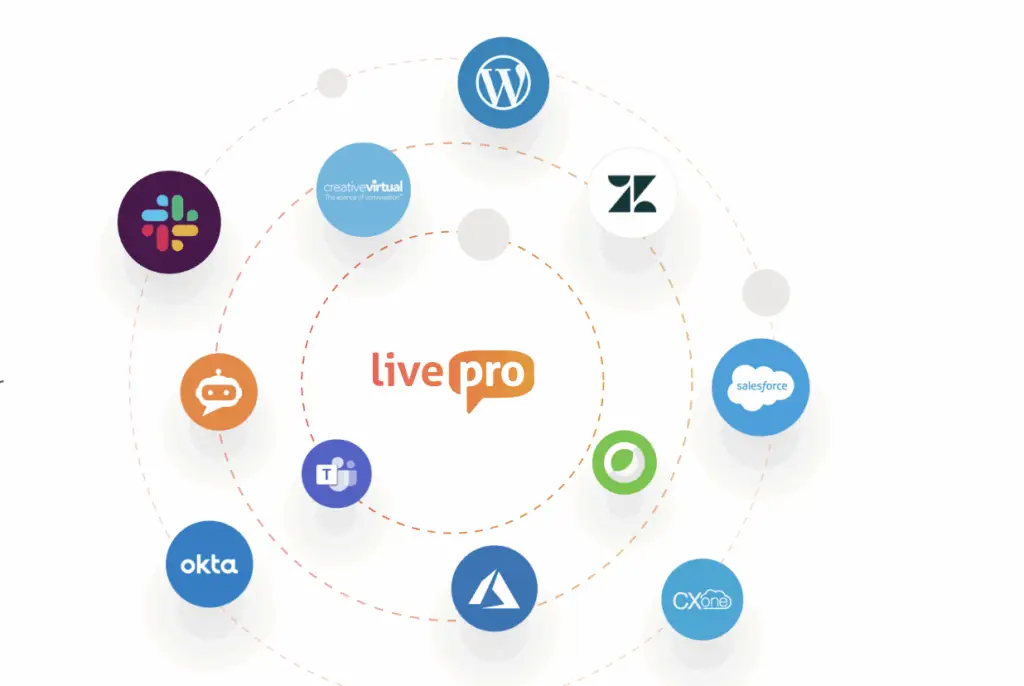
Small teams work across multiple tools: CRM for customer data, a helpdesk for tickets, and a chat platform for internal communication. They need to switch between each tab, which breaks the entire flow.
livepro integrates with the tools your team already uses:
- NICE CXone
- Genesys Cloud
- Salesforce
- Zendesk
- Microsoft Teams
- Microsoft Dynamics CRM
- Azure
- Okta
- Slack
- Cisco Webex
If you use a custom app, our open API lets you connect to any platform you use.
livepro Pricing
livepro offers three pricing plans: Flex, Premium, and Enterprise. You can contact our team for a custom quote.
User Rating
Helpjuice
Helpjuice is a knowledge base platform for customer service and internal teams that want to build a branded documentation portal. It targets businesses of all sizes.
Users praise its structured article creation and team adoption. Many users also complain about the limited search function and a lack of customization options for specific workflows.
Learn more: Helpjuice Alternatives
Helpjuice Key Features
- Offers an AI-powered search that understands context and intent
- Provides deep analytics on search patterns and knowledge gaps
- Supports full brand customization, including custom domain and white-labeling
- Translates your entire knowledge base into 40+ languages
- Integrates with Zendesk, Slack, Microsoft Teams, and Zapier
Helpjuice Pricing
Helpjuice pricing starts from $249 per month for up to 30 users.
User Rating
Nuclino
Nuclino is a collaborative workspace platform for small and mid-sized businesses that need simple features beyond a shared drive. It allows teams to share documents, organize content, and visualize information into readable insights with real-time editing tools.
Many users praise its intuitive interface, but complain about storage limits and weak governance needed to maintain a compliant knowledge base.
Read more: Nuclino Alternatives
Nuclino Key Features
- Organizes content as lists, Kanban boards, tables, or graphs
- Offers Sidekick, an AI assistant that answers from your knowledge base
- Supports real-time collaborative editing across the whole team
- Provides instant search across all documents and projects
- Replaces multiple collaboration tools in one unified workspace
Nuclino Pricing
Nuclino pricing starts from $6 per month per user.
User Rating
KnowledgeOwl
KnowledgeOwl is a knowledge base platform built for support, documentation, and internal teams. It controls which content each reader group sees, making it easy to separate customer-facing docs from internal resources in the same platform.
Many users praise its easy setup process, but complain about limited reporting and customization options.
KnowledgeOwl Key Features
- Supports hybrid AI, semantic, and keyword search out of the box
- Offers granular reader group permissions at the article and category levels
- Provides built-in analytics on search queries and page performance
- Includes unlimited nested categories with drag-and-drop organization
- Integrates with Zendesk, Salesforce, and Slack via API
KnowledgeOwl Pricing
KnowledgeOwl pricing starts from $100 per month for basic features.
User Rating
Document360
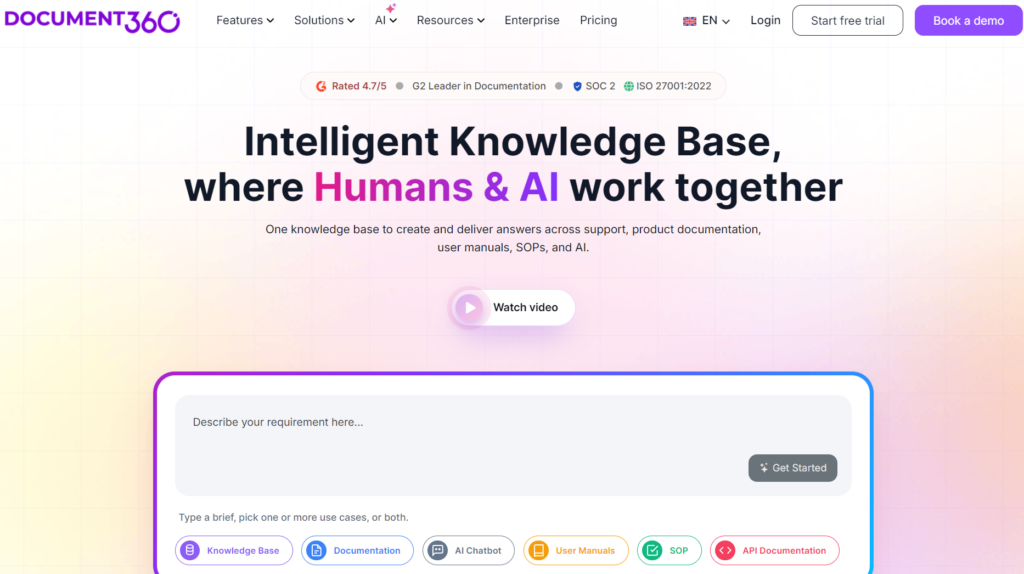
Document360 is an AI-powered knowledge base platform for teams that manage technical documentation and developer portals. It targets SaaS, healthcare, financial services, and IT teams.
Users praise its AI search and analytics features, but complain about editing and layout navigation issues.
Learn more: Document360 Alternatives
Document360 Key Features
- Supports AI-powered search with a ChatGPT-style assistant that answers from your knowledge base
- Allows category-based article organization with version control and article versioning
- Offers role-based access controls with structured review and approval workflows
- Supports both internal wikis and public-facing help centers from one platform
- Integrates with Zendesk, Freshdesk, Slack, Microsoft Teams, and Intercom
Document360 Pricing
Document360 offers custom pricing.
User Rating
Confluence
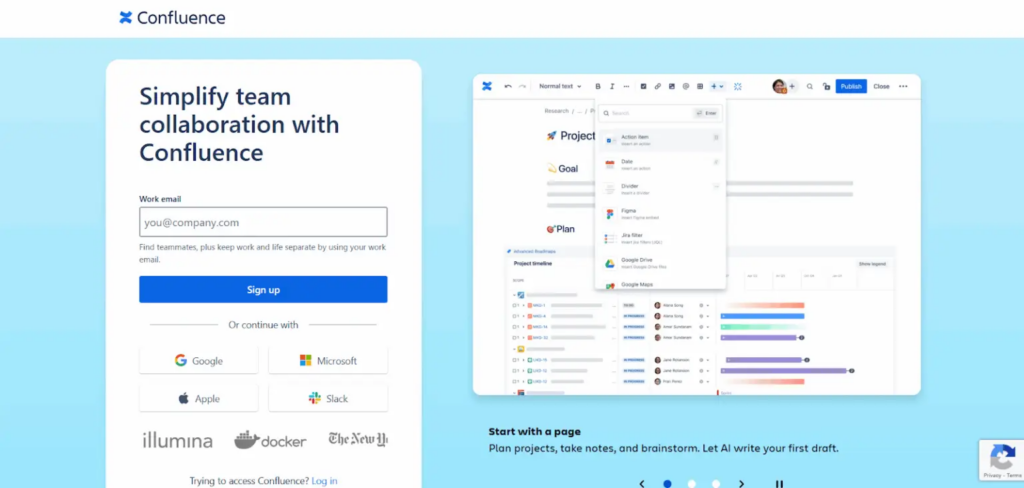
Confluence is Atlassian’s team workspace and wiki platform used by software, product, and cross-functional teams. It’s part of the Atlassian ecosystem, which makes it the default choice for teams already using Jira or Trello.
Confluence users like its collaborative editing, but find the search function frustrating to use.
Read more: Confluence Alternatives
Confluence Key Features
- Offers AI-powered search and automated page summaries via Atlassian Intelligence
- Supports real-time collaborative editing across teams and time zones
- Provides page-level permissions for internal and external content
- Includes whiteboards, databases, and video embeds within pages
Confluence Pricing
Confluence pricing starts at $6.70 per user per month.
User Rating
ClickUp
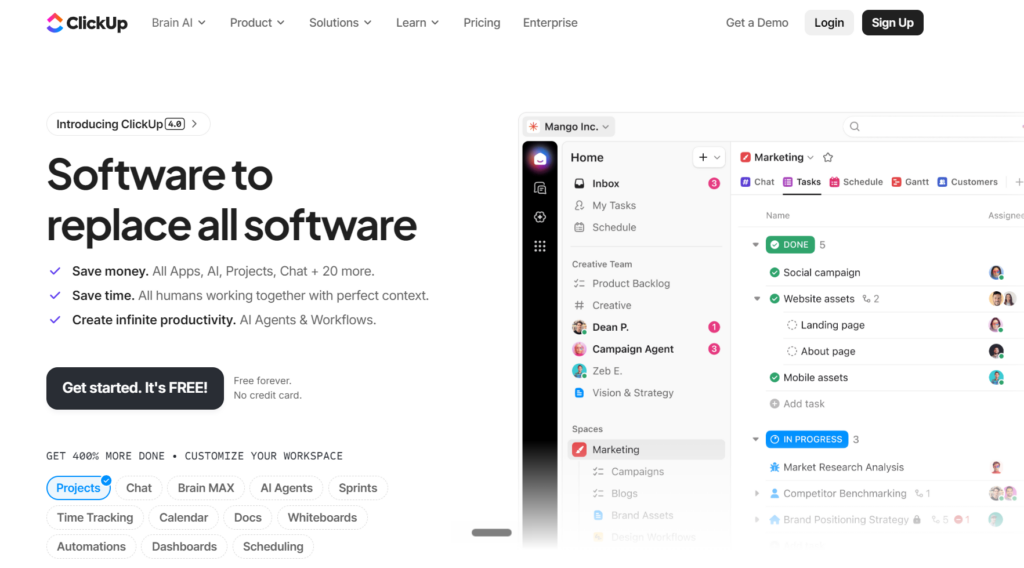
ClickUp is a project management platform for teams that want to consolidate tasks, documents, and knowledge in a workspace. It helps you store and organize content into boards and visual cards for better accessibility.
Users like its dashboards and real-time project visibility, but many users also report inaccurate AI summaries and a complex onboarding process.
ClickUp Key Features
- Builds wikis and SOPs directly inside the project management workspace
- Offers ClickUp Brain, an AI assistant that searches across the entire workspace
- Links knowledge articles directly to tasks, projects, and team members
- Supports real-time collaborative editing with comments and version history
- Provides a centralized Docs Hub to search, sort, and filter all content
ClickUp Pricing
ClickUp pricing starts from $7 per month per user.
User Rating
Tettra
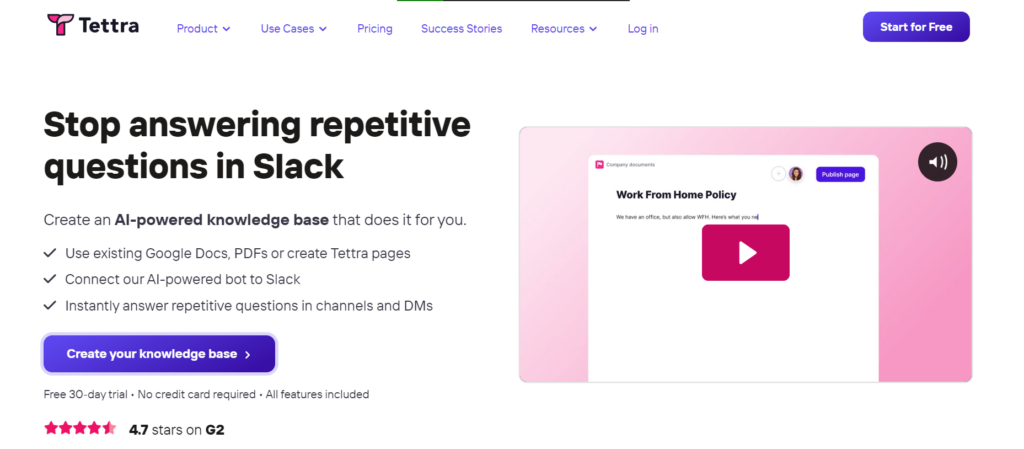
Tettra is an AI-powered knowledge management platform built for customer support, HR, and operations. Small teams that rely on Slack and want to reduce repetitive questions will find it easy to adopt with minimal setup.
Many users praise its integration with Slack, but report poor search functionality.
Tettra Key Features
- Answers questions via the AI bot Kai directly inside Slack and MS Teams
- Designates knowledge experts to verify and own content by topic
- Tracks unanswered questions and surfaces knowledge gaps
- Provides monthly analytics on usage, contributions, and content health
- Integrates with Google Drive, Zapier, and GitHub
Tettra Pricing
Tettra pricing starts from $8 per month per user for up to 10 users.
User Rating
Notion
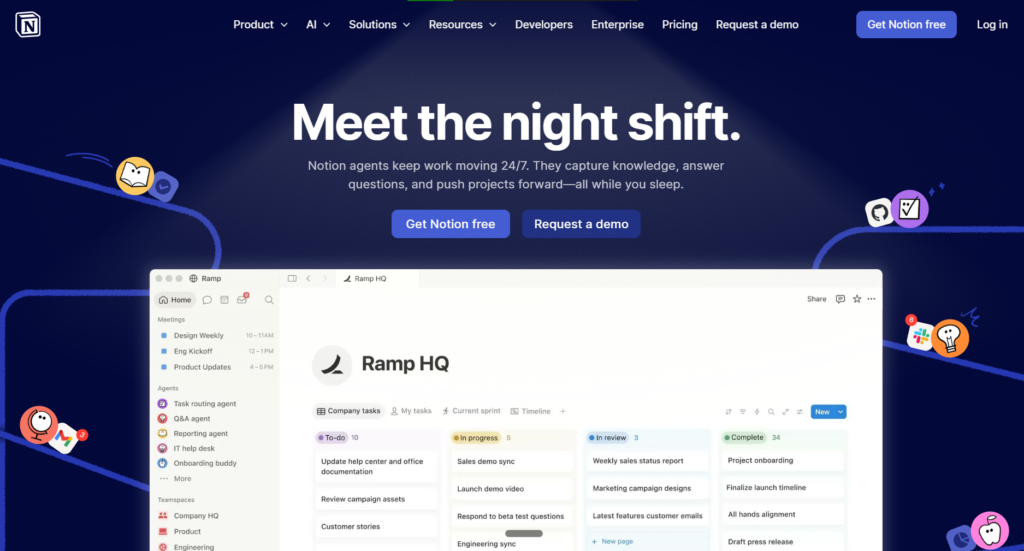
Notion is an all-in-one workspace for startups, small businesses, and cross-functional teams. It helps you structure content as pages, databases, Kanban boards, calendars, or timelines. Teams connect everything together with linked databases and synced blocks.
Many Notion users praise its wide range of templates, but find it too complicated for new users.
See also: Slite vs. Notion
Notion Key Features
- Offers Notion AI for drafting, summarizing, and answering questions
- Supports a wide marketplace of purpose-built templates
- Provides page verification to mark content as approved and current
- Generates AI Meeting Notes and links them to relevant project pages
- Integrates with Slack, GitHub, Jira, Google Drive, and 100+ tools
Notion Pricing
Notion pricing starts at $10 per member per month.
User Rating
Freshdesk
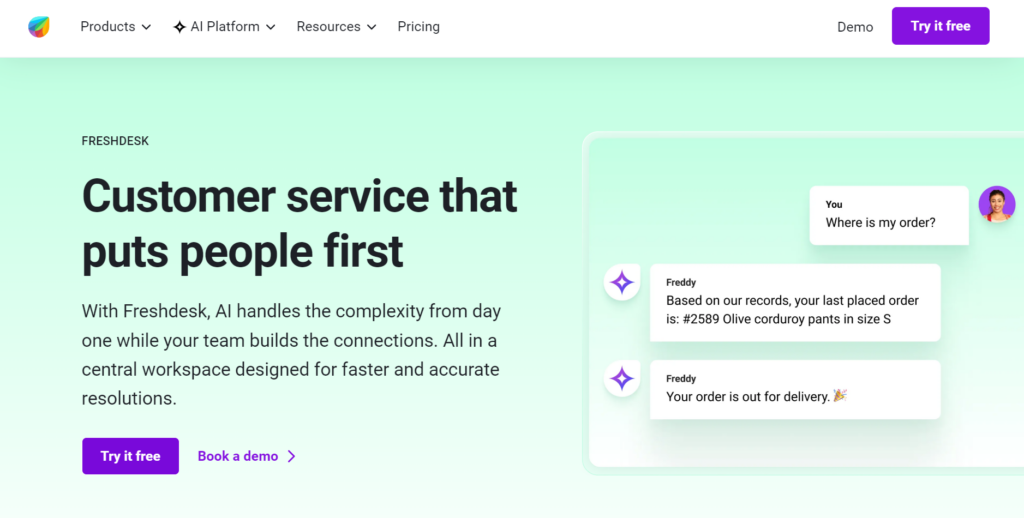
Freshdesk by Freshworks is a helpdesk and customer support platform built for small to mid-sized customer service teams across e-commerce, SaaS, retail, and IT.
The platform integrates a knowledge base inside the helpdesk. Small teams can use this tool to find answers and build customer-facing help centers and internal FAQs from resolved tickets.
Freshdesk Key Features
- Converts resolved ticket replies into knowledge base articles
- Supports a multilingual knowledge base across multiple product lines
- Provides AI-powered ticket routing and suggested responses via Freddy AI
- Tracks article views, likes, and dislikes to measure content performance
- Integrates with Salesforce, Slack, Jira, and 650+ apps via the marketplace
Freshdesk Pricing
Freshdesk pricing starts at $19 per month per user.
User Rating
Best Knowledge Management Software for Small Business At a Glance
| Platform | Best For | Search | Knowledge Base Model | Content Governance |
| livepro | Contact centers and cross-department teams in regulated industries | AI-powered search with keyword, NLP, and semantic context, typo tolerance, filtering options, and AI-generated summaries | Structured knowledge articles with guided decision trees, LightspeedAI document uploads, and pre-built templates | Automated review cycles, version history, role-based approval workflows, and expiry dates |
| Helpjuice | Customer-facing and internal knowledge bases for mid-sized teams | AI-powered search with typo tolerance | Structured articles with a branded, customizable documentation portal | Role-based permissions, version control, and content versioning |
| Nuclino | Small teams replacing shared drives with a lightweight wiki | Instant search across all documents, but requires exact keyword use | Lightweight wiki pages organized as lists, Kanban boards, tables, or visual graphs | Limited governance controls for compliance-driven teams |
| KnowledgeOwl | Support and documentation teams managing internal and external content | Hybrid AI, semantic, and keyword search with typo tolerance | Traditional knowledge base with nested categories, but each base runs independently | Granular reader group permissions, version control, and content categories |
| Document360 | Internal and customer-facing documentation for SaaS and IT teams | AI-powered contextual search with a ChatGPT-style assistant | Structured knowledge base with category hierarchy | Role-based permissions, approval workflows, and article versioning |
| Confluence | Teams already in the Atlassian ecosystem (Jira, Trello) | AI-powered search via Atlassian Intelligence with automated page summaries | Open wiki with pages, whiteboards, databases, and embedded media, but unstructured without manual organization | Page-level permissions, page history, and archive options; no automated review cycles |
| ClickUp | Teams consolidating project management and documentation in one tool | ClickUp Brain searches across the workspace, but it’s not purpose-built for live interactions | Docs and wikis embedded inside a project management workspace; knowledge lives alongside tasks and boards | Version history and comments on docs |
| Tettra | Small teams using Slack that want to reduce repetitive questions | AI bot Kai answers from the knowledge base inside Slack and Teams | Simple wiki pages organized by categories with designated knowledge experts per topic | Content verification by assigned experts; lacks formal approval workflows |
| Notion | Startups and cross-functional teams building flexible internal wikis | Notion AI searches across pages and databases | Flexible workspace with pages; highly customizable but requires manual structuring | Page verification to mark content as approved; no automated review cycles |
| Freshdesk | Small CX teams that need a knowledge base inside their helpdesk | Built-in search within the helpdesk; users report that search breaks down as the knowledge base grows | Knowledge base embedded inside the helpdesk; articles organized by categories across multiple product lines | Article performance tracking via views and feedback |
Factors to Consider When Choosing Knowledge Management Software for Small Business
Here are some factors to consider when picking a knowledge management software for small business:
Understand Your Use Case
Define what your team needs in a knowledge management software, which workflow you’re fixing first, and then evaluate tools against that specific need.
A contact center handling live calls needs fast answer retrieval and guided workflows. A cross-department team in HR, finance, or operations needs governance control with version history and a single place where policies stay up-to-date.
Faster Answer Retrieval
Choose a platform where search understands intent, not just keywords. It should handle typos, incomplete queries, and natural language. So even a new hire who doesn’t know the right terminology gets the same result as someone who’s been on the team for years.
Guided Decision Support
Pick a tool that structures complex processes into step-by-step paths. When a policy has multiple outcomes depending on the situation, your team should follow a guided flow instead of interpreting a document on their own.
Content Governance
Small teams rarely have someone tracking which articles need updating. The platform you choose should let teams assign ownership to every article, route changes through an approval workflow, and flag content when review dates pass.
Authoring Tools
Choose a software that makes it easy for non-writers to create and manage readable content. Small teams don’t have dedicated editors, so the tool should offer formatting, structure, and consistency on its own.
Onboarding Time
Small teams can’t afford a long implementation cycle or a tool that needs technical configuration. It should import what you already have and structure it without manual effort.
Integration Depth
Small teams already work with multiple disconnected tools. Look for a software that integrates with your existing tech stack. If agents or staff need to leave their CRM, helpdesk, or chat tool to search for answers, they may not use the tool effectively.
Scalability
The platform you pick should grow with your team without requiring a system overhaul. A tool that works for ten people but breaks at fifty creates a migration problem.
livepro is the Best Knowledge Management Software for Small Businesses
Small teams operate with less margin for error. One wrong answer, one outdated policy, or one missed process step costs more when there are fewer people to catch it. As the team grows, these gaps get harder to fix.
livepro is built for small contact centers and cross-department teams that need a single source of truth without the complexity of an enterprise rollout. It combines AI-powered search, guided decision trees, and automated governance on a single platform.
It’s the right fit for small businesses that need fast answers during live interactions, consistent processes across every request, and a knowledge base that stays accurate as the business scales.
Book a demo to see how livepro helps small businesses find answers faster, keep the knowledge base accurate, and scale without complexity.
FAQs About Knowledge Management Software for Small Business
What is the best knowledge base software for small contact center teams?
livepro is the best knowledge management software for small contact centers. It delivers fast answer retrieval during live calls through AI-powered search, decision trees to standardize complex processes, and automated governance that keeps content accurate.
How much does knowledge management software cost for small businesses?
A knowledge management software cost depends on your use case, team size, and features. A basic plan with AI-powered search, governance, and integrations can start from $10/month, but this depends on the provider and your needs.
What’s the difference between a knowledge base and a knowledge management system?
A knowledge base is a repository where content is stored and organized. A knowledge management system goes further by controlling how that content is created, reviewed, approved, delivered, and retired.
How long does it take to set up small business knowledge base software?
It depends on the platform. Lightweight wiki tools take a few hours, while some knowledge management platforms take days to a few weeks.
Knowledge management software like livepro speeds up implementation time with LightspeedAI. The AI ingests existing documents in bulk and organizes them into articles in minutes. The easy interface, simple integrations, and guided support help teams onboard faster.
Do small businesses need compliance features in their knowledge management software?
Yes, especially in regulated industries like banking, healthcare, and government. Outdated or unapproved content creates compliance risk. Even teams outside regulated industries benefit from version control and approval workflows. These features prevent staff from working off outdated policies.