

Although Knowmax is purpose-built for contact centers, it lacks the flexibility agents need in a growing knowledge base.
CX teams that manage complex operations complain that the platform offers limited search intelligence, workflow customization, and reporting. This forces them to look for alternative options that solve their specific use case.
In this article, we’ll review the 10 best Knowmax alternatives by comparing each tool’s key features, user experience, and pricing. This will help you find the right tool for your contact center.
What is Knowmax?
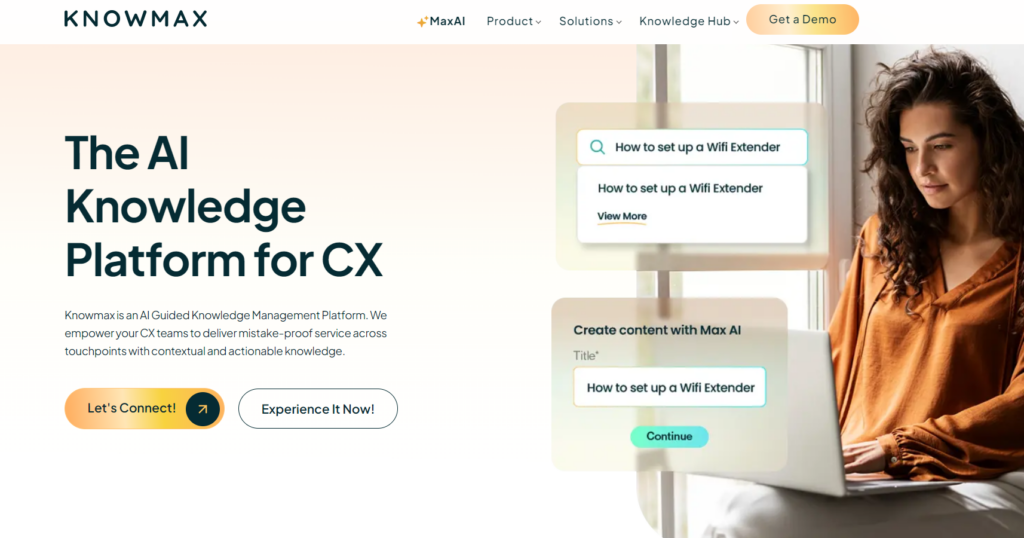
Knowmax is a knowledge management system built for contact centers. It serves industries like telecom, banking, BPOs, ecommerce, and utilities that need to deliver contextual knowledge at scale.
The platform helps agents find and deliver accurate answers during live customer interactions. It offers decision trees, visual how-to guides with screenshots and video, omnichannel knowledge delivery, and AI-powered search.
This makes Knowmax best for CX teams that need basic knowledge management tools for agents.
Why Look for a Knowmax Alternative?
Although Knowmax covers core knowledge features, it’s still not enough for many contact center operations:
Limited Customization Slows Knowledge Teams Down
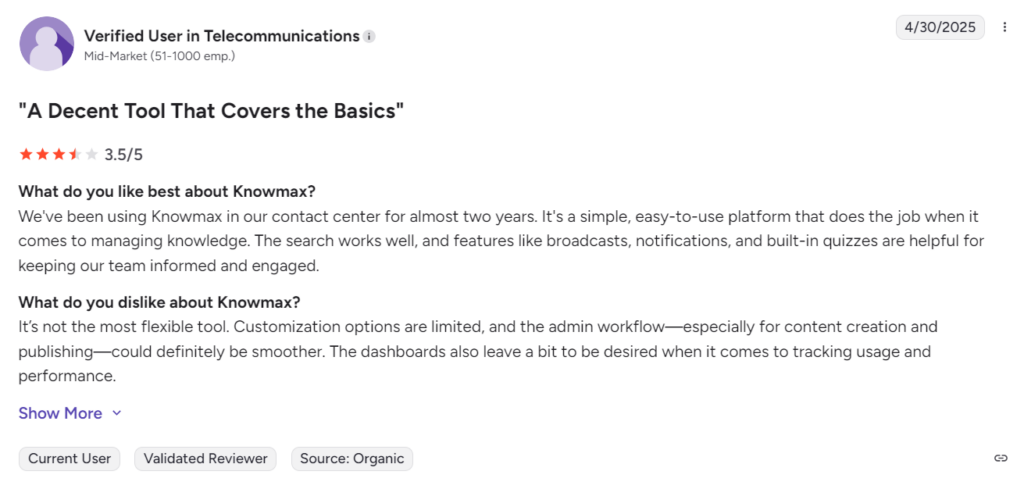
Some users report that the platform lacks flexibility for teams that need to tailor workflows and content structures to their processes. Admin workflows, particularly around content creation and publishing, also feel restrictive.
Decision Trees Are Unreliable
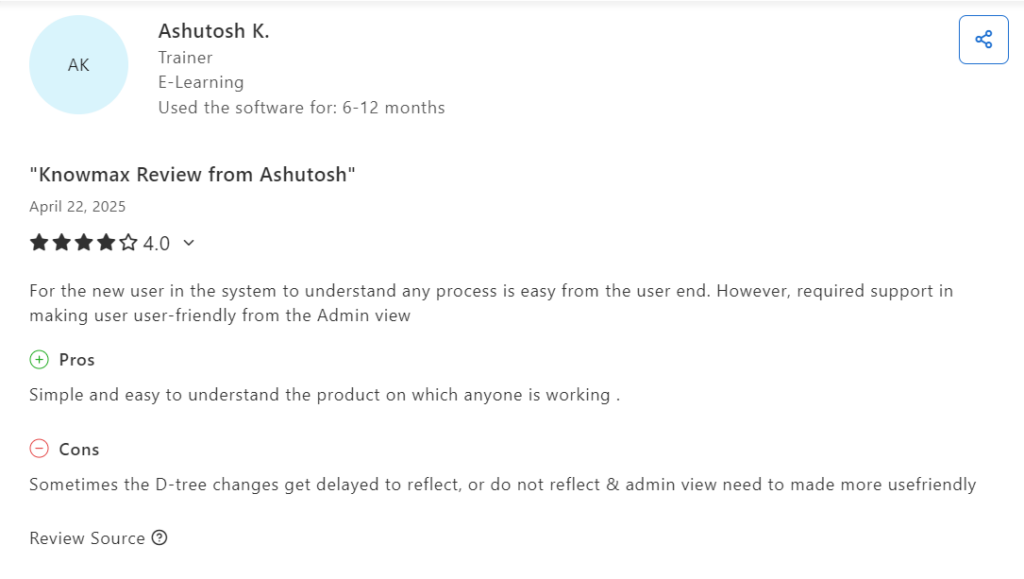
Some users report that decision tree changes don’t always reflect in real-time. The admin interface for managing them is also unintuitive and needs improvement.
This can slow agents down mid-call and lead to inconsistent responses.
Reporting Features Aren’t Enough
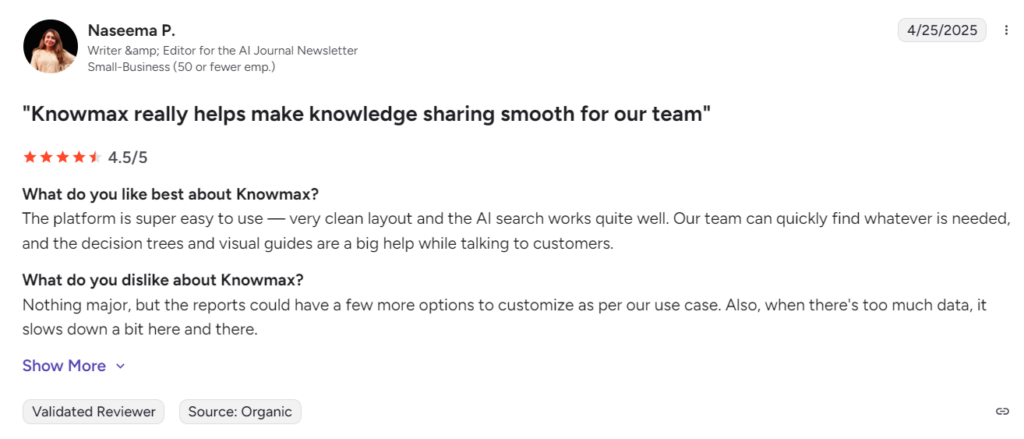
Users report that Knowmax lacks custom reporting options that knowledge teams need to track performance trends and usage.
Without this visibility, teams can’t identify gaps or make informed decisions about what to update.
These limitations force many CX teams to explore other options.
If Knowmax isn’t meeting your needs, here are some alternatives worth considering:
livepro
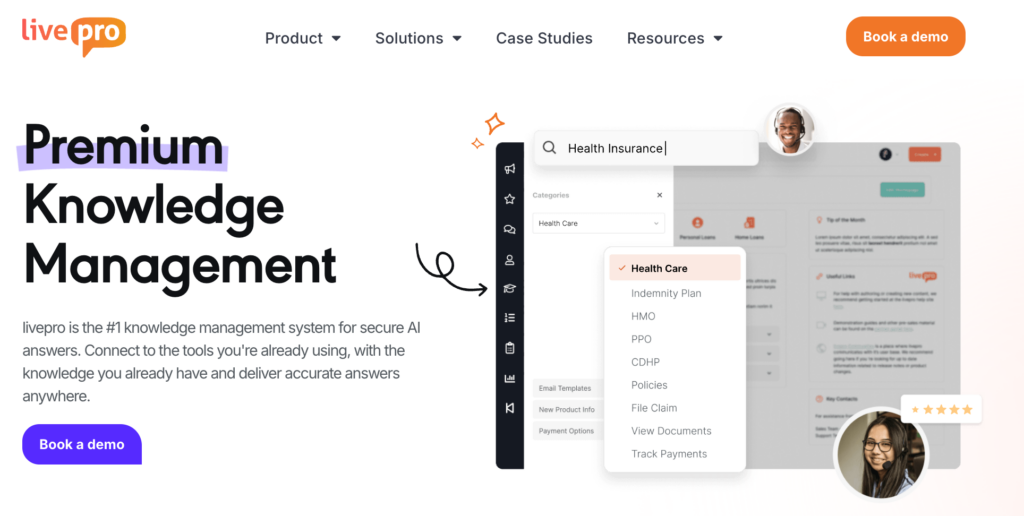
livepro is an AI-powered knowledge management system built for contact centers and enterprise teams. It serves industries like healthcare, BPOs, and local governments that need accurate, governed knowledge at scale.
Knowmax covers the basics. Agents get search, decision trees, and guided workflows for live call support. But its admin workflows are fixed, so teams managing large content libraries can’t adapt the review process to how they work.
livepro’s approval workflow is configurable. Teams assign ownership, set review stages, and automate reminders at each step. Every knowledge article moves through an approval chain before agents see it.
Here’s how livepro outperforms and addresses the limitations that most Knowmax users face:
Hybrid Search for Accurate Answers
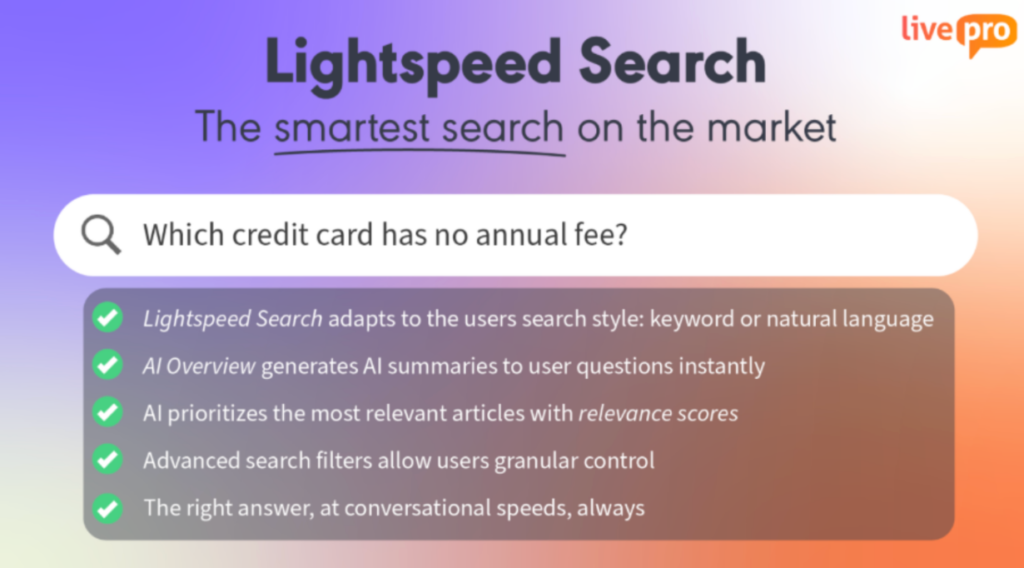
Many Knowmax users complain about its weak search intelligence. This makes it harder for agents to find the right answers quickly during live interaction.
livepro’s Lightspeed Search combines natural language processing, semantic logic, and keyword matching to deliver results. It reads the intent behind the query and returns accurate answers that agents can use to resolve issues instantly.
If an agent mistypes a word under pressure, the search still returns the correct result. If the query uses a different word than what’s stored in the knowledge base, say “cancel” instead of “terminate,” the semantic engine recognizes they mean the same thing and pulls the right article.
The search is also permissions-aware. It uses RAG (Retrieval-Augmented Generation) to pull answers only from content the logged-in agent has access to. If an article exists but the agent doesn’t have permission to view it, the system won’t surface it or use it to generate a response.
Every answer shows the source article it came from, so agents can verify the information, copy the response, or submit feedback without leaving the search view.
livepro also tracks which articles teams access most. The most useful content gets ranked higher over time, so the answers agents reach for daily are always at the top without anyone manually curating the order.
AI Overviews for Quick Article Summaries
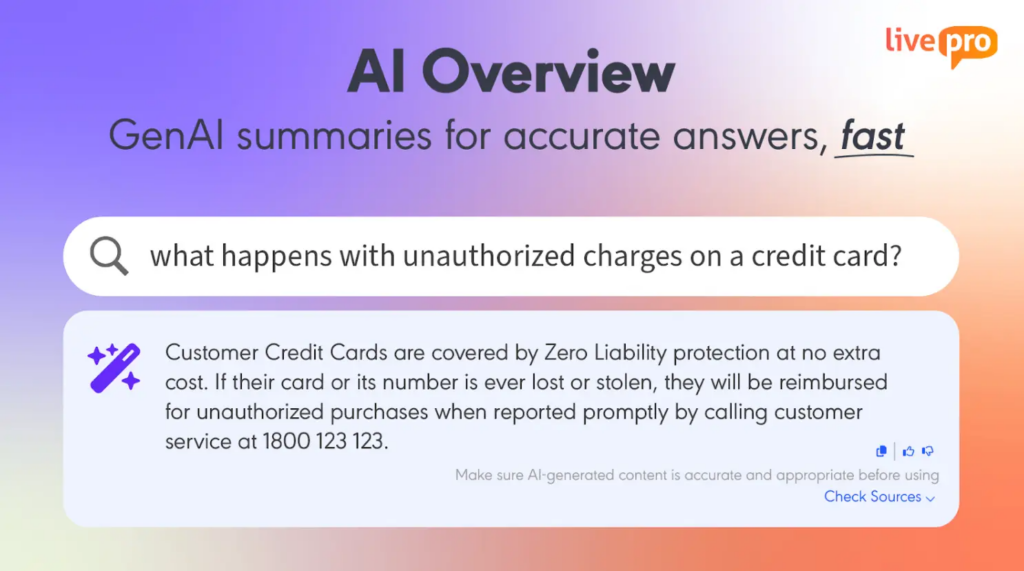
Knowmax search engine only returns article results. This means agents need to open the article, scan for the relevant section, and extract the answer for complex queries during a live call.
livepro provides AI-generated summaries at the top of the search results when an agent searches for a complex query. It pulls the most relevant lines from the approved article, so agents get the answer without opening the full document.
Every summary links back to the source article, and agents can submit feedback on accuracy directly from the same view. This gives knowledge managers a continuous signal on what’s working and what needs updating.
Lightspeed AI for Bulk Document Upload
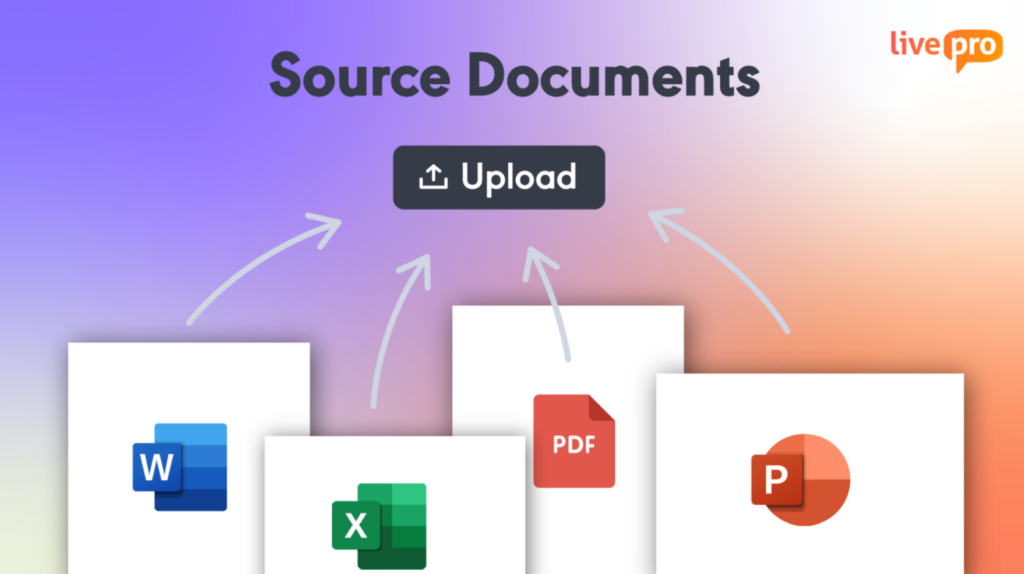
Teams often have policies, compliance documents, and process guides sitting in PDFs and Word files owned by different departments. Knowmax content migration requires team coordination and quality checks, which can be time-consuming.
livepro’s Lightspeed AI lets teams upload documents directly. You can choose a template to format these documents without manual re-authoring. Our GenAI tool organizes content into consistent, easy-to-navigate articles. It identifies titles, procedures, and sections within imported files and keeps tables, lists, images, and the existing document format.
If you want to categorize documents, our AI suggests tags and categories based on content analysis. This helps you maintain an organized and consistent knowledge base accessible across all departments.
All migrated content is set to pending by default, so knowledge managers review and approve before anything goes live.
Decision Trees for Step-by-Step Process Guidance
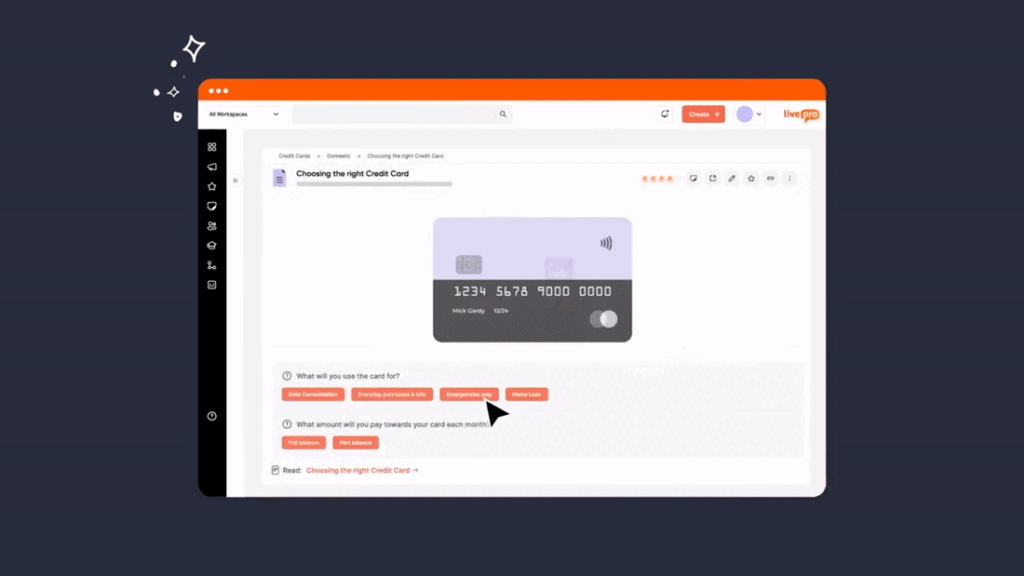
Knowmax users report that when they make changes to the decision tree, the platform doesn’t always reflect those updates in real-time. Agents on live calls follow outdated paths.
livepro’s decision trees, called Rockets, break complex policies into a branching workflow. The agent sees one question at a time. Their answer determines the next step. This continues until the workflow reaches a resolution, a form to fill out, a portal to open, or an escalation path to follow.
Here’s a simple example. An agent receives a call from a customer who wants to cancel their account. The Rocket starts: “Is the customer within the contract period?” If yes, the next step surfaces the early termination policy. If no, it routes to the standard cancellation flow. Each branch ends with a specific action, not a vague instruction.
Knowledge managers build these flows using a drag-and-drop editor. Before any Rocket reaches agents, compliance teams review and approve every path. When policies change, updates go through the same approval chain before they go live. Agents never follow an outdated flow.
The result is faster onboarding, fewer escalations, and consistent responses across every agent, shift, and channel.
Knowledge Authoring for Faster Content Creation
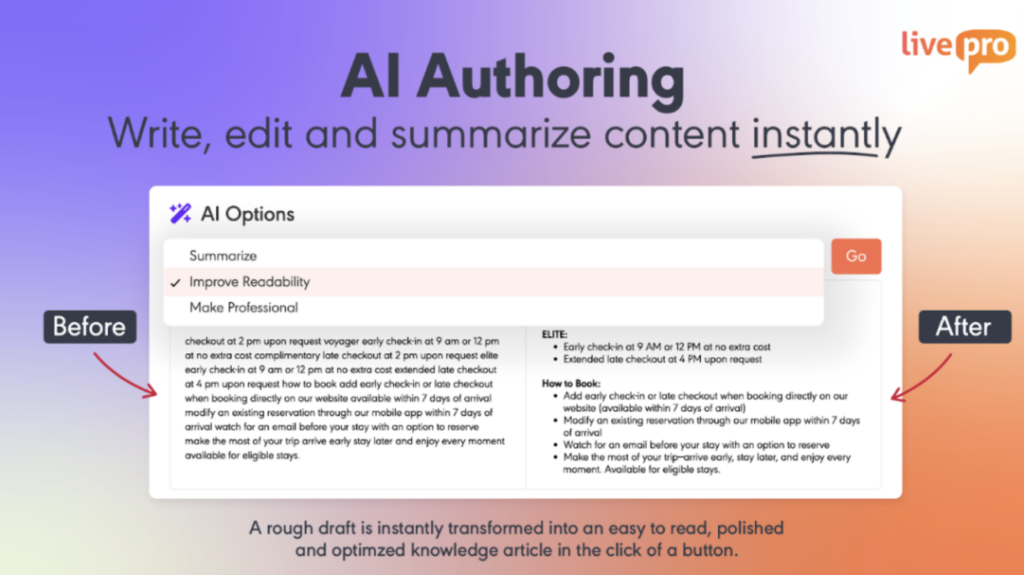
Knowmax users complain that the platform offers limited layout customization options.
livepro’s authoring tools allow knowledge managers and subject matter experts to create, edit, and publish content without leaving their workflow.
Our visual WYSIWYG (what you see is what you get) editor simplifies everyday article creation. You can write and format content in real-time. The drag-and-drop modules let you add and rearrange content blocks. You can paste images, add multimedia and links, and see how the article will appear to agents before it goes live.
For teams who want tighter control over presentation, CSS can be edited at the page level.
Once edits are done, the author can tag a reviewer and push through the approval workflow from the same screen.
If your teams manage dozens of service areas across departments, they can select a pre-built format and fill in the content. This way, every article follows a consistent structure without starting from scratch.
Governance Tools for Compliant Knowledge Management
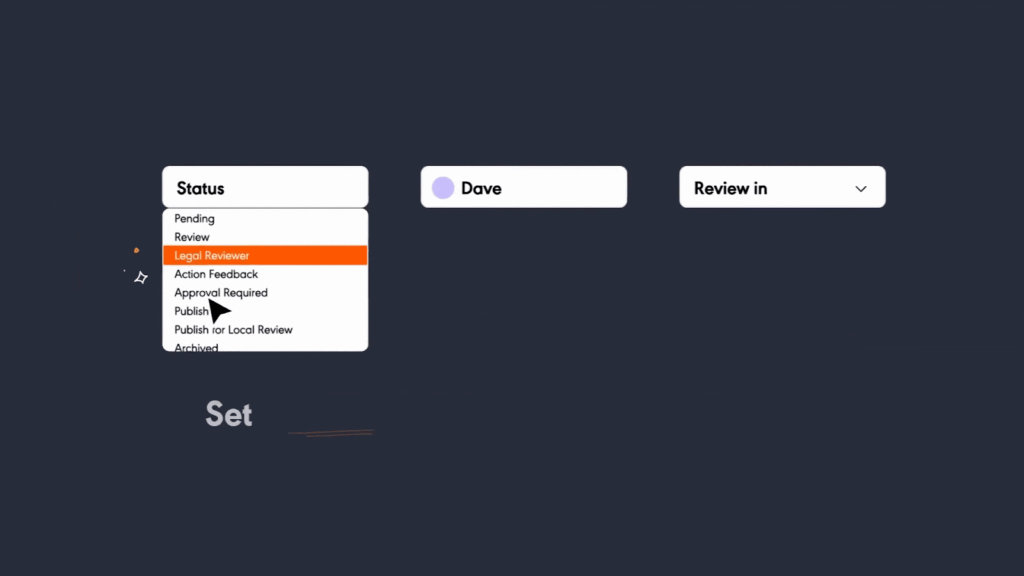
Knowmax users find its admin workflows too limited. As the knowledge base grows, this makes it hard to maintain consistency and keep the content up-to-date.
livepro treats knowledge governance as part of the authoring process. Every article moves through a structured sequence before it reaches agents. You can also assign permissions to control who can view, edit, or publish at every level. This allows knowledge to pass through the right hands, and each step is logged automatically.
This also creates an audit trail for industries where regulators want to know what was published, who approved it, and when.
Once a knowledge article is live, version control tracks every edit from that point forward. Reviewers can compare versions side by side to see what changed, or restore previous versions if needed.
Teams can also add automated review date reminders to flag articles for periodic checks. Scheduled publication and expiry let teams prepare updates in advance and retire outdated content.
For example, Atlanticus, a US-based financial services company, implemented livepro’s governance tools to improve contact center operations. This helped the team achieve 100% agent adoption and 100% compliance, with increased utilization of the knowledge base.
AI Voice Agent to Handle After-Hours Calls

Knowmax doesn’t offer a voice agent to handle customer calls after business hours. Queries pile up, and customers who need a simple answer are left waiting until the next day.
Luna is livepro’s AI voice agent that answers calls around the clock.
Luna is trained entirely on your organization’s knowledge base. It only gives answers your team has already verified, so every customer interaction stays compliant regardless of when the call comes in.
Luna is designed to handle different scenarios, such as:
- Picks up overflow calls during peak periods so agents can focus on complex interactions
- Books appointments and resolves routine queries outside business hours without staffing overhead
- Switches languages automatically based on how the customer speaks
- Hands off to a live agent when needed, with the full conversation already captured
- Scales from a handful of calls to thousands simultaneously without dropping response quality.
Analytics and Dashboards to Identify Knowledge Gaps
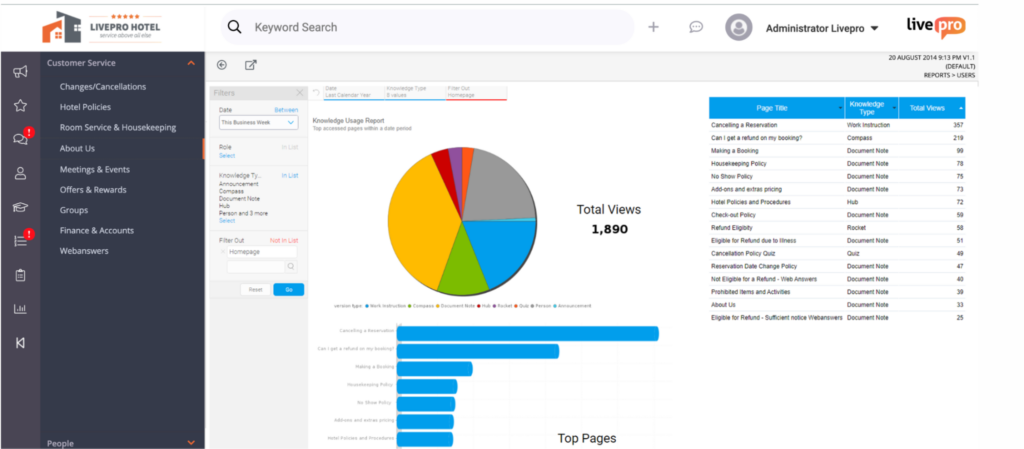
Knowmax users complain about the limited reporting dashboard to track knowledge usage and performance.
livepro’s knowledge analytics helps knowledge managers track how agents interact with content and where they fall off. You can configure dashboards by department, region, or role to see the metrics most relevant to your team rather than a generic overview.
With livepro, you get visibility into:
- Usage tracking: Track which articles agents access most and which go untouched.
- Search analytics: Find queries that return poor results or no results.
- Knowledge gap reports: Surface areas where agents can’t find what they need.
- Content performance: See which articles resolve queries and which generate follow-up searches.
Our platform also lets you export data for leadership meetings or monthly reviews. If you use external tools, livepro integrates with platforms like Power BI and Tableau to bring knowledge performance data into a broader analytics view.
livepro Integrations
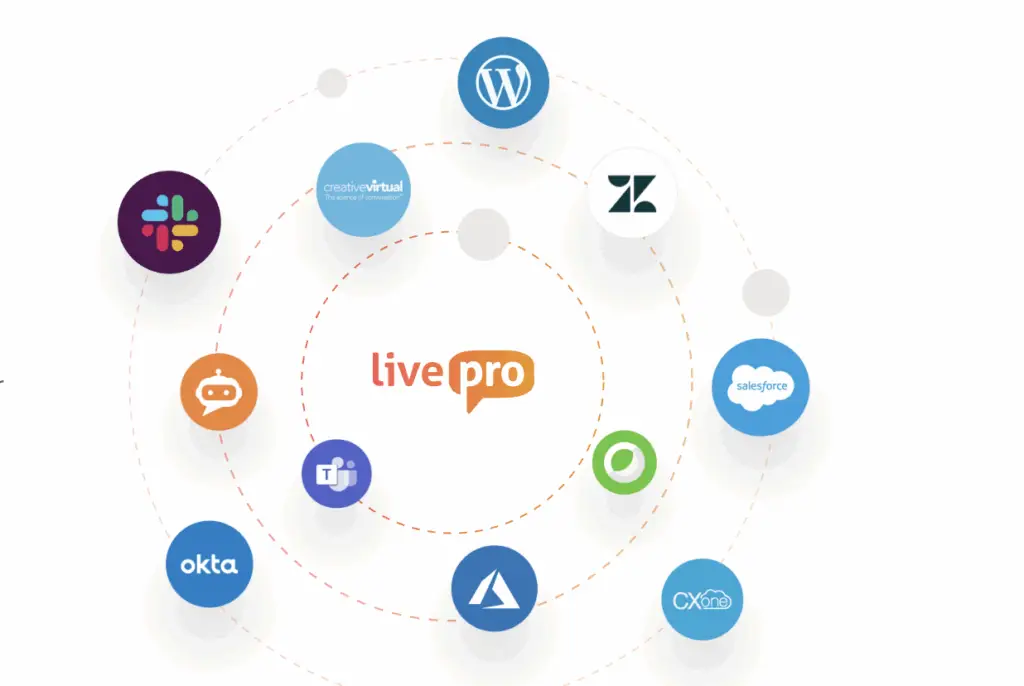
livepro integrates with the tools contact center teams already use, so agents access knowledge without switching between platforms.
livepro offers integrations with:
- Genesys Cloud
- NICE CXone
- Salesforce
- Zendesk
- Microsoft Teams
- Microsoft Dynamics CRM
- Cisco Webex
- Azure
- Okta
- Slack
If you have specific workflow needs, livepro’s open API makes custom integrations possible across nearly any platform.
livepro Pricing
livepro offers three custom pricing plans: Flex, Premium, and Enterprise. You can contact the team for a quote.
User Rating
Document360
Document360 is a knowledge base platform built for mid-market enterprise teams that need structured, scalable documentation. It covers public help centers, private internal wikis, SOPs, user manuals, and API documentation in a single workspace.
Many users like its intuitive interface, but complain about the lack of customization options and expensive pricing plans.
Document360 Key Features
- Offers Eddy AI that powers search, content drafting, and translations
- Provides a custom workflow builder with assigned roles and stages to control review and approval
- Tracks article performance, search behavior, and user engagement through Pro Analytics
- Guides readers to a resolution through branching, interactive decision trees
- Surfaces relevant knowledge base content before a support ticket is submitted to reduce inbound volume
Document360 Pricing
Document360 offers custom pricing.
How it Compares to Knowmax
Document360 is more suited for technical teams that need to produce and maintain large volumes of structured content. Knowmax is best for contact center teams that need access to answers during live calls.
User Rating
Guru
Guru is an AI-powered knowledge management platform built for internal teams in mid-sized companies across the tech, retail, and finance industries.
The platform offers verified answer cards that surface inside Slack, Teams, and the browser as employees work. This helps you keep bite-sized knowledge accurate through expert verification and AI-powered tools.
Many Guru users say it’s easy to use, but report limited search accuracy and a lack of structured flows for agent guidance.
Explore more: Guru Alternatives
Guru Key Features
- Offers Knowledge Agents that deliver answers and conversational chat directly inside Slack, Teams, or any connected AI system
- Provides a browser extension to surface relevant knowledge
- Integrates with Salesforce, Zendesk, Confluence, and SharePoint
- Includes expert verification and automated knowledge management
- Offers built-in analytics and dashboards to track content usage and knowledge gaps
Guru Pricing
Guru offers custom pricing, depending on your knowledge complexity.
How it Compares to Knowmax
Guru surfaces answers from wherever your content lives across Slack, Confluence, and connected apps. Knowmax requires content to live in one structured source.
User Rating
Confluence
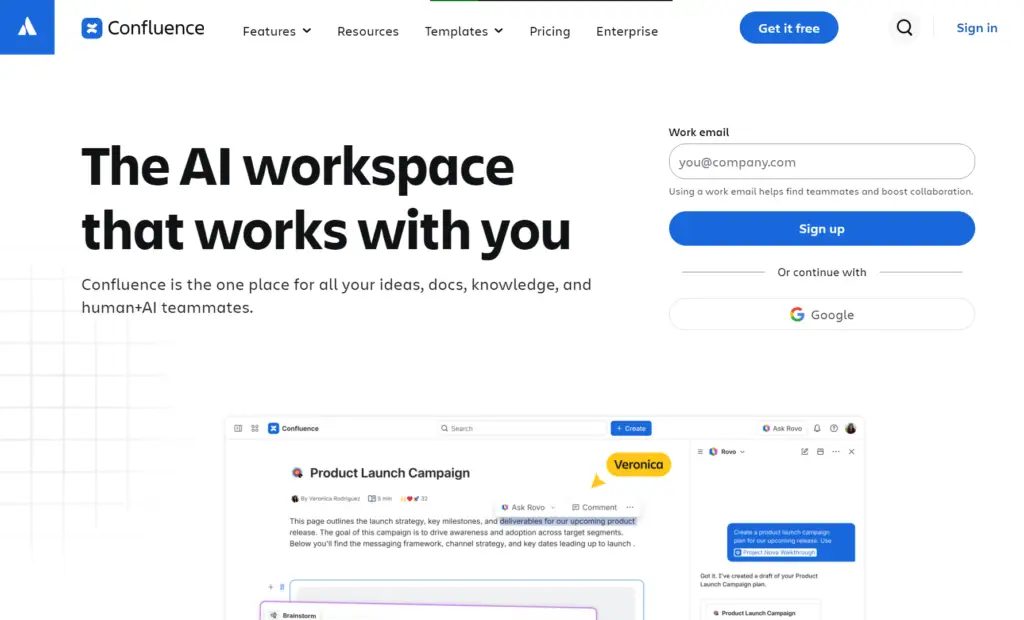
Confluence by Atlassian is a team workspace and documentation platform, built around collaborative page creation, internal wikis, and project documentation. It serves mid-market to enterprise organizations that run on the Atlassian ecosystem, particularly teams using Jira for project management.
Most Confluence users praise its real-time collaboration tools, but complain about limited search functionality and slow performance.
Read more: Confluence Alternatives
Confluence Key Features
- Organizes content into spaces and pages with hierarchical nesting
- Allows real-time collaborative editing with inline comments and version history
- Drafts and summarizes content through Rovo AI
- Links pages directly to Jira issues and project tasks
- Tracks page views, user activity, and content engagement across spaces with exportable reports
Confluence Pricing
Confluence pricing starts at $5.42 per user per month.
How it Compares to Knowmax
Confluence requires the Atlassian ecosystem to deliver full value. Teams without Jira lose most of the integration benefits. Knowmax operates as a standalone knowledge management platform with no ecosystem dependency.
User Rating
Bloomfire
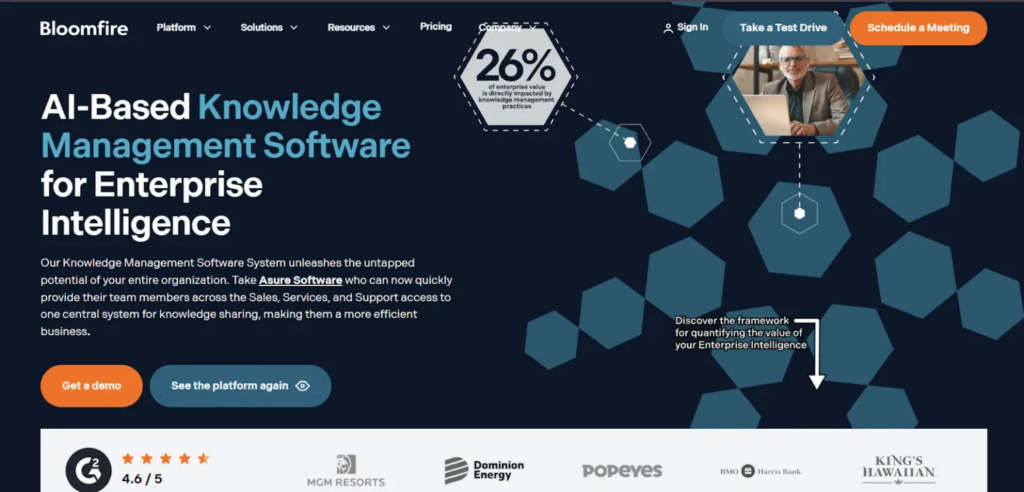
Bloomfire is a knowledge management platform for mid-market to large enterprises that need knowledge accessible across multiple departments.
The platform is built around active knowledge participation. It structures knowledge into communities where employees can post questions, nominate SMEs to respond, and engage with content.
Read more: Bloomfire Alternatives
Bloomfire Key Features
- Offers an AI search across all content formats
- Detects outdated or redundant content
- Generates AI summaries, suggests tags, and extracts key insights
- Supports Q&A engine to capture expert answers and turn them into searchable knowledge
- Integrates with Slack, Salesforce, Microsoft Teams, Zendesk, and Google Drive
Bloomfire Pricing
Bloomfire offers custom pricing plans.
How it Compares to Knowmax
Bloomfire relies on employee participation to maintain knowledge base quality through Q&A and community engagement. Knowmax centralizes that dependency in the knowledge manager. One person controls accuracy, which is easier to manage in high-turnover contact centers.
User Rating
eGain
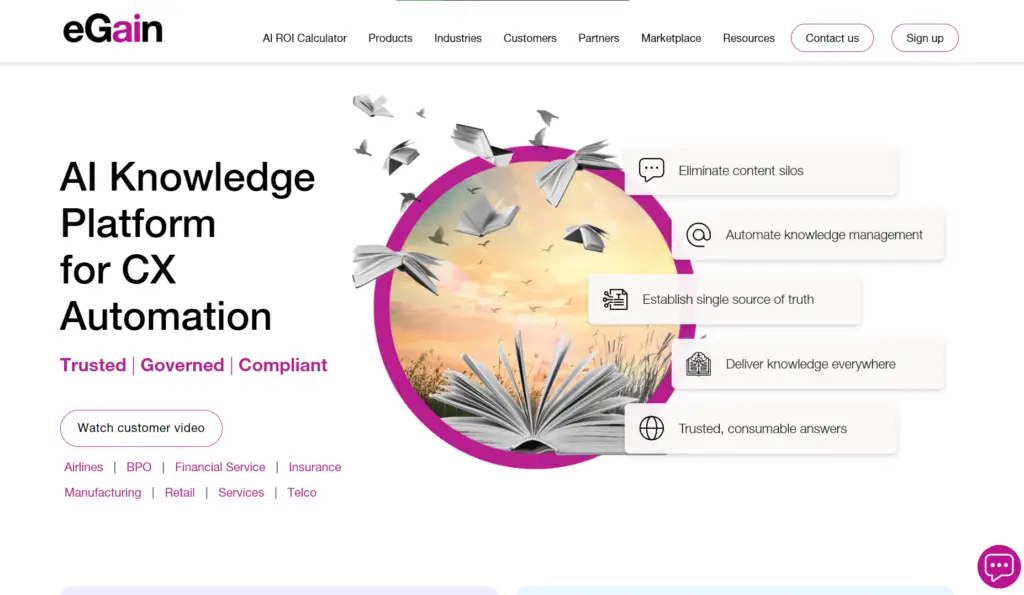
eGain is an AI-powered knowledge management platform built specifically for large contact centers that are already running complex CRM and CCaaS infrastructure.
The platform offers certified, pre-built connectors that have been validated across hundreds of enterprise deployments, which reduces implementation risk at scale.
Read more: eGain Alternatives
eGain Key Features
- Delivers omnichannel AI search across federated, faceted, and guided methods
- Guides agents with next-best-answer and next-best-action recommendations
- Connects to Salesforce, SAP, Genesys, and Five9 via certified connectors
- Manages content through authoring, versioning, and compliance workflows
- Offers self-service portals from the same knowledge base
eGain Pricing
eGain pricing starts from $25 per user per month.
How it Compares to Knowmax
Both platforms are built for enterprise contact centers, but eGain offers more pre-certified integration depth with major CRM and CCaaS platforms at scale.
User Rating
- 4.1 stars on G2
Upland Panviva
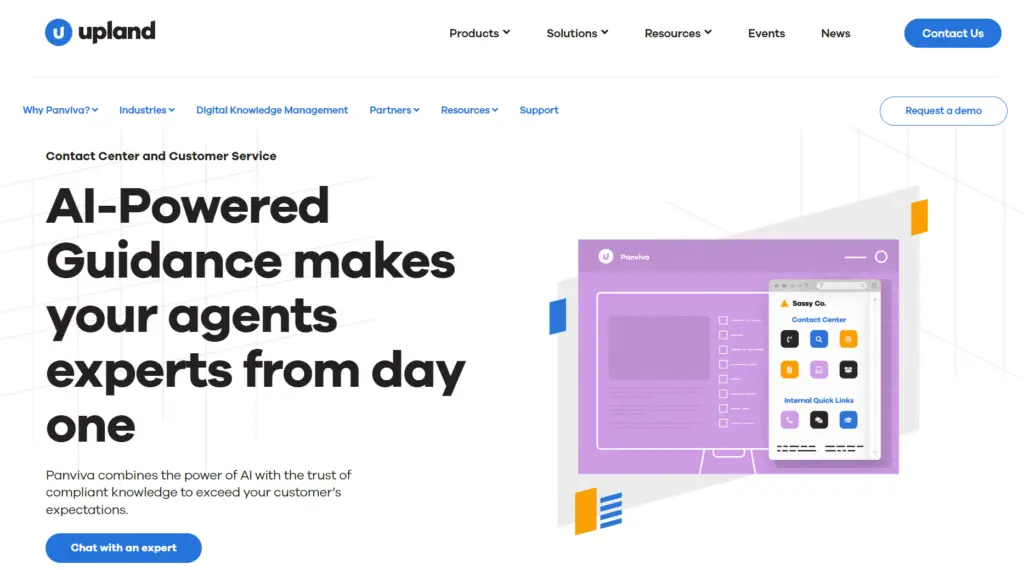
Upland Panviva is a knowledge management platform built for contact centers operating in highly regulated industries such as healthcare, insurance, banking, and utilities.
It focuses on process and compliance knowledge, giving agents instant access to step-by-step guidance on regulated workflows so every interaction follows approved procedures.
Upland Panviva Key Features
- Offers step-by-step process guidance for regulated workflows
- Supports contextual screen pops based on IVR or CRM triggers
- Provides single-source authoring that publishes across all channels
- Includes microcontent creation for chatbots, IVRs, and self-service portals
- Allows compliance-grade content governance and versioning
Upland Panviva Pricing
Panviva offers custom pricing plans.
How it Compares to Knowmax
Panviva offers more compliance-heavy features for regulated industries. It’s suitable for teams where a single wrong answer can lead to regulatory risk. Knowmax is better for teams that need basic knowledge governance.
User Rating
- 4.6 stars on G2
Helpjuice
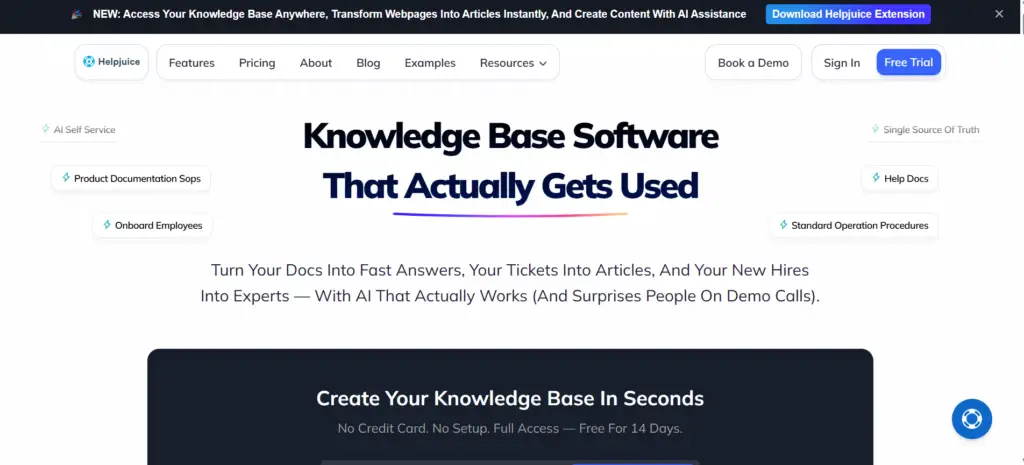
Helpjuice is a knowledge base platform built for teams that need a fully branded, customizable self-service experience for internal employees and customers.
Many users praise its intuitive interface and responsive customer support, but report that the editor can be clunky for complex formatting.
Read more: Helpjuice Alternatives
Helpjuice Key Features
- Delivers AI-powered semantic search to surface answers based on query intent
- Allows full HTML and CSS customization with free custom design support from the Helpjuice team
- Tracks article performance, search trends, and content gaps through advanced analytics
- Supports collaborative editing with version history, role-based permissions, and access controls
- Integrates with Slack, Zendesk, and Intercom to surface knowledge inside existing workflows
Helpjuice Pricing
Helpjuice pricing starts at $249 per month for up to 30 users.
How it Compares to Knowmax
Helpjuice is built for branded self-service portals. Knowmax delivers the same knowledge base across agent desktops, customer portals, chatbots, and IVR from one source. One update in Knowmax reflects everywhere.
User Rating
Upland RightAnswers
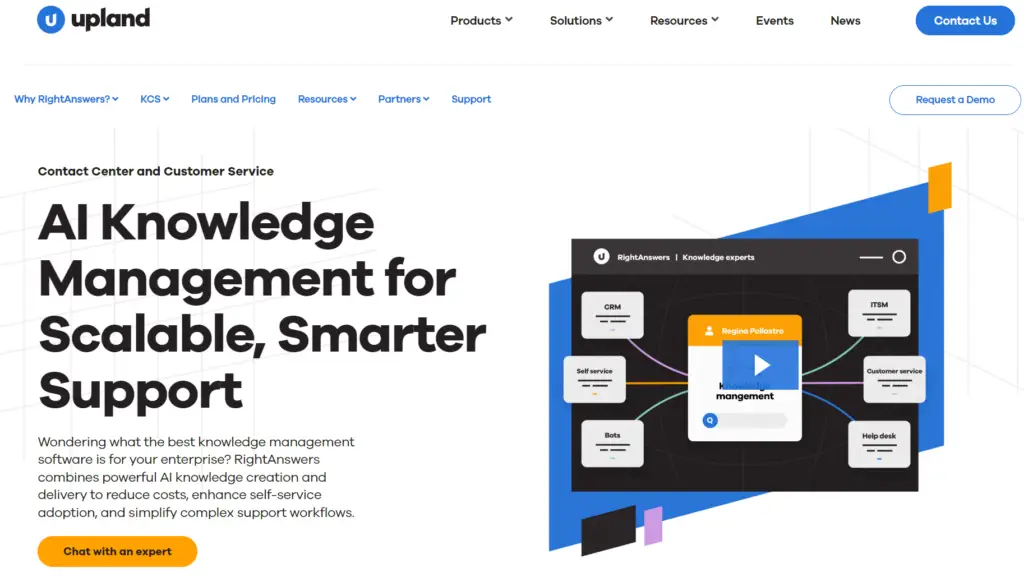
Upland RightAnswers is an enterprise knowledge management platform built for teams that need the KCS (Knowledge-Centered Service) methodology to capture, reuse, and improve knowledge.
The platform uses AI and machine learning to help L1 agents handle L2/L3 issues without escalation and powers customer self-service alongside internal support.
Many users praise RightAnswers’ knowledge base tools, but report limited search capability and integration issues.
Upland RightAnswers Key Features
- Delivers AI-generated answers directly from your trusted knowledge base
- Embeds knowledge inside 20+ existing tools without any coding
- Accelerates IT support setup with pre-built troubleshooting articles
- Allows teams to bring their own AI model or use the built-in embedded option
- Supports a dedicated customer self-service portal
Upland RightAnswers Pricing
RightAnswers offers custom pricing plans.
How it Compares to Knowmax
RightAnswers is built for IT and enterprise support teams that need a KCS-certified knowledge-sharing culture. Knowmax supports KCS principles through analytics and agent feedback loops, but is not KCS-certified.
User Rating
Microsoft SharePoint
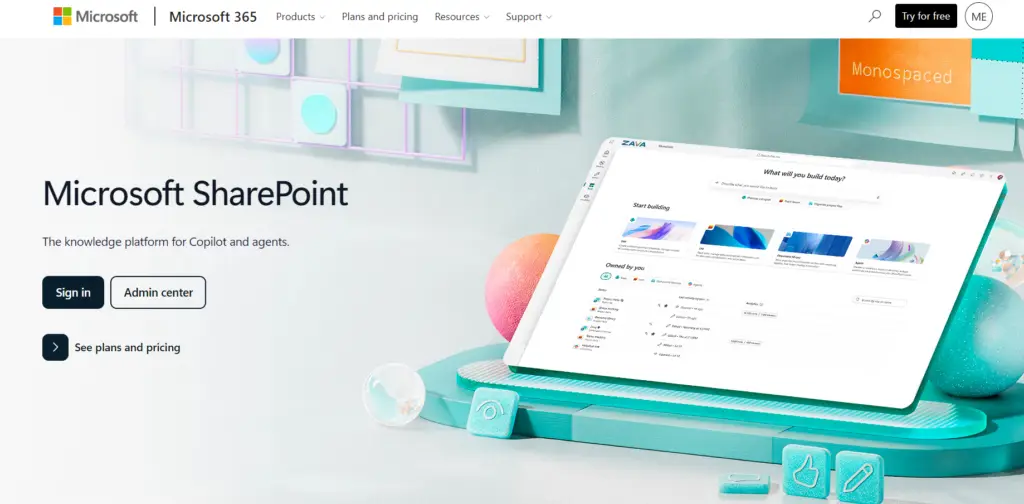
Microsoft SharePoint is a document management and collaboration platform built into the Microsoft 365 ecosystem.
Many users praise its deep integration with Microsoft apps, but report a steep learning curve, complex permissions setup, and limited search functionality.
Microsoft SharePoint Key Features
- Stores and organizes documents with version history and access controls
- Enables real-time co-authoring across Word, Excel, and PowerPoint files
- Supports custom intranet sites with role-based permissions and content governance
- Surfaces knowledge through AI-powered search across the Microsoft 365 tenant
- Automates content workflows with Power Automate without custom code
Microsoft SharePoint Pricing
Microsoft SharePoint pricing starts at $12.50 per user per month when billed annually.
How it Compares to Knowmax
Teams already running Microsoft 365 often use SharePoint as a default knowledge repository. Knowmax is suitable for frontline agents who need quick answers without navigating through documents.
User Rating
Comparison Table: Top Knowmax Alternatives for Knowledge Management
| Tool | Key Features | Vs. Knowmax | G2 Rating |
| livepro | Hybrid AI search, decision trees, governance tools, AI voice agent, self-service portal, analytics | Purpose-built for contact centers. Delivers accurate answers and guided workflows during live interactions with granular governance tools | 4.9/5 |
| Document360 | Eddy AI search, custom workflow builder, Pro Analytics, decision trees, ticket deflection | Built for technical documentation teams | 4.7/5 |
| Guru | Knowledge Agents, browser extension, expert verification, and built-in analytics | Internal knowledge delivery across departments; the card format is easier to scan | 4.7/5 |
| Confluence | Hierarchical content, real-time collaboration, Rovo AI, and Jira integration | Built for internal wikis and project documentation within the Atlassian ecosystem | 4.1/5 |
| Bloomfire | AI search, duplicate detection, Q&A engine, and integrations | Focuses on collaborative knowledge sharing for multimedia content | 4.6/5 |
| eGain | Omnichannel AI search, certified CRM and CCaaS connectors, and compliance workflows | eGain goes deeper on pre-certified integrations at scale | 4.1/5 |
| Upland Panviva | Step-by-step process guidance, microcontent, and compliance governance | Purpose-built for regulated industries where every agent interaction must follow an approved workflow | 4.6/5 |
| Helpjuice | AI semantic search, full HTML/CSS customization, collaborative editing, and integrations | Built for branded self-service portals | 4.7/5 |
| Upland RightAnswers | AI-generated answers, pre-built IT articles, BYO AI, and self-service portal | Built for enterprise IT and help desk teams that use KCS v6 Verified methodology | 4.5/5 |
| Microsoft SharePoint | Document storage, real-time co-authoring, intranet sites, and AI search | General-purpose document repository for Microsoft 365 teams | 4.0/5 |
How to Choose the Right Knowmax Alternative
Here’s what you need to look for in a Knowmax alternative:
Know Your Use Case
Evaluate your use case, team needs, and problems you’re trying to solve.
| Use Case | Recommended Platforms |
| Guided workflows, compliance governance, and omnichannel knowledge delivery for contact centers | livepro, eGain, Panviva |
| Enterprise IT and help desk knowledge management with the KCS methodology | RightAnswers |
| Internal knowledge sharing across departments and tools | livepro, Guru, Confluence, Microsoft SharePoint |
| Structured documentation and self-service portals | livepro, Document360, Helpjuice |
| Collaborative knowledge sharing across multimedia content | Bloomfire |
Evaluate Governance and Compliance Requirements
Look for built-in guided workflows, audit trails, version control, role-based permissions, and scheduled content reviews. This helps you keep your knowledge up-to-date.
livepro offers compliance-grade governance, built specifically for regulated contact center environments. It follows SOC 2 and HIPAA (Health Insurance Portability and Accountability Act) standards to maintain data security and compliance.
Check Search Capability
Pick a platform with semantic or hybrid search that understands query intent, not just exact matches. livepro’s LightspeedAI Search combines natural language processing and keyword matching to return accurate results even when agents misspell or use different terminology.
Assess Integration Depth
Look for a platform that integrates with the tools your teams already use, such as Salesforce, Microsoft Teams, Slack, and Genesys Cloud. If your tech stack relies on custom setups, choose the tool with an open API. This helps you implement and onboard agents and internal teams faster.
Evaluate Analytics and Reporting
Look for platforms that track knowledge usage, performance, and search queries for smarter decision-making. If your team reports on knowledge ROI, check whether dashboards are configurable to your KPIs or export into business reporting tools.
Agent Training and Onboarding
The platform should offer built-in quizzes, assessments, and structured learning modules that sit alongside your knowledge base. Also, look for a simple interface that’s easy to navigate. This helps you onboard new agents faster.
livepro offers guided workflows and quizzes for different users in the organization that connect to your knowledge base. This gives your agents confidence to deliver accurate answers from day one. Many users also praise the intuitive interface and easy adoption.
Scalability
Many platforms become slow and clunky as content volume grows, making search less reliable and admin workflows harder to manage. The tool you choose should scale with your knowledge base. Match the platform’s complexity to your team’s capacity to implement, maintain, and scale it over time.
livepro is the Best Knowmax Alternative for Contact Centers & CX Teams in 2026
If you’re looking for a Knowmax alternative, livepro is the best for contact center teams that prioritize guided workflows, knowledge governance, and advanced reporting.
The platform structures complex documentation into guided decision trees that adapt to agent workflows. Every knowledge article moves through an approval chain before agents see it. You control how knowledge is created, updated, and accessed.
Your agents, office teams, and customers get a single knowledge source for accurate, verified knowledge. And you can track custom knowledge analytics across every team and region to identify content gaps, maintain consistency, and keep the knowledge base up-to-date.
Book a demo to learn how livepro helps you deliver compliant, accurate, and well-maintained knowledge at scale.