






Organizations start comparing knowledge management and content management when information exists but isn’t applied consistently. Policies are documented but applied differently across teams. Answers are available, but finding the correct one takes too long.
Fortune 500 companies lose $31.5 billion annually because employees can’t access the correct information when making decisions. Former Hewlett-Packard CEO Lew Platt captured it: “If HP knew what HP knows, we’d be three times more productive.”
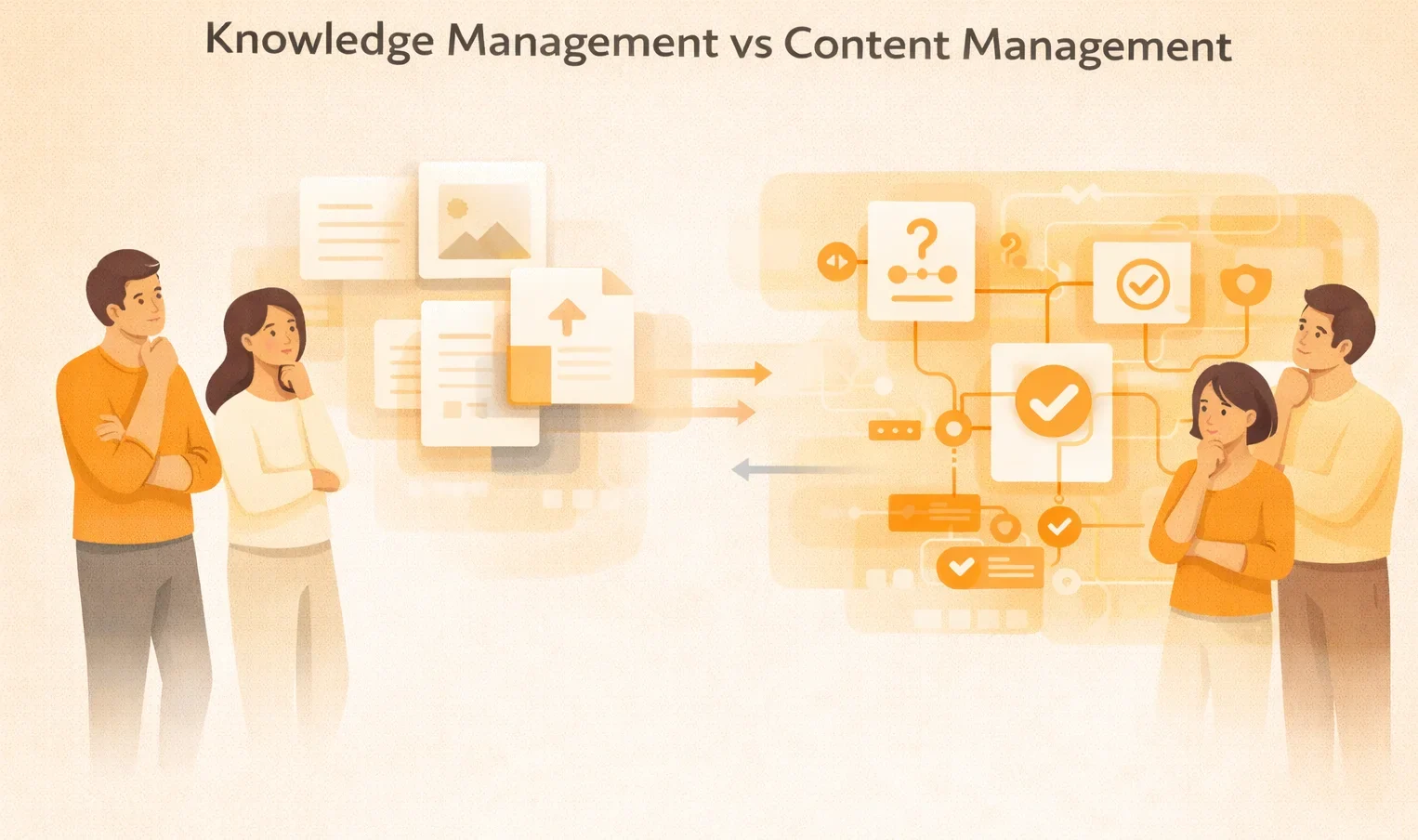
The confusion starts with treating two different systems as interchangeable. Content management handles content creation and publishing. Knowledge management handles knowledge accuracy and application.
This article goes deep into knowledge management vs content management. So, let’s get going.
What is Content Management?
Content management handles the creation, storage, organization, and publication of digital assets throughout their lifecycle. Organizations use content management to produce websites, marketing materials, documentation, and media files for external audiences.
Content management typically includes:
- Blog posts and product pages for external audiences
- Marketing materials like whitepapers for lead generation
- Documentation and user guides for customer support
- Videos or downloadable resources for engagement campaigns.
A common example is a marketing team creating a blog post. The content is drafted, uploaded into a content management system, reviewed, approved, and published on the company website. The content is updated and republished as needed. Content management systems also manage versions, permissions, and placement so the correct content assets appear in the right channels.
Limitations of Content Management
Content management focuses on the content asset itself, creating it, publishing it, and maintaining it over time. It doesn’t address how content is used once it’s live.
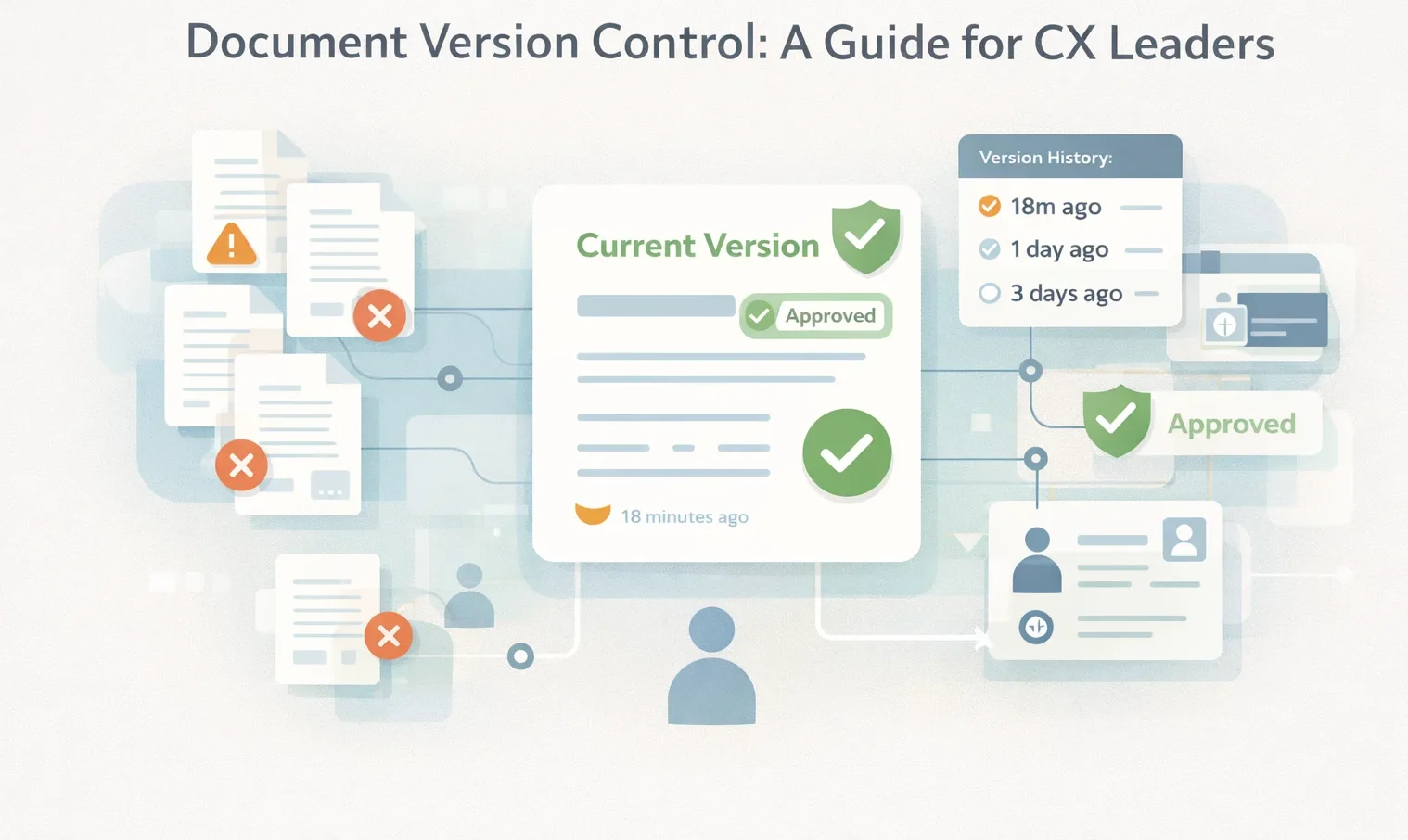
A CMS can tell you a policy document was published on March 15 and updated on June 3. It can’t tell you whether employees are using the June version or are still following the older one.
According to Storyblok’s State of CMS 2024 report, 43% of users cite easier content scaling as the top missing feature, while others struggle to integrate new technologies and manage security.
This distinction becomes important when the goal moves beyond publishing content and toward maintaining accuracy and consistency across teams.
What is Knowledge Management?
Knowledge management is the discipline of capturing, governing, and delivering organizational expertise. It allows employees to consistently access accurate information and guidance when making decisions.
Unlike content management, knowledge management focuses on how guidance is interpreted, applied, and kept accurate across teams. It connects employees to approved answers, decision logic, and expert knowledge.
Knowledge management addresses:
- Employee expertise and institutional knowledge
- Policies, procedures, and operational rules
- Best practices and lessons learned
- Decision frameworks, conditions, and exceptions
- Answer delivery aligned to role, task, and context
Consider a compliance officer verifying a regulatory requirement. Instead of opening multiple documents and checking dates manually, they search the knowledge management system once. The system surfaces the active policy, shows its effective date, links related procedures, and highlights recent updates.
Real-World Knowledge Management Applications
Leading businesses use knowledge management to maintain consistent standards, reduce operational costs, and preserve expertise across teams:
- Ford applied knowledge management principles to product development, improving initial quality by 18% and reducing warranty costs by $1 billion by maintaining consistent standards across global production lines.
- ME Bank replaced an internal wiki with a purpose-built knowledge management system, reducing average handle time by 40% and increasing employee confidence in information accuracy.
- Toyota uses structured knowledge transfer when launching new factories, pairing new teams with experienced workers to preserve operational excellence across locations.
Content Management vs Knowledge Management: Operational Differences
Understanding these operational differences determines whether your organization invests in a system that stores documents or one that improves how work gets done.
Objectives and Outcomes
Content management supports publishing at scale. Teams create content, route it through approvals, publish it across channels, and keep it accessible.
Knowledge management preserves expertise and supports consistent execution. Employees locate the correct guidance and apply it consistently across teams.
Content management teams track publication speed, content volume, engagement, and reach. Knowledge management teams track time spent finding answers, application consistency, and decision quality.
Types of Information Managed
Content management covers assets designed to be read and distributed: website pages, blog content, marketing materials, whitepapers, product documentation, user guides, and media files.
Publishing a whitepaper at most organizations often follows this path: draft → review → approve → publish → update.
Knowledge management covers operational guidance that employees need to apply: policies, procedures, compliance requirements, decision logic for scenarios and exceptions, best practices, lessons learned, and approved responses.
A policy with exceptions follows this path: find the rule → confirm what applies → follow the correct steps → document decisions.
Audience and Primary Users
Content management primarily serves marketing, communications, documentation, and enablement teams. They produce content that others reference for learning or awareness.
Consumption is one-directional: content is published and then interpreted by the reader.
Knowledge management serves teams responsible for applying guidance accurately: customer service, HR, finance, compliance, operations, IT, and other roles where an incorrect interpretation poses a risk.
Information Structure and Discovery
Content management systems organize information as pages and documents within folders or navigation structures. Users search by keyword or browse categories, then read and interpret content to decide what applies to their situation. This works when users have time to review material and draw conclusions.
Knowledge management systems organize information around questions, scenarios, and decision points. Discovery surfaces precise guidance based on role, task, and context.
Liverpool City Council experienced this shift when replacing outdated manuals with knowledge management. Onboarding time dropped from 26 weeks to 4 weeks because new staff could find answers immediately instead of learning where information lived across multiple systems.
Process and Lifecycle
Content management follows a sequential process. Teams plan content, draft it, review it, publish it, and update it on scheduled cycles or when changes are identified. This works well for assets with predictable updates like product pages or blog posts.
Knowledge management follows a continuous lifecycle. Guidance evolves as processes change, regulations update, and new scenarios emerge. Systems track how guidance is used, where employees struggle, and which questions appear most frequently.
Updates are driven by usage and application, not just publication dates.
Governance and Accuracy
Content management governance focuses on publishing controls. Authors, reviewers, permissions, and version history manage who can create or change content. These controls reduce publishing risk but don’t always prevent outdated or conflicting guidance from remaining accessible.
Knowledge management governance focuses on accuracy and accountability. Each piece of guidance has a defined owner. Reviews are triggered by usage patterns, change events, or risk thresholds.
When updates occur, older versions are archived with end dates, and only current guidance is shown. This helps teams trust what they find, even as volume and complexity increase.
Impact on Operational Efficiency
Content management improves access to documents and reduces reliance on developers for updates. However, it places responsibility on individuals to interpret information correctly. As policies grow more complex, interpretation varies across teams.
Knowledge management reduces that burden by aligning guidance with how work is performed. Systems deliver answers matched to role, task, and scenario, rather than generic documents.
Over time, these gains compound. For example, TSA Group reported a 21% improvement in average handle time, and 98% of users said their jobs became easier. The company’s support usage declined as employees found answers directly instead of relying on colleagues or supervisors.
Knowledge Management vs Content Management: What Which System Does Your Organization Need?
Content management and knowledge management solve different problems. Understanding which system your organization needs depends on your primary challenge:
- Organizations need both when they publish external content (marketing, websites, customer documentation) and manage internal operational guidance (policies, procedures, decision support).
- Organizations need content management when their primary challenge is creating, organizing, and distributing digital assets to external audiences.
- Organizations need knowledge management when employees spend excessive time searching for answers, apply policies inconsistently, require weeks to reach competency, face compliance risks from outdated guidance, or rely on undocumented expertise.
livepro Helps Organizations Improve Their Knowledge Management
livepro is a knowledge management platform designed for contact centers and enterprise teams.
The platform delivers governed, contextual answers that employees can trust and apply during customer interactions and operational work. Our software targets industries like customer service, healthcare, banking, and business process outsourcing.
Here are livepro’s key features you should know:
- Lightspeed AI Search: Intent-based search that understands natural language queries, handles typos and shorthand, and surfaces correct answers even when employee terminology differs from article titles
- AI Overviews: Automatically generates summaries of lengthy policies, procedures, or update-heavy articles directly in search results, eliminating the need to read full documents
- Categories and Hubs: Structures knowledge around roles (HR, finance, operations), services (onboarding, billing, compliance), channels (phone, chat, email), or scenarios (exceptions, escalations) for intuitive navigation
- Decision Guidance Authoring: Transforms written procedures into guided workflows with conditional logic, eligibility rules, compliance checks, and escalation triggers to ensure consistent execution.
- Role-Based Permissions and Version Control: Defines granular access controls for who can create, edit, review, and approve knowledge, with complete audit trails showing what changed, when, and by whom
- Automated Governance: Schedules content publication to specific effective dates, triggers periodic reviews based on usage patterns or age, and sends alerts before guidance expires
- Platform Integrations: Integrates knowledge directly into Microsoft Teams, Slack, Salesforce, Zendesk, Genesys Cloud, NICE CXone, and custom systems through open APIs to eliminate context switching.
These features help organizations shift from storing documents to delivering answers employees can trust and apply consistently across teams.
Ready to see how knowledge management works in practice? Book a demo to explore how livepro delivers accurate guidance to your teams.
FAQs: Knowledge Management vs Content Management
Do you need both a content management system and a knowledge management system?
Most organizations need both. Content management handles external publishing, marketing materials, websites, customer documentation, and brand assets distributed across channels.
Knowledge management supports internal operations, ensuring employees find the proper guidance and apply it consistently during customer interactions, compliance decisions, and operational tasks.
Can you use a content management system for knowledge management?
No. Content management systems store documents but can’t deliver structured, contextual guidance during live work. They lack decision logic, role-based answer delivery, automated governance for accuracy, and the ability to capture tacit expertise from employees.
Organizations attempting this force employees to interpret documents under time pressure, creating the inconsistency that knowledge management systems eliminate.
What types of knowledge are managed in a knowledge management system?
Knowledge management systems handle both explicit knowledge (documented policies, procedures, compliance rules, decision logic) and tacit knowledge (employee expertise, judgment, and experience that isn’t fully documented).
This includes eligibility rules employees apply to customer situations, exception handling for edge cases, compliance guidance that must be followed precisely, approved responses for consistency, and lessons learned from past decisions.