







Shelf is a useful AI-powered knowledge management platform, but it lacks the flexibility and collaboration features that larger organizations need to maintain accurate and easily accessible information.
Here are some key areas where Shelf falls short:
- No real-time teamwork on content: Two or more people can’t update the same document at once, which creates bottlenecks in editing and delays the delivery of accurate information to your teams.
- Single-admin limitations: Only one admin can manage content and user permissions, which makes role assignment and overall system management difficult for large organizations.
- Limited search and privacy controls: Finding detailed answers in complex collections can be inconsistent, and shared folders may not have the fine-grained privacy settings needed to protect sensitive information.
In this article, we’ll review seven Shelf alternatives that offer faster search, stronger collaboration, and better governance features.
What is Shelf?
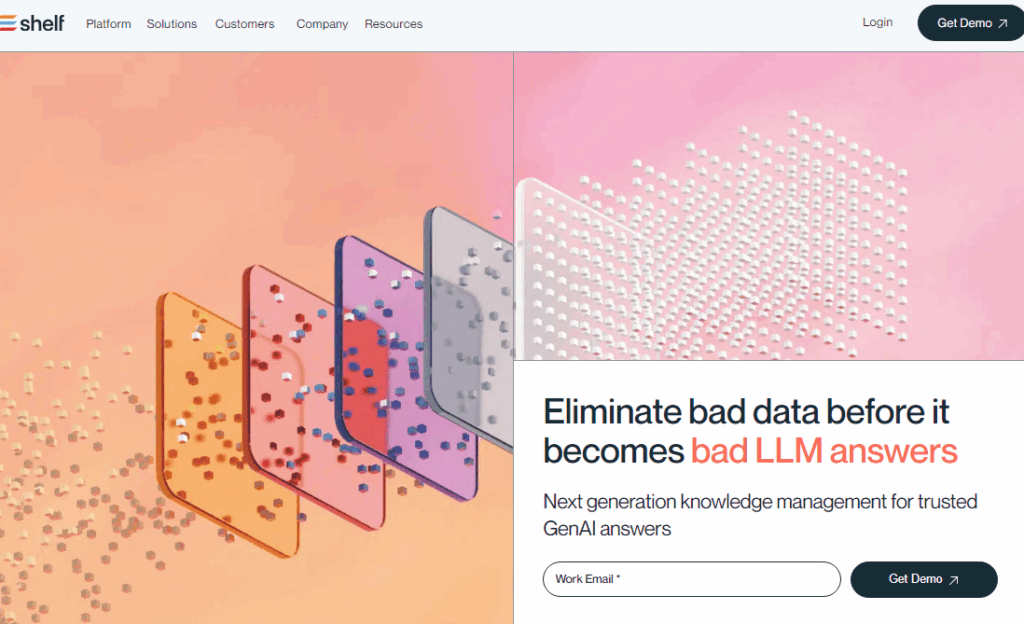
Shelf is an AI-powered knowledge management platform. It offers quick-to-deploy solutions such as Search Copilot, Content Copilot, and Analytics Copilot. It helps businesses handle routine inquiries through a branded self-service portal, chatbots, and AI-driven form responses.
With Shelf, organizations can deliver reliable, 24/7 customer service, scale support capacity, and reduce operational costs.
Shelf Pros
- Easy knowledge management: Clear structure for storing, updating, and maintaining all information in one place.
- User-friendly interface: Simple design that makes it easy to find and edit information without heavy onboarding.
- Responsive support: Fast customer support that resolves issues effectively
- AI-powered search: MerlinAI delivers instant, relevant answers in search, chat, IVR, and forms, saving agents time.
- Self-service options: Branded portals, chatbots, and AI-powered forms help deflect routine customer inquiries.
Shelf Cons
- No real-time collaborative editing: Multiple people can’t work on the same document simultaneously, which slows updates and makes it harder to keep information current in fast-moving environments.
- Single-administrator setup: Only one admin can manage the content library, making role assignment and oversight cumbersome in larger organizations.
- Inconsistent search performance: While Shelf’s AI handles simple lookups well, users report difficulty retrieving nuanced or complex information from large collections.
- Privacy and access control gaps: Shared folders (“open shelves”) lack granular permissions, creating risks for teams working with sensitive or regulated data.
- Occasional technical glitches: Error messages and hiccups sometimes occur; though support is responsive, these interruptions can still disrupt workflows.
If Shelf’s limitations are slowing your team down, here are the top alternatives worth considering:
livepro
Best for: Organizations that need collaborative content editing, multi-admin control, AI-powered search accuracy, and granular privacy settings.
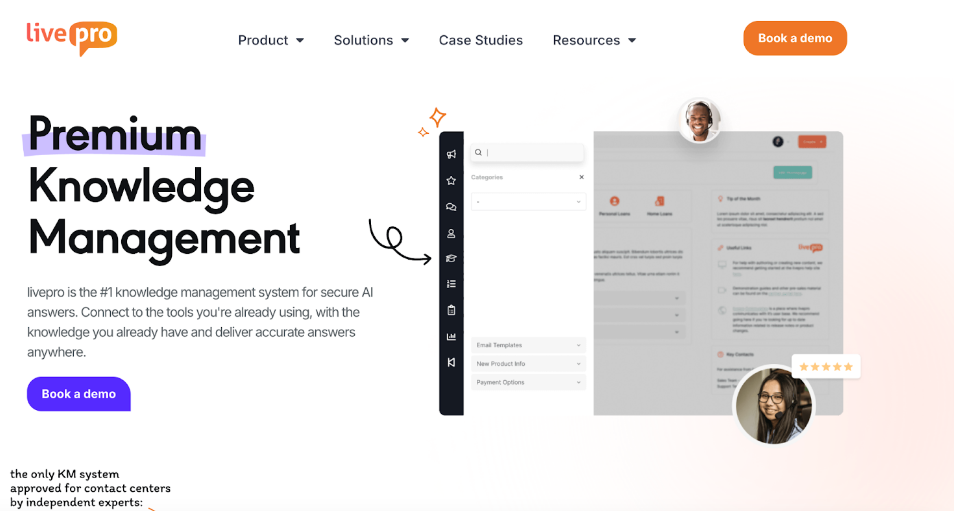
livepro is a knowledge management platform designed for customer-facing teams and regulated industries. It delivers accurate answers through its Lightspeed Search and conversational AI, helping agents resolve inquiries quickly.
livepro offers:
- Vector-based semantic search to handle both straightforward and complex questions
- Built-in guidance tools to help agents follow approved processes, reducing errors and training time
- Version control, approval workflows, and audit trails ensure compliance in regulated environments
- Customizable workflows and real-time performance tracking with detailed reporting
- Connects with CRM, contact center, and IT Service Management software (ITSM), so knowledge is delivered inside the agent’s workspace
With transparent pricing and enterprise scalability, livepro offers a direct upgrade for organizations outgrowing Shelf’s limitations.
Let’s explore livepro’s features and how they solve the issues Shelf users face:
Hybrid AI + Keyword Search to Answer Complex and Vague Queries Accurately
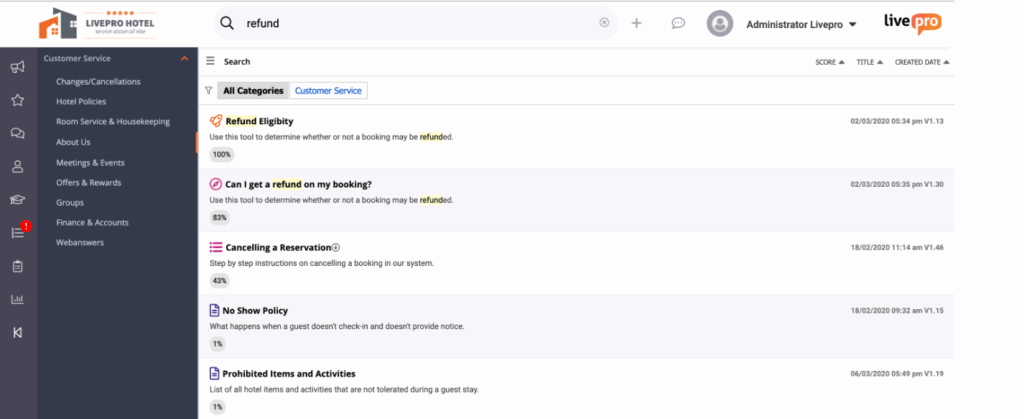
Caption: Lightspeed Search ranks the right results
Users report Shelf’s search ranks the correct answer too low in the results, forcing them to scroll or open multiple documents. This slows response times and adds unnecessary effort.
livepro’s Lightspeed Search solves this by putting the correct answer at the top. Agents spend less time searching and provide faster, more accurate responses.
Each result also includes a relevance score. This score helps agents quickly spot the right document. It factors in your query, department, and past usage history.
The ranking system uses a hybrid approach that combines AI-powered natural language processing with keyword matching.
Here’s how it works:
- AI-powered relevance scoring prioritizes the most relevant results for your team and use case
- Natural Language Processing (NLP) understands intent, recognizes synonyms, and corrects typos
- Keyword precision ensures exact terms, product codes, and compliance phrases are matched every time
- Full-content indexing searches across PDFs, Word docs, scanned files, and other formats
Authoring Tools for Real-Time and Collaborative Co-Editing
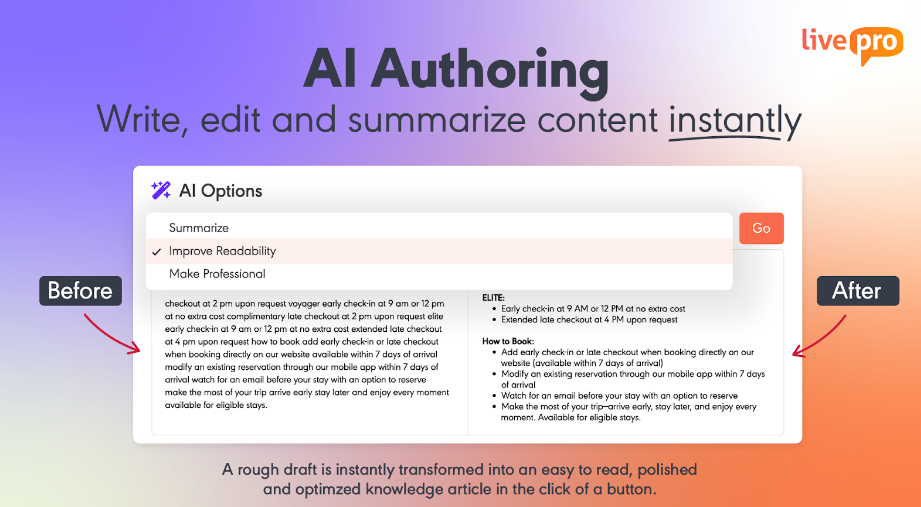
Keeping knowledge up to date is a shared responsibility, but many Shelf users say the lack of simultaneous editing slows their work. If two people need to update the same content, they have to work in turns, which delays publishing and makes it harder to keep information current.
livepro solves this with collaborative authoring tools that let multiple contributors create, edit, and review content at the same time, without overwriting each other’s work.
For example, when a policy changes, subject matter experts and compliance officers can update the article together in real time. The AI Authoring tool can then simplify the language for agents, so they get consistent instructions right away.
This is valuable for:
- Updating compliance-sensitive procedures
- Refining customer-facing FAQs after a product update
- Collaborating on step-by-step troubleshooting guides
- Creating new onboarding materials for agents or staff.
Configurable Analytics Dashboards for Performance Insights
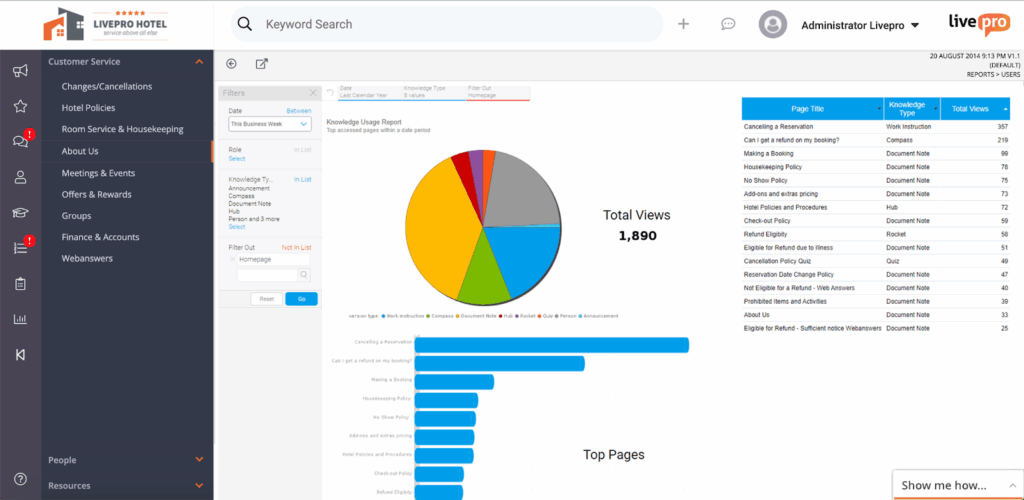
Caption: livepro’s reporting and analytics dashboard
Without customizable dashboards, teams have to sift through generic reports or manually compile data to track KPIs, which slows decision-making and reporting.
livepro solves this with configurable analytics dashboards that let you choose exactly which metrics to display. You can tailor the view for managers, executives, or front-line teams, and export reports in seconds for stakeholder updates.
Here’s what makes livepro’s analytics dashboards stand out:
- Customizable dashboards: Display the KPIs that matter most to your team or department
- Knowledge analytics: Track trending searches, identify gaps, and measure content engagement
- Extensive reporting suite: Run and export detailed reports for quick performance reviews
- Third-party integration: Connect with external analytics tools for deeper business insights
For example, if a dashboard shows high search volume for a specific topic, managers can quickly create or update content to meet demand. In leadership meetings, the latest metrics can be exported in seconds to demonstrate performance improvements.
Version Control and Data Redaction for Risk-Free Compliance
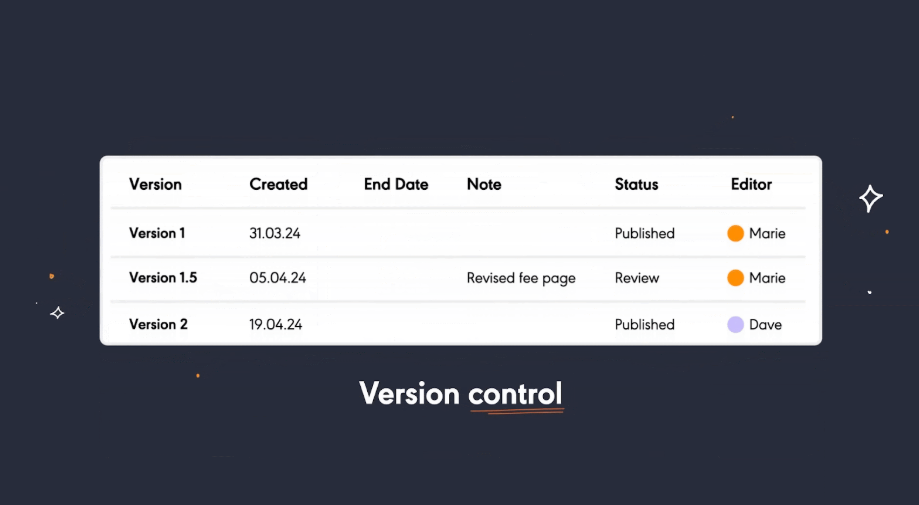
Open collections and single-admin setups in Shelf make it difficult to control access and protect sensitive information. Without version tracking, scheduled reviews, and permissions, outdated or unapproved content can remain live, creating compliance risks and undermining trust.
livepro addresses this with Version Control and PII Redact:
- Governance Tools and Version Control give you complete oversight of knowledge assets. Role-based permissions, automated review reminders, and full version histories make it easy to approve the right content, compare changes, and restore previous versions instantly.
- PII Redact automatically detects and removes personal identifying information from articles before they go live. This prevents sensitive data from slipping through and supports compliance with privacy regulations like HIPAA and GDPR.
This way, your teams always work with verified content and your organisation avoids compliance gaps.
Source Documents to Import and Centralize Company Information
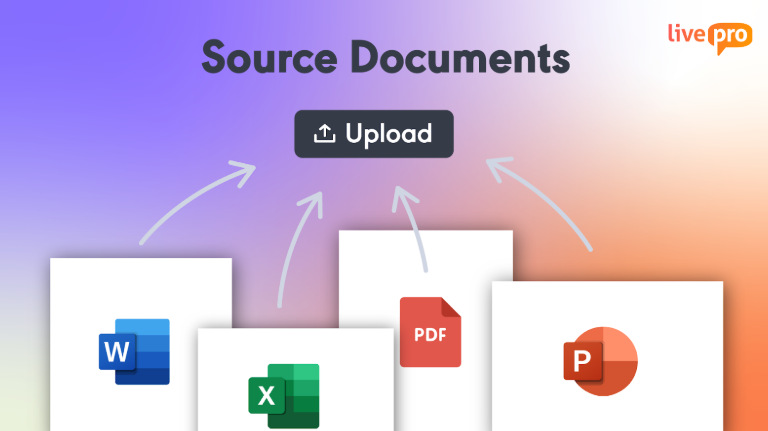
Many teams find it hard to use Shelf as a central hub because large uploads often fail. Files can hit limits, cause errors, or only upload halfway.
livepro fixes this with Source Documents. Teams can bulk import PDFs, Word files, PowerPoint decks, and Excel sheets, which Shelf often struggles with. Each file stays in its original format but becomes instantly indexed and searchable.
This allows teams to bring all critical records into one place, such as:
- Maintenance logs and technical records
- Policy and compliance manuals
- Training packs and onboarding guides
- Department reports and operating procedures
- Historical documents and reference files.
To keep large knowledge libraries organized, livepro also includes Categories and Hubs for grouping files by department, process, or topic. Ownership and review dates can be assigned to each document, keeping information accurate, accountable, and up to date as your repository grows.
livepro Integrations
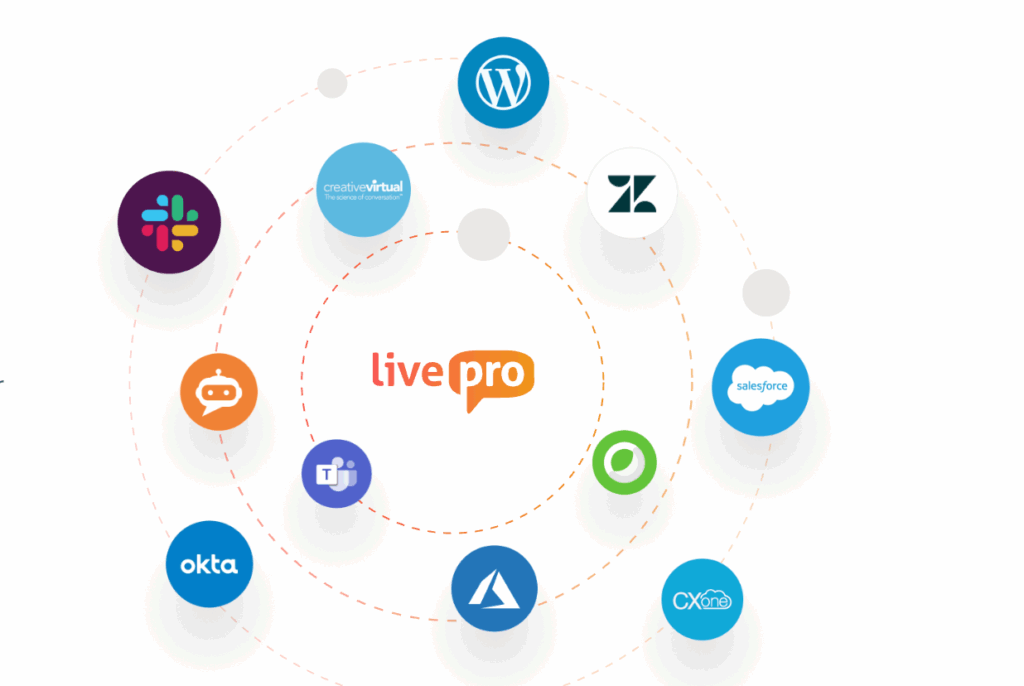
livepro connects with the tools your team already uses, keeping knowledge right inside daily workflows. No extra clicks or system switching are required.
For example, an agent working on a Zendesk ticket can view the exact livepro article they need without leaving the ticket.
Key integrations include:
- Salesforce
- Zendesk
- Microsoft Teams
- Slack
- Genesys
When native integrations don’t cover everything, livepro’s open API makes it easy to connect other systems and build custom setups.
livepro Pricing
livepro has three pricing plans: Flex, Premium, and Enterprise. Get in touch with our team for a custom quote.
livepro User Reviews
What users like:
- Easy setup with smooth onboarding support
- Single source of truth for all knowledge
- Fast, accurate search with Lightspeed AI
- Decision guidance tool makes processes effortless
- Strong version control and audit tracking
- Bulk import of documents in many formats
- Flexible categories and hubs for organization
- Role-based permissions to manage access rights
- Automated reminders keep content up to date
- Responsive customer support and training resources
What users dislike:
- Initial setup can feel complex for new teams
Review #1: “livepro has made such a difference in the day-to-day life of our Contact Centre agents – quick answers at their fingertips to help our clients.” – Stacey Q.
Review #2: “Any time that I have spoken with someone from livepro, I know that I am in great hands. The team is super approachable and is always happy to help me troubleshoot whatever problem I have had.” – Natascha M.
livepro Ratings
Guru
Best for: Teams that need AI-powered search and verified answers embedded directly in daily workflows.
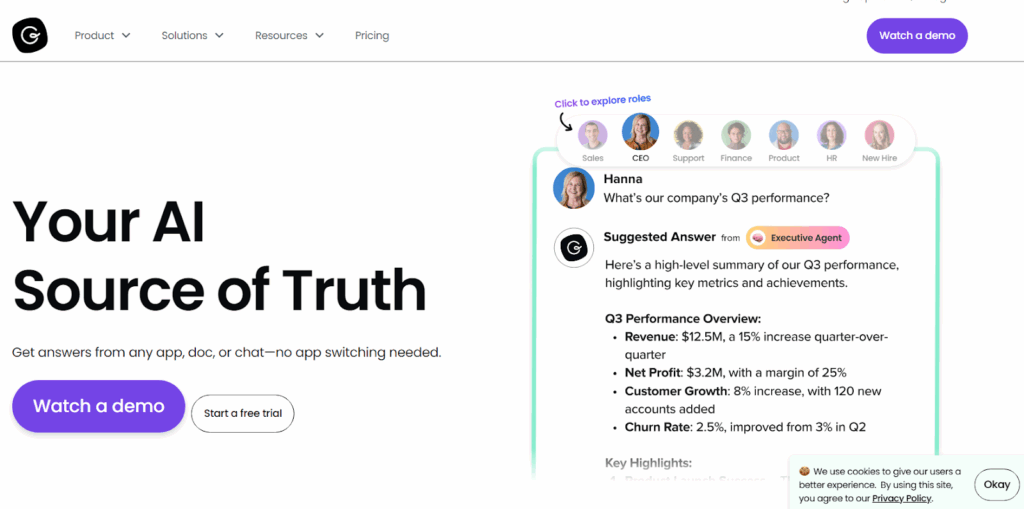
Guru is an AI-powered knowledge management system that combines enterprise search, an intranet, and a company wiki into one platform. Compared to Shelf, it delivers verified answers directly into tools like Slack, Teams, Salesforce, and Zendesk. This allows employees to find what they need without leaving their workflow.
It also supports browser extensions, verification workflows, and contextual AI suggestions.
Learn more: Guru Alternatives
Guru Key Features
- AI-powered search across connected apps and platforms
- Provides contextual knowledge suggestions within workflows
- Supports verification workflows to keep content current
- Offers a browser extension for instant access to answers
- Integrates with Slack, Microsoft Teams, Salesforce, Zendesk, and Google Drive
- Includes analytics to track content usage and knowledge trends
Guru Pricing
Guru’s pricing starts at $15 per user/month (billed annually). A 10-user minimum applies, with enterprise plans available on request.
Bloomfire
Best for: Research, support, and sales teams needing AI-rich, multimedia knowledge access.
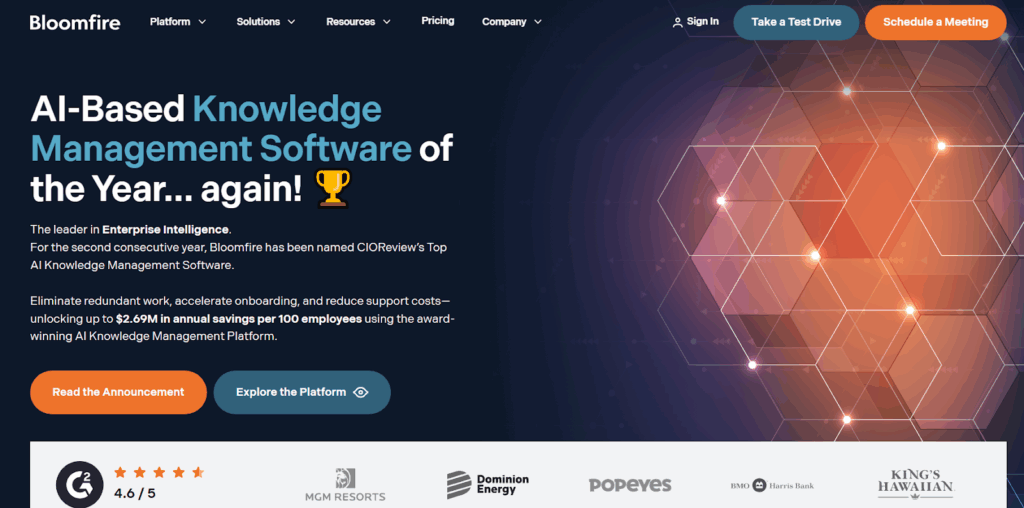
Bloomfire is a knowledge management platform built to make company-wide information easy to capture, share, and reuse. Compared to Shelf, which often struggles with real-time collaboration and content discoverability, Bloomfire uses AI-powered indexing and automated tagging to keep documents, videos, and audio files easy to search and access.
Read more: Bloomfire Alternatives
Bloomfire Key Features
- AI-powered search across documents, video, and audio
- Automated tagging, summarization, and transcription with AI authoring tools
- Categories, tags, and smart feeds for organizing content
- Q&A, discussion threads, and activity feeds for team collaboration
- Analytics dashboards to track knowledge usage and engagement
- Integrations with Slack, Microsoft Teams, Salesforce, Zendesk, and SharePoint
- Enterprise security with SSO, SCIM provisioning, audit trails, and role-based access
Bloomfire Pricing
Bloomfire offers three pricing tiers: Team, Department, and Enterprise. You can contact the team for a custom quote.
Document360
Best for: Enterprises managing multilingual technical docs and developer portals.
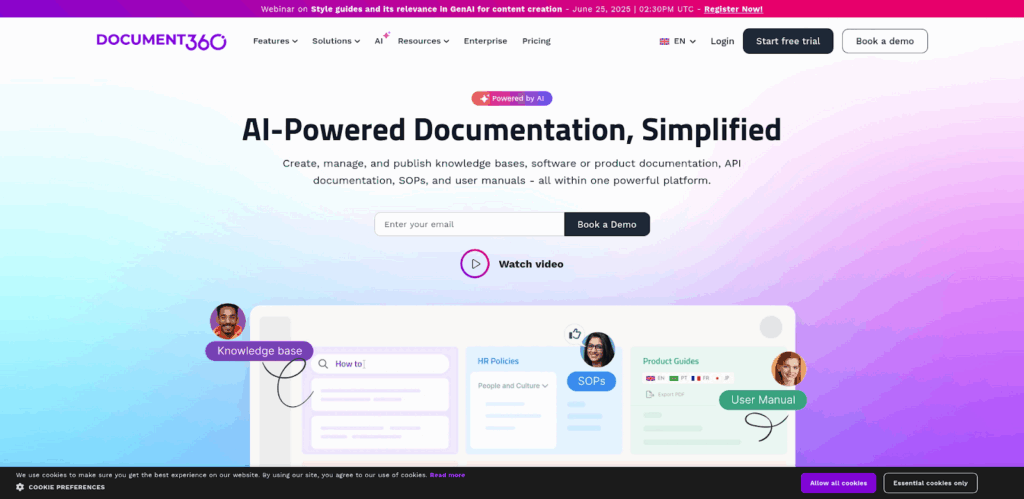
Document360 is a SaaS knowledge base solution designed for modern organizations. It offers rich documentation capabilities for SOPs, user guides, and API manuals.
Built on Microsoft Azure, it delivers AI-powered search, workflow automation, and rich version control, features that Shelf often lacks, especially at enterprise scale.
Document360 Key Features
- AI-powered search with support for large, structured content
- Templates, WYSIWYG, and Markdown editors for flexible content authoring
- Approval workflows, review reminders, and publishing controls for governance
- Decision trees (interactive) and support ticket deflectors for self-service workflows
- Categories, tags, multilingual support, and glossaries for content organization
- Analytics dashboards and health-check metrics for content performance
- Secure infrastructure: API access, role-based permissions, SSO, and sandbox environments
Document360 Pricing
Document360 offers five tiers: Professional, Business, Startup Program, Enterprise, and Enterprise+. Contact their team for a quote.
Confluence
Best for: Enterprises needing structured documentation with Jira integration.
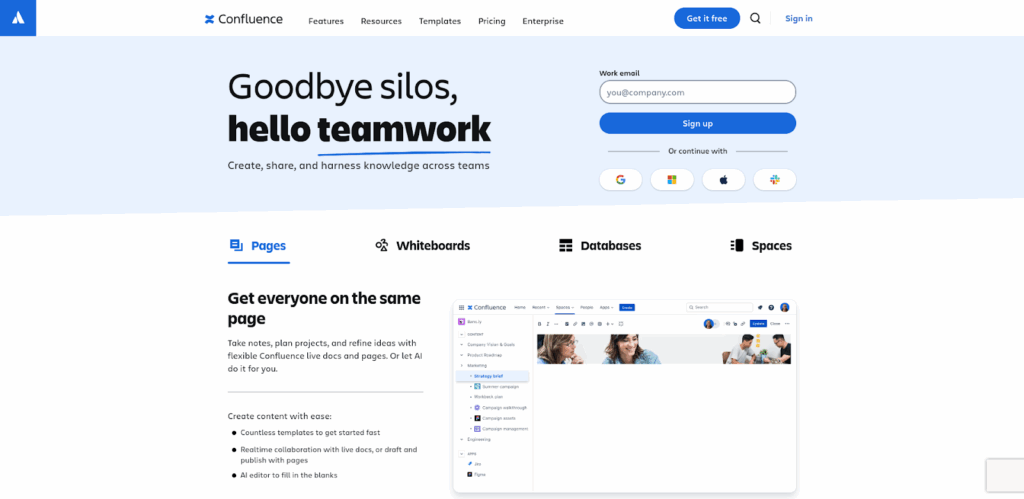
Confluence is Atlassian’s collaboration hub where teams create and organize internal documentation. It’s widely adopted in enterprises that already use Jira or Trello.
Compared to Shelf, Confluence provides stronger document hierarchy and governance, but falls short on real-time search, cross-file accuracy, and ease of adoption at scale.
Confluence Key Features
- Real-time co-editing, inline comments, and team notifications
- Flexible content types: pages, whiteboards, databases, and live docs
- Visual organization via spaces, page hierarchies, and macros
- Templates for project planning, marketing, and standard documentation
- Embeds for Loom, Figma, spreadsheets, and more media types
- Admin controls with permissions, audit logs, and automation
- Atlassian ecosystem integrations and marketplace apps
Confluence Pricing
Confluence offers four pricing plans: Free, Standard, Premium, and Enterprise, with paid plans starting at $5.16 per user/month.
Helpjuice
Best for: Scaling businesses wanting self-service support and flexible knowledge delivery.
Helpjuice is a cloud-based knowledge base platform designed to simplify knowledge sharing for customer support and internal teams.
It focuses more on customization and ease of use,, making it popular for mid-sized businesses that prioritize a branded self-service experience.
Read more: Helpjuice Alternatives
Helpjuice Key Features
- Offers deep customization with themes, layouts, and branding options
- Provides analytics to track article usage and search queries
- Supports collaboration with simultaneous editing and version history
- Delivers fast search with autocomplete suggestions
- Allows public and private knowledge base setup
- Includes permissions management for different user roles
- Offers integrations with tools like Slack and Zapier
Helpjuice Pricing
Helpjuice offers three plans: Knowledge Base at $249/month, AI-Knowledge Base at $449/month, and Unlimited AI-Knowledge Base at $799/month.
Tettra
Best for: Startups and SMBs needing a simple, Slack-friendly internal wiki.
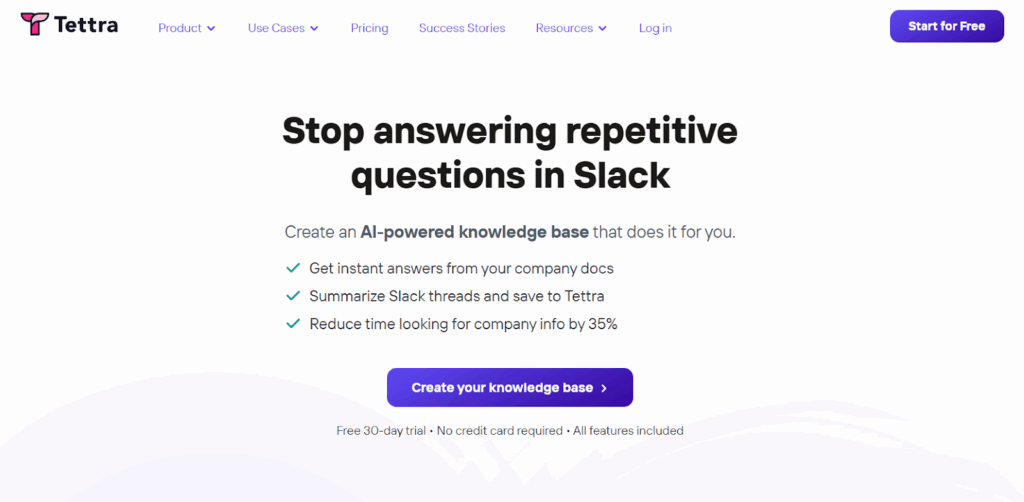
Tettra is a lightweight knowledge management tool built for growing teams that need a simple way to document and share internal processes. Compared to Shelf, Tettra focuses less on enterprise complexity and more on ease of use. It offers strong integrations with Slack and Microsoft Teams.
Tettra Key Features
- Simple, structured wiki for documenting company knowledge
- Integrates with Slack and Microsoft Teams for Q&A and updates
- Built-in knowledge requests so teammates can ask questions directly
- Automatic content suggestions powered by AI
- Easy linking between pages for quick navigation
- Lightweight permissions and access controls for team management
- Templates for common processes like onboarding and SOPs
- Version history to track changes over time
Tettra Pricing
Tettra offers three plans based on team size and feature needs: Basic, Scaling, and Professional, starting at $4/’month/user.
Comparison Table: 7 Best Alternatives for Knowledge Management in 2025
| Software | Best For | Key Features | Pricing | Overall Rating |
| livepro | Enterprises and contact centers needing AI search, compliance, and collaboration at scale | Lightspeed AI + keyword search, real-time authoring, workflow guidance, governance & version control, analytics dashboards, integrations (Salesforce, Zendesk, Teams, Slack, and more) | Custom pricing (Flex, Premium, Enterprise) | ⭐4.9/5 |
| Guru | Fast-moving sales and support teams needing instant knowledge cards | AI-powered search, browser extension, Slack/Teams integration, analytics, knowledge verification | Starter from $6/user/month | ⭐4.5/5 |
| Bloomfire | Large organizations sharing knowledge at scale with advanced search and media support | AI-driven search, video transcription, analytics, communities, integrations (Salesforce, Slack) | Essentials from $25/user/month | ⭐4.4/5 |
| Document360 | Technical teams and product orgs building customer-facing docs and internal knowledge | Markdown editor, version control, SEO features, categories, analytics, integrations | Standard from $199/project/month | ⭐4.6/5 |
| Confluence | Teams already in the Atlassian ecosystem need structured documentation | Page hierarchy, templates, Jira integration, collaborative editing, permissions | Standard from $5.75/user/month | ⭐4.3/5 |
| Helpjuice | Customer support teams needing custom-branded knowledge bases | WYSIWYG editor, analytics, customization, multiple languages, integrations | Standard from $120/4 users/month | ⭐4.4/5 |
| Tettra | Startups and SMBs wanting a simple wiki integrated with Slack/Teams | Q&A knowledge base, verification, Slack/Teams integration, search, page requests | Basic from $4/user/month | ⭐4.2/5 |
How to Choose the Best Alternative to Shelf
Here’s what to consider when choosing a Shelf alternative for your knowledge management strategy:
Search Accuracy
A knowledge platform should surface precise results quickly, even across large repositories and varied file types. AI-powered semantic search and NLP help teams find answers through natural language queries rather than rigid keywords.
livepro’s Lightspeed Search uses NLP and vector-based retrieval to deliver instant and accurate answers, even from scanned documents or long-form text.
Compliance & Governance
Enterprises in regulated industries and contact centers need robust oversight, from access controls to audit trails and version history. Features like redaction, scheduled reviews, and policy enforcement ensure sensitive data is managed responsibly.
livepro provides governance tools, including PII redaction, review scheduling, and full version tracking to support GDPR, HIPAA, and internal compliance policies.
Integration Depth
The best Shelf alternatives integrate seamlessly with CRMs, ITSM systems, and collaboration tools so knowledge is available where work happens. This reduces context switching and improves adoption.
livepro connects with leading business platforms, making sure employees can access and share knowledge directly within their daily workflows.
Scalability
As teams grow, platforms must handle segmented access, multiple content hubs, and custom workflows without sacrificing oversight. Scalability ensures long-term value and adaptability.
livepro supports large, distributed organizations with Categories and Hubs, letting each department access relevant content while keeping central governance intact.
Ease of Use and Adoption
A knowledge tool should be intuitive, easy to navigate, and quick to learn. High adoption rates are driven by clean design and minimal training needs.
livepro’s user-friendly interface encourages daily use, helping employees find and contribute knowledge without friction.
Analytics for Ongoing Improvement
Insights into search terms, engagement levels, and content gaps allow teams to refine their knowledge base continually and prove ROI to leadership.
livepro includes advanced analytics dashboards that highlight usage trends and knowledge gaps, enabling proactive improvements.
Bottom Line: livepro is the Best Shelf Alternative for Knowledge Management
Shelf helps teams share knowledge, but it struggles as companies grow. Users report its search, compliance, and collaboration tools are limited.
livepro solves these gaps with an AI-powered search that delivers instant, accurate answers, built-in compliance for GDPR and HIPAA, and role-based access controls. It also connects with Salesforce, Zendesk, and ServiceNow to keep knowledge in the tools employees already use.
For growing teams, livepro makes it easier to deliver knowledge, track compliance, and scale without losing control.
Book a demo to see how livepro outperforms Shelf with faster search, stronger compliance, and built-in collaboration.