

Nuclino is great for lightweight knowledge management and collaboration, but its minimalist approach creates limitations as teams scale.
Here are some key areas where Nuclino falls short:
- Limited formatting and customization: There’s a lack of customization and formatting options when compared to other tools. Bigger enterprises that want more control over document styling or need advanced layouts find Nuclino restrictive.
- Storage issues: Nuclino has storage limits that can be problematic for enterprises that need to store large media files or large amounts of data. As a result, users have to rely on external storage solutions to meet their needs.
- Weak permissions and governance: Users report concerns about accidental edits, insufficient permission management, and difficulty tracking who made changes to critical documents.
In this article, we’ll review the 7 best Nuclino alternatives, so you can pick the right knowledge management software for your company’s needs.
What Is Nuclino?
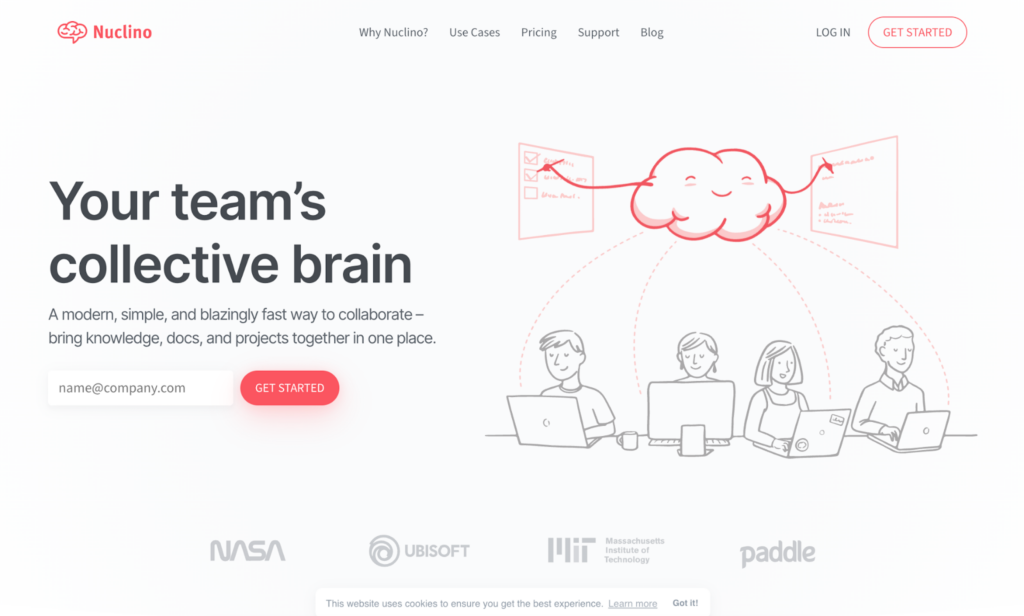
Nuclino is a collaborative wiki and knowledge management platform designed for teams seeking a simple, fast alternative to heavyweight tools like Confluence or Notion.
The platform allows teams to create shared documents, organize them into workspaces and collections, and visualize how information connects through its unique graph view. Unlike traditional folder-based wikis, Nuclino emphasizes real-time collaboration with markdown support, inline comments, and multiple view modes.
It serves startups and small-to-mid-sized teams (typically 5-50 people) across various industries, from tech companies documenting product specs to marketing teams building content libraries. The platform’s lightweight approach means less time configuring and more time writing.
What Nuclino Does Well
Here’s what Nuclino’s good at:
- Fast and lightweight: Ideal for teams that want instant page loading and minimal interface clutter.
- Graph view: Offers a unique visual representation of how documents connect, making it easy to see relationships between topics and identify isolated content.
- Real-time collaboration: Supports simultaneous editing with inline comments, @mentions, and live cursor tracking so you can see who’s working on what in real time.
- Multiple view modes: Switch between list, board, table, and graph views to organize content to suit different workflows.
- Clean interface: Simple, distraction-free editor with markdown support and keyboard shortcuts.
Why Look for Nuclino Alternatives?
That said, teams often find themselves exploring other options. Here are the most common reasons:
Limited Formatting and Customization
Nuclino’s minimalist editor works great until you need something more sophisticated. Power users who want advanced document styling, custom layouts, or more visual customization tend to feel boxed in. Tools like Notion or Confluence give you more room to work.
“One thing that they can improve is the formatting tools, some variety is needed to have a pleasant UX.” – Capterra Review
Minimal Offline Access
If you’re working from a location with unreliable WiFi, Nuclino can be problematic. Most features require an internet connection, which creates headaches for remote workers who travel or work from locations with spotty connectivity.
Limited Analytics and Reporting
Detailed analytics (Team Insights) are locked behind the Business plan. Knowledge managers need deeper reporting to identify content gaps, track documentation usage, and measure engagement. Without robust analytics, it’s difficult to prove ROI or understand which content needs updating or removal.
“It would be nice to get more of the analytics and adoption/participation metrics from any Lino without having to subscribe to a higher subscription tier.” – Capterra Review
Poor Search Functionality
Nuclino’s search struggles with misspellings and variations. If a word is typed incorrectly, results may not appear at all. As workspaces grow to hundreds or thousands of pages, finding information becomes slower and more frustrating.
“The search does not handle typos. It will show zero results if you mistype.” – G2 Review
Users also report difficulty navigating folder structures and finding content when workspaces grow beyond a few dozen pages.
Workspace Switching Feels Clunky
For teams managing multiple workspaces or clients, switching between workspaces can be tedious. Users want more streamlined navigation when working across different projects or client accounts.
“Splitting items into workspaces can sometimes feel a bit confusing, especially if you’re managing multiple projects or groups. Additionally, it lacks some advanced editing features, like a “find and replace” function, which would be useful for larger documents.” – Capterra Review
Integration Limitations
Nuclino integrates with popular tools like Slack, Google Drive, and Discord, but its integration ecosystem is smaller than many competitors. Teams with complex tech stacks sometimes find they need more connectivity options than Nuclino provides.
There’s no direct integration with CRMs like Salesforce, ticketing systems like ServiceNow, or advanced project management tools like Jira.
Storage Constraints
The free plan limits you to 50 items and 2GB total storage. The Starter plan bumps that to 10GB per user, while Business offers 20GB per user. For teams dealing with many media files or extensive documentation, these limits can become a real constraint.
Users managing video tutorials, design files, or large datasets quickly hit these storage limits and need external solutions.
These limitations push customer-facing teams, especially those in contact centers and regulated industries, to look for a more structured alternative.
livepro
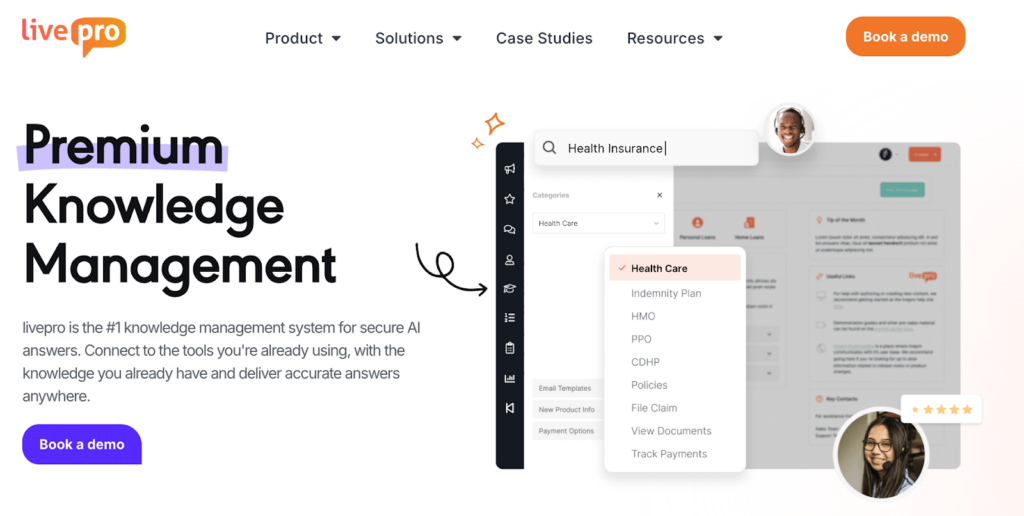
livepro is a knowledge management platform designed for teams that need access to accurate and structured information. While Nuclino works well as a general documentation wiki, livepro specializes in delivering knowledge management with AI-powered search, decision guidance, and enterprise-grade governance.
It works well for customer service teams, internal departments, and organizations in financial services, healthcare, government, and insurance.
Here are the key features that make livepro different from basic wiki tools:
Lightspeed AI Search for Fast and Accurate Search Results
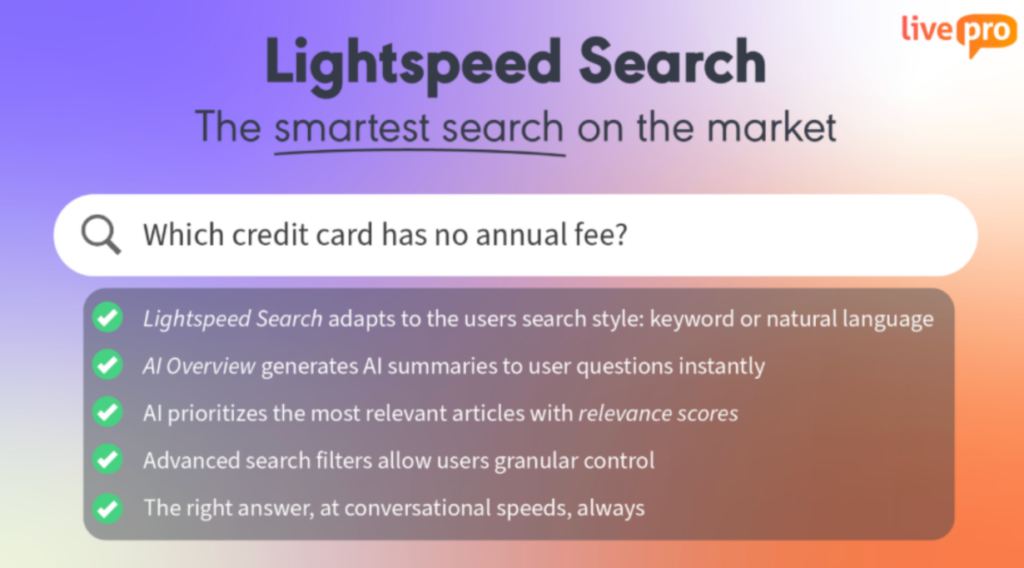
Basic search slows you down when you make typos or use different terminology. Rephrasing queries to match exact keywords wastes time when you need information during time-sensitive decisions.
livepro’s Lightspeed AI Search uses hybrid search technology that understands context, handles typos, and delivers relevant results instantly, even when users don’t use exact keywords. Here’s how Lightspeed AI Search works:
- Typo tolerance: Finds “compliance requirements” even when users type words with errors.
- Contextual understanding: Recognizes that “employee onboarding” and “new hire setup” mean the same thing.
- Semantic search: Returns relevant articles based on meaning, not just keyword matching.
- Real-time results: Delivers answers in under 2 seconds, even across thousands of knowledge articles.
- Usage-based ranking: Surfaces the most helpful articles based on what teams actually use.
For example, an HR manager searching for “remote work policy” will get relevant results even if the official document is titled “Telecommuting Guidelines” or “Work From Home Procedures.” The AI understands these are related concepts and surfaces all relevant content.
Decision Trees (Rocket) for Step-by-Step Guidance

Nuclino presents information in static documents, but many organizational workflows require step-by-step guidance based on specific situations. Teams handling compliance checks, troubleshooting, escalations, or multi-step processes need dynamic guidance that adapts to each scenario.
livepro’s Rocket guides users through complex processes with branching logic. Instead of reading through paragraphs to figure out what applies to each situation, users answer simple questions and get the exact next step.
Rocket supports complex workflows across departments:
- Branching logic: Different paths based on situation (user type, issue severity, department, regulation).
- Visual flowcharts: Users see the full decision path, not just the current step.
- Embedded actions: Include links to systems, scripts, forms, or escalation contacts at each step.
- Version control: Update decision trees without breaking active workflows.
For example, a healthcare organization uses Rocket for patient data access requests. When staff receive a records request, they follow a Rocket that asks: “Is the requester the patient or an authorized representative?” Based on the answer, it guides them through the correct HIPAA-compliant verification process, required forms, and turnaround times.
Flexible Categorization & Role-Based Hubs for Smarter Navigation
Users report Nuclino’s navigation can feel cluttered and difficult to manage as content grows. The static folder hierarchy makes it challenging for different departments to find what they need without endless clicking through nested structures.
livepro’s Role-Based Hubs and Flexible Categorization let you organize knowledge by department, role, topic, or any structure that matches how your organization actually works. Each team sees only the knowledge relevant to their function, eliminating clutter and reducing search time.
Here’s how flexible categorization supports organizations:
- Role-based Views: HR sees HR policies, finance sees finance procedures, and compliance sees audit requirements.
- Multi-dimensional Tagging: Tag articles by department, topic, regulation, and audience simultaneously.
- Custom Hierarchies: Create navigation structures that match your org chart or process flows.
- Dynamic Collections: Articles automatically appear in multiple hubs based on tags.
- Personalized Dashboards: Users land on the knowledge hub most relevant to their role.
Lightspeed AI Import for Content Migration from Nuclino
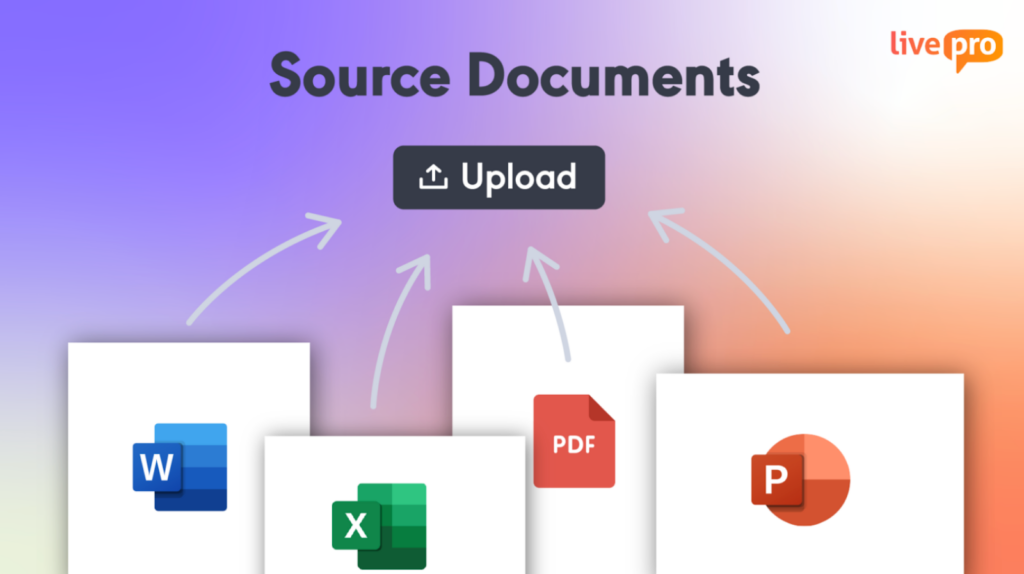
Moving knowledge from Nuclino to a new platform typically means weeks of manual copying, reformatting, and reorganizing content. Teams often delay migrations because of the time investment required to transfer hundreds or thousands of documents while preserving structure and formatting.
livepro’s Lightspeed AI Import automates the migration process by intelligently importing documents from Nuclino and other platforms, identifying content structure, and suggesting categorization.
Lightspeed AI Import handles migration efficiently:
- Bulk upload: Import PDFs, Word docs, Excel files, and existing wiki content from Nuclino simultaneously.
- Intelligent parsing: AI automatically identifies titles, sections, procedures, and key information.
- Format preservation: Maintains tables, lists, images, and document structure.
- Auto-categorization: Suggests tags and categories based on content analysis.
- Quick validation: Review and approve AI suggestions before publishing.
For example, if you want to migrate all your documentation from Nuclino, you can upload them all at once. Lightspeed AI Import identifies content types, preserves your existing formatting, and suggests appropriate categories, turning a 3-month manual project into a 2-week assisted migration.
Governance Controls for Risk-Free Knowledge Management
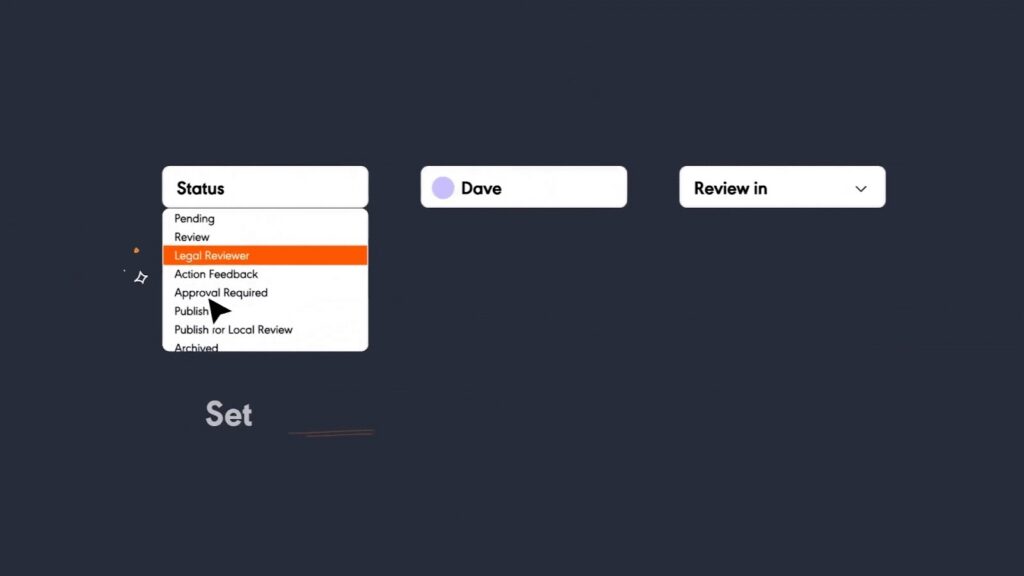
Nuclino lacks enterprise-grade access controls and audit trails. Users report concerns about accidental edits, insufficient permission management, and difficulty tracking who made changes to critical documents.
livepro’s Governance Controls give compliance-focused organizations the security, audit trails, and permission management required for regulated industries. Every change is tracked, access is role-based, and content goes through approval workflows before publication.
Here’s how governance controls protect knowledge integrity:
- Role-based Permissions: Control who can view, edit, approve, or publish by department and seniority.
- Approval Workflows: Content moves through author → reviewer → approver before going live.
- Full Audit Trails: See who changed what, when, and why with complete version history.
- Scheduled reviews: Automated reminders when policies need review or revalidation.
- Compliance reporting: Export audit logs for regulatory reviews and internal audits.
For example, a financial services firm requires all customer-facing policies to be reviewed by compliance before publication. When an agent updates a refund policy, it enters an approval queue. Compliance reviews the change, suggests edits, and approves it before customers or frontline staff see the update. Every step is logged for audit purposes.
Luna Voice Agent: 24/7 Customer Support Without Adding Headcount

Contact centers lose money when call queues spike after hours, during peak seasons, or when volumes exceed agent capacity. Customers hang up. Complaints rise. And hiring more agents to cover overflow is expensive.
Luna is livepro’s AI voice agent built specifically for contact centers. It handles inbound customer calls directly, pulling answers from your existing livepro knowledge base so every response is accurate and policy-approved.
Luna handles real customer interactions:
- 24/7 Availability: Answers calls outside business hours without human coverage.
- Approved Answers Only: Responds using your verified knowledge base, with no hallucinations or misinformation.
- Natural Language Understanding: Interprets how customers actually speak, not just exact keywords.
- Seamless Handovers: Transfers complex calls to a live agent when needed.
- Multilingual Support: Automatically switches to the customer’s language.
For example, an insurance customer calls after hours to ask about their claim status. Luna pulls the relevant policy information and walks them through the process, just like a trained agent would, without anyone picking up the phone.
Customer Self-Service Solutions for Reduced Support Volume

Many organizations using Nuclino for internal knowledge also need external solutions for customer self-service. Managing separate systems for internal and external knowledge creates duplication, version control issues, and inconsistent information.
livepro’s Customer Self-Service Solutions let you publish the same verified knowledge externally that your internal teams use. Customers get accurate answers from your knowledge base through searchable help centers, chatbots, or voice agents, reducing support ticket volume.
Customer self-service capabilities include:
- Branded help centers: Publish knowledge articles in a customer-facing portal with your branding.
- AI-powered chatbots: Customers ask questions and get instant answers from your knowledge base.
- Intelligent search: Customers find answers using natural language, not exact keywords.
- Content reuse: Publish internal knowledge externally without duplicating or reformatting.
- Analytics tracking: See which topics customers search for most and where self-service fails.
For example, a telecommunications company publishes troubleshooting guides to their customer portal. When customers search for “internet not working,” they receive step-by-step instructions from the same knowledge base agents use. If self-service doesn’t resolve the issue, customers can escalate to live support, and agents already see what steps the customer tried.
Integrations
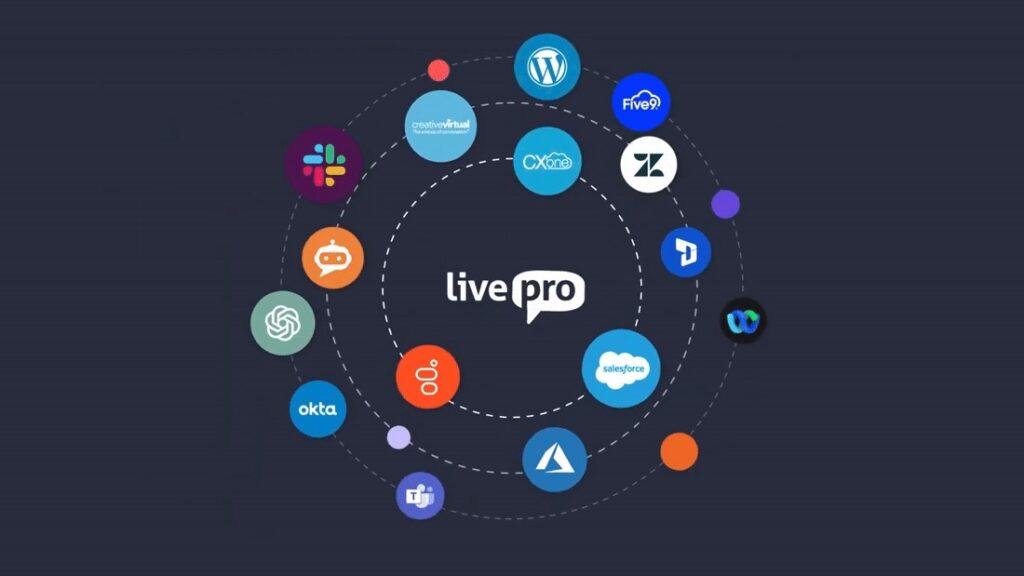
livepro integrates with the tools your company already relies on, so your team can access accurate knowledge without leaving their workflow.
Key integrations include:
- Salesforce
- Zendesk
- Microsoft Teams
- Slack
- ServiceNow
- Freshdesk
Many Nuclino users have reported that integration options are limited, especially when connecting to external tools or embedding knowledge on other platforms. livepro solves this with an open API, allowing teams to request custom setups when native integrations aren’t available.
livepro Pros and Cons
Pros:
- Handles typos and understands context during search
- AI-generated summaries provide instant answers without reading full articles
- Analytics reveal content gaps, usage patterns, and knowledge ROI
- API supports custom integrations and bulk data operations
- Granular permissions prevent accidental edits and track all changes
- Reduces training time with structured workflows and guided processes
- Meets compliance requirements for regulated industries
- Automates content migration from existing platforms
Cons:
- Learning curve on advanced features, but customer support is available for help
livepro Pricing
livepro offers three custom pricing plans (Flex, Premium, and Enterprise). Contact us for a quote.
livepro Reviews
Review #1: “I really like the simplicity of livepro Knowledge Management when it comes to creating, updating, and editing any knowledge base pages. It’s very user-friendly to navigate from a user perspective for searching and locating knowledge.”
Review #2: “It’s like a shared brain we can all tap into for up to date, easy to find information. The information can live in multiple places within the platform, as well as across other locations like the website or Teams, while still being centrally managed with the ability to control exactly what information is visible to different internal and external users.”
livepro Rating
Notion
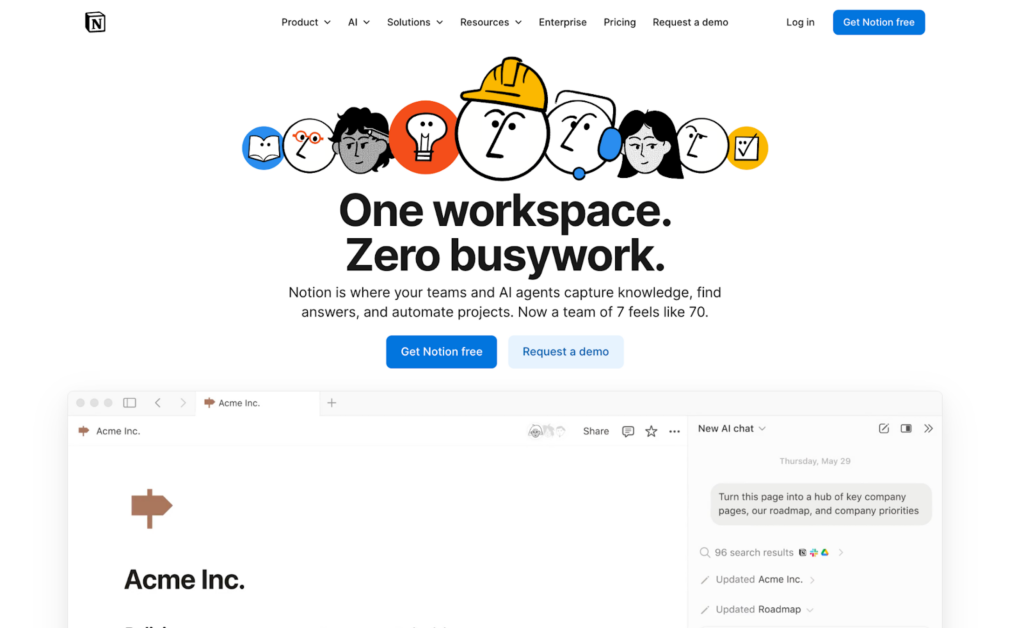
Notion functions as a modular workspace that supports structured data models and collaborative documentation. Compared to Nuclino, it enables real-time syncing between databases and pages, bidirectional links for internal reference, and workflow automation through Zapier, Make, and an open API.
It supports shared tasks, comments, and a web clipper for saving external content, allowing you to manage content and processes in one system.
Read more: Slite vs Notion
Notion Key Features
- Provides customizable templates for notes, planning, and project tracking
- Supports databases with table, board, list, calendar, and timeline views
- Embeds rich media like videos, PDFs, and audio directly into pages
- Enables collaboration through shared pages, tasks, and comments
- Offers Kanban boards for visual task and workflow management
- Organizes content using nested pages for better structure and navigation
- Includes a web clipper to save articles and pages from your browser
- Delivers AI-powered search and content generation (Business plan and above)
Notion Pricing
Notion offers four plans: Free, Plus, Business, and Enterprise, with paid plans starting at $10 per user/month.
Coda
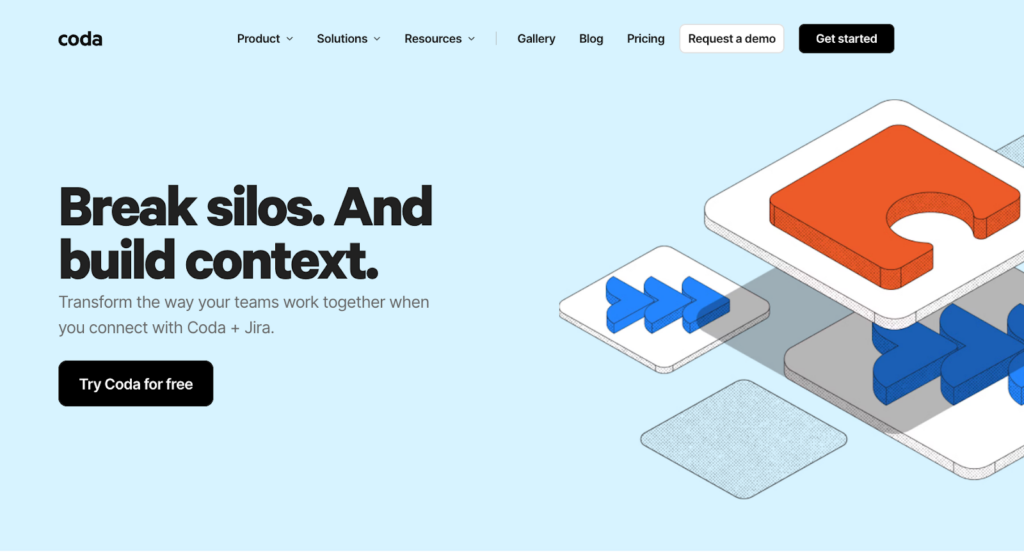
Coda is a doc-database hybrid where documents contain interactive tables, buttons, formulas, and automations that make them behave like custom-built applications. While Nuclino focuses on documentation, Coda targets teams that want their documents to do things, not just say things.
It allows product managers and developers to build custom trackers, workflows, and internal tools without code.
Coda Key Features
- Powerful doc-database system with formulas, relations, filters, and lookups
- Interactive building blocks like buttons, sliders, and dropdowns embedded in documents
- Time-based and event-driven automations
- 600+ integrations via the Packs ecosystem (Slack, Jira, Salesforce, GitHub)
- AI credits included across all plans
- Cross-doc syncing for single-source-of-truth data
- Multiple view types, including charts, timelines, and Kanban boards
Coda Pricing
Coda uses “Maker billing,” where you only pay for Doc Makers (users who create documents). Pro costs $10/Doc Maker/month, and Team costs $30/Doc Maker/month.
Confluence
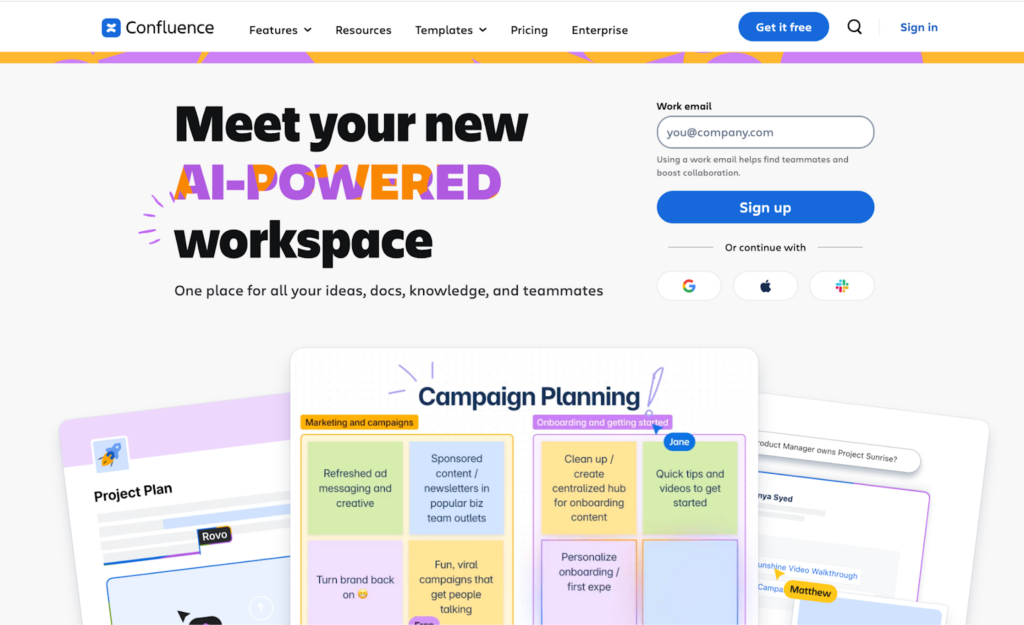
Confluence is a corporate wiki tool by Atlassian, built for teams that need integration with Jira and other Atlassian products. Compared to Nuclino, it supports advanced features like issue linking, page embedding, and macros.
While it offers flexibility and customization, its interface and setup can be complex for non-technical users.
Read more: Confluence Alternatives
Confluence Key Features
- Create rich pages with text, tables, media, and macros
- Organize docs in spaces with nested subpages and permissions
- Collaborate in real time with comments and version history
- Search full content with filters, labels, and AI suggestions
- Set granular access at the space, page, and paragraph levels
- Use templates and macros to speed up documentation
- Deep integration with Jira, Bitbucket, and Atlassian marketplace apps
Confluence Pricing
Confluence is free for up to 10 users. Standard costs $5.42/user/month, Premium costs $10.44/user/month, and Enterprise pricing is custom.
Tettra

Tettra is built for turning team knowledge into instant, searchable answers, especially for teams that live in Slack. It focuses on reducing repetitive questions by combining an internal wiki with an AI assistant that answers questions directly in Slack channels.
It helps customer support teams, HR departments, and operations teams reduce the time spent answering the same questions repeatedly.
Tettra Key Features
- Kai AI assistant answers questions in Tettra or Slack
- Best-in-class Slack integration with thread summarization
- Structured Q&A system where expert answers become searchable content
- Knowledge verification with scheduled reviews and stale content detection
- AI-powered tagging and semantic search
- Automatic FAQ generation from existing content
- Clean editor with import from Google Docs, Notion, and Markdown
Tettra Pricing
Tettra’s Scaling plan costs $8 per user per month (annual), with a 10-user minimum, making the effective starting cost $80/month.
ProofHub
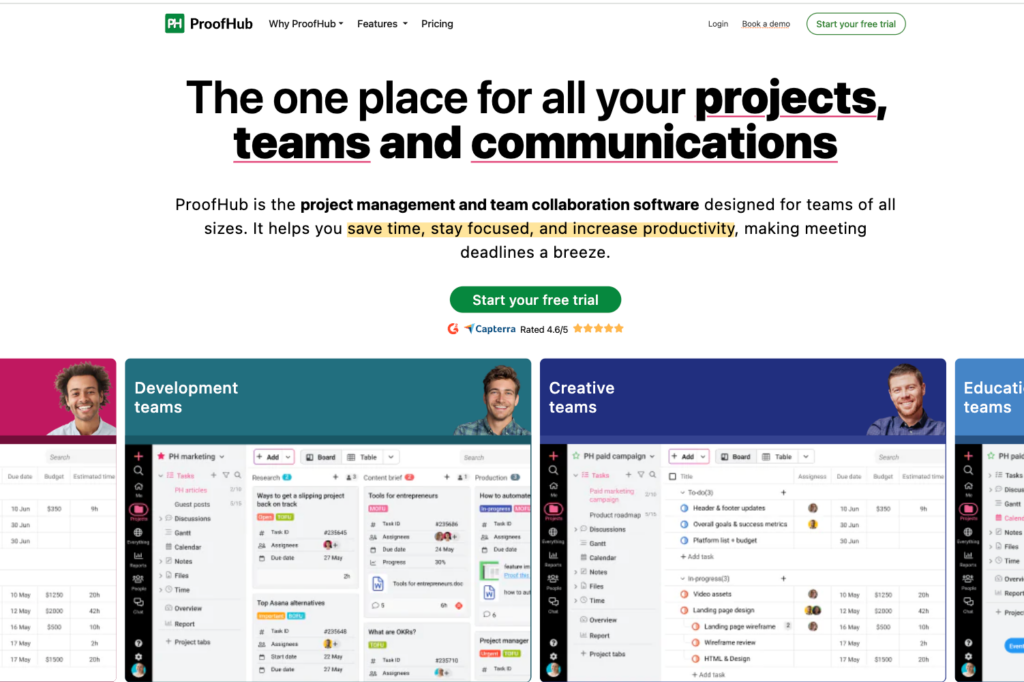
ProofHub is an all-in-one project management platform that includes built-in documentation and wiki capabilities. It is commonly used by marketing teams, creative agencies, and consultancies.
Unlike Nuclino’s focus on lightweight wikis with basic task lists, ProofHub provides comprehensive project execution features alongside its notes and wiki module. This makes it relevant for teams that found Nuclino’s project management too limited but don’t want to maintain separate platforms for tasks and documentation.
ProofHub Key Features
- Task management with Kanban, table, Gantt, and calendar views
- Visual Gantt charts for timeline planning
- Online proofing and markup tools for reviewing designs
- Built-in time tracking with timesheets and productivity reports
- Threaded discussions and real-time group chat
- Notes and Wiki module for internal documentation
- Centralized file management with version control
ProofHub Pricing
ProofHub uses flat-rate pricing with unlimited users. Essential costs $45/month (annual). Ultimate Control costs $150/month.
Slite
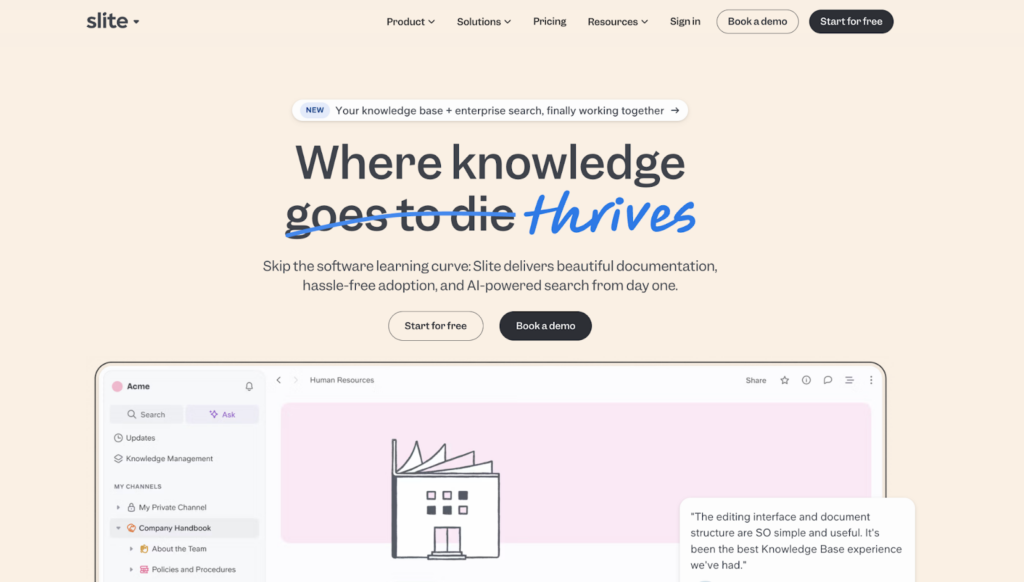
Slite is a knowledge base tool that has bet heavily on AI as its differentiator. It includes an AI-powered “Ask” feature that answers natural-language questions from your knowledge base, citing sources.
It targets product, engineering, IT, HR, and support teams that prioritize the speed of knowledge retrieval and the freshness of documentation.
Learn more: Slite Alternatives
Slite Key Features
- AI-powered Ask answers questions from your knowledge base using RAG technology
- Collaborative editor with AI-powered formatting
- Document verification system with validity periods and automatic review reminders
- Knowledge management dashboard for spotting outdated content
- Doc and workspace analytics tracking engagement
- Super enterprise search across 15+ external tools (Slack, Google Drive, GitHub)
- Template library with importers from Notion, Confluence, and Google Docs
Slite Pricing
Slite offers two pricing tiers: Standard plan ($8/user/month) and Knowledge Suite ($20/user/month)
Comparison Table: Best Nuclino Alternatives in 2026
| Nuclino Alternative | Best For | Key Features | Vs. Nuclino | Pricing |
| livepro | Contact Centers and Enterprises needing AI-powered, compliance-ready knowledge management | AI search, decision trees, governance, analytics, voice agent | Typo-tolerant search, granular permissions, approval workflows, deep analytics, compliance tools | Custom Pricing |
| Notion | Teams wanting a flexible, all-in-one workspace | Databases, AI agents, templates, wikis, project boards | Relational databases, extensive customization, advanced AI features, more integrations | $12/user/month |
| Coda | Technical teams building doc-powered workflows | Interactive docs, formulas, automation, 600+ integrations | Documents with formulas and buttons, powerful automation, and interactive elements | $10/Doc Maker/month |
| Confluence | Large teams using the Atlassian ecosystem | Jira integration, macros, spaces, enterprise features | Deep Atlassian integration, advanced permissions, enterprise compliance, macros | $5.42/user/month |
| Tettra | Slack-heavy teams reducing repetitive questions | AI Q&A (Kai), Slack integration, knowledge verification | AI answers questions in Slack, a content verification system, and better knowledge governance | $8/user/month (10 min) |
| ProofHub | Project teams needing unlimited users | Gantt charts, time tracking, proofing, unlimited users | Full project management features, time tracking, Gantt charts, unlimited users at a flat rate | $45/month flat |
| Slite | Remote teams prioritizing AI search | AI Ask, Super search, verification, analytics | AI-powered Q&A, enterprise search across tools, and automatic staleness detection | $8/user/month |
How to Choose the Best Nuclino Alternative
The right Nuclino alternative depends on why you’re looking to switch. If you’re leaving because of search limitations, look for an AI-powered search that handles typos. If the permissions are weak, prioritize governance features.
Here’s how to match your specific needs with the right platform:
| Use Case | Recommended Tool | Why It Works |
| Contact Centers & Customer Support | livepro | AI search, decision trees, voice agent, governance controls, and customer self-service built for contact center workflows |
| Compliance & Governance | livepro or Confluence | Role-based permissions, approval workflows, audit trails, and compliance certifications for regulated industries |
| Atlassian Ecosystem Users | Confluence | Deep Jira integration and Atlassian marketplace with thousands of apps |
| Slack-Heavy Organizations | Tettra | AI answers questions in Slack, thread summarization, and knowledge verification |
| Maximum Customization | Notion or Coda | Notion offers extensive databases and customization. Coda provides doc-powered applications with automation |
| Project Management + Docs | ProofHub or Notion | Gantt charts, time tracking, and unlimited users (ProofHub) or flexible PM features (Notion) |
| Budget-Conscious Teams | Confluence or ProofHub | Free for 10 users (Confluence) or flat-rate pricing regardless of team size (ProofHub) |
Bottom Line: livepro is the Best Nuclino Alternative for Knowledge Management in 2026
Nuclino is a capable tool for lightweight collaboration, but as teams grow, its limitations around search accuracy, governance, permissions, and role-based delivery become difficult to work around.
If you’re searching for a Nuclino alternative that can scale with your business, livepro stands out. It offers enterprise-grade AI, reliable search, built-in compliance tools, and deep integrations with platforms like Salesforce and Zendesk.
It’s a better fit for organizations that need structured content, faster access to answers, and tighter control over how knowledge is shared across teams.
Book a demo to see how livepro simplifies knowledge delivery across teams.
FAQs About Nuclino Alternatives
Which Nuclino alternatives are free?
Confluence offers a free plan for up to 10 users with unlimited pages. Notion provides a free plan for individuals. However, these free plans lack enterprise features like advanced permissions, SSO, and compliance tools. For professional use, paid plans start at $5-12/user/month, depending on the platform.
What’s the best Nuclino alternative for contact centers?
livepro is the only knowledge management platform built specifically for contact centers. It includes an AI-powered search that handles typos, decision trees (Rockets) for guided workflows, an AI voice agent,, and governance controls for compliance. These features address contact center needs that general wikis like Nuclino don’t support.
Which Nuclino alternative is easiest to use?
Slite and Tettra offer the cleanest interfaces, similar to Nuclino’s simplicity. Slite focuses on documentation with AI search, while Tettra specializes in Slack integration. Both have shorter learning curves than Notion or Confluence, making them easier for teams to adopt quickly.
Can I migrate my data from Nuclino?
Yes, most alternatives support migration from Nuclino. livepro’s Lightspeed AI Import automates the process by intelligently importing documents, preserving formatting, and suggesting categorization. Notion, Slite, and Tettra also offer import tools or services to help transfer content from Nuclino with minimal manual work.